 Connected Business Community
Let's Connect
Connected Business Community
Let's Connect
Generate New Import Templates
The Import Manager allows you to generate and work with templates when performing import processes to your Connected Business modules.
- From the System Manager Module > Import Manager. The Import Manager will be displayed.
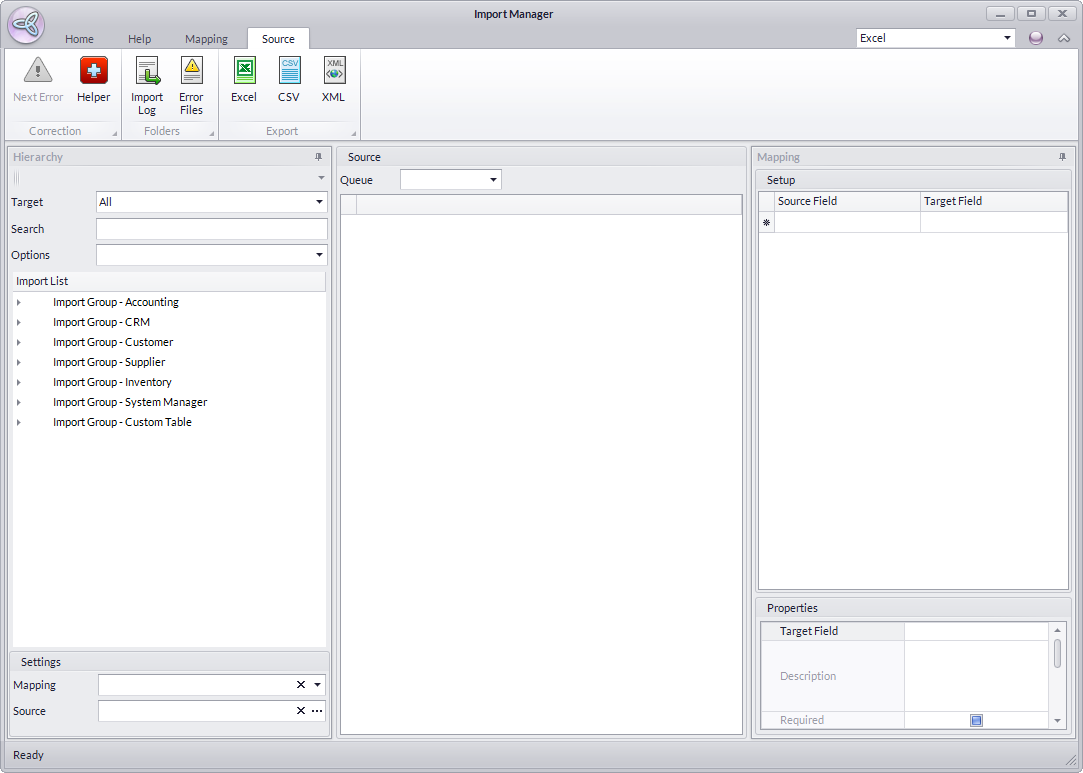
Click Image to Enlarge
- From the Hierarchy section,

Click Image to Enlarge
- You will need first to filter the import group. Select your preferred Connected Business module from the Target dropdown list.
- Enter search keywords in the Search field
- Select import list by status in the Options field.
- To get more filtered results, you may combine any of the filtering options.
- You will need first to filter the import group. Select your preferred Connected Business module from the Target dropdown list.
- Assign the import source. After setting the import group, a list of import source will be displayed in the Import List section. Select the desired import source.
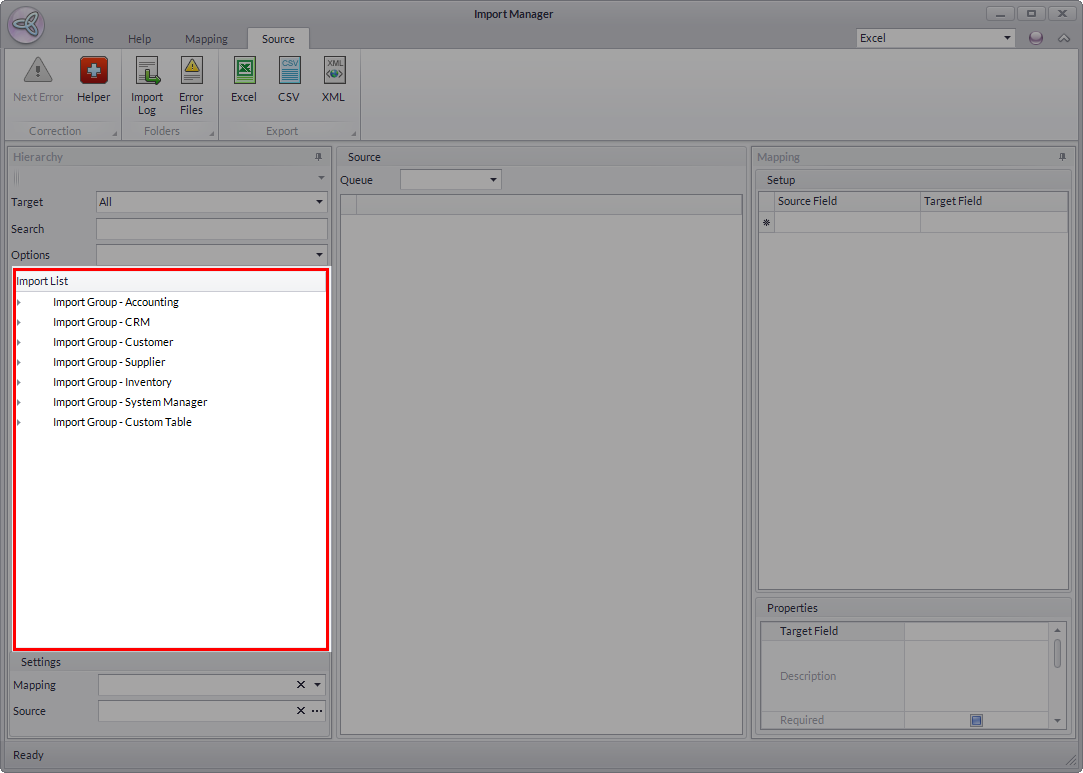
Click Image to Enlarge
- Select the import template format. Once you have the selected the import source, click the desired template format (Excel, CSV, XML) from the Templates menu.
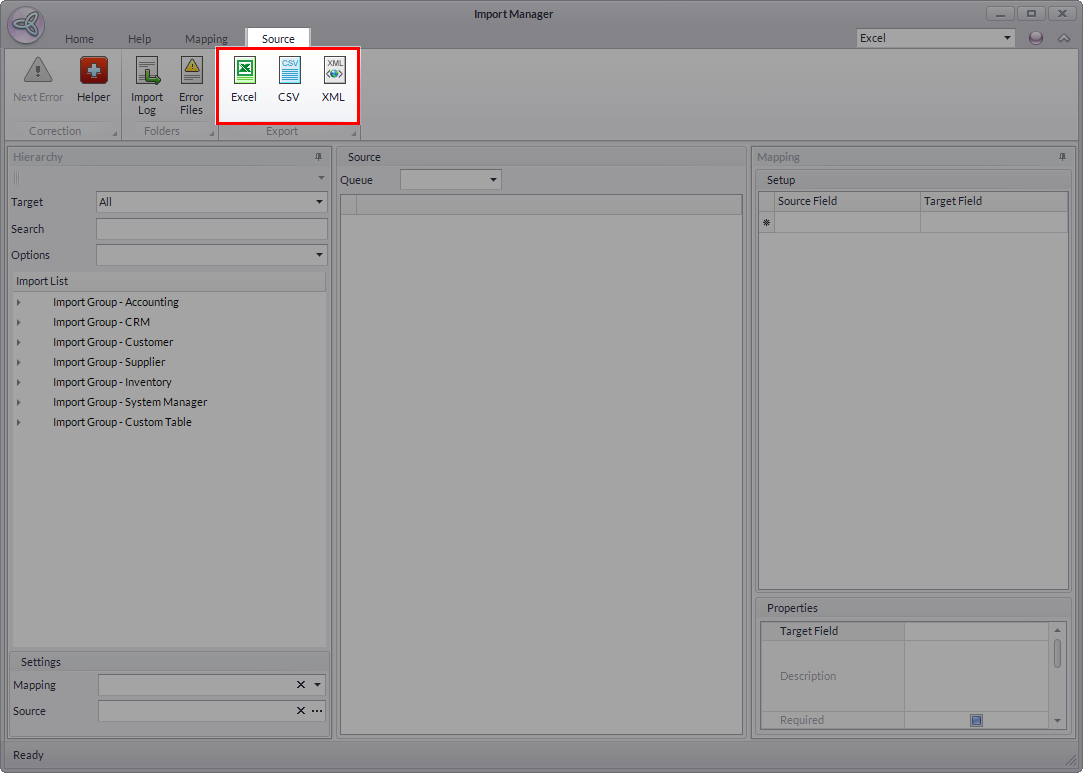
Click Image to Enlarge
- The template of the selected format will be displayed. You can modify the fields or columns in the template as needed.

When generating a new import template, all fields from the selected target table will be shown. The user has the option to either delete irrelevant fields and leave only those fields that will be used for the import or leave non-required fields empty as this will be auto-populated during the import. However, ALL required fields must be included in the template and mapped during the import.
