
Woohaa! Product Upload
This article talks about uploading items to the Woohaa! network.
As a Woohaa! Supplier, you are given the ability to upload your products in the Woohaa! network. By uploading your products, you can increase your sales and expand your network as you can reach many potential retailers who can sell your products in their own websites.
Before uploading items to the Woohaa Network, take note of the following requirements:
- Upload preferences must be configured correctly. See Woohaa! Upload Preferences.
- It is recommended to map categories and unit measures for items to be uploaded. See Woohaa! Mapping.

You can only upload items to the Woohaa! network using the Connected Business application.
Upload Items to Woohaa!
To start uploading items to the Woohaa! network,
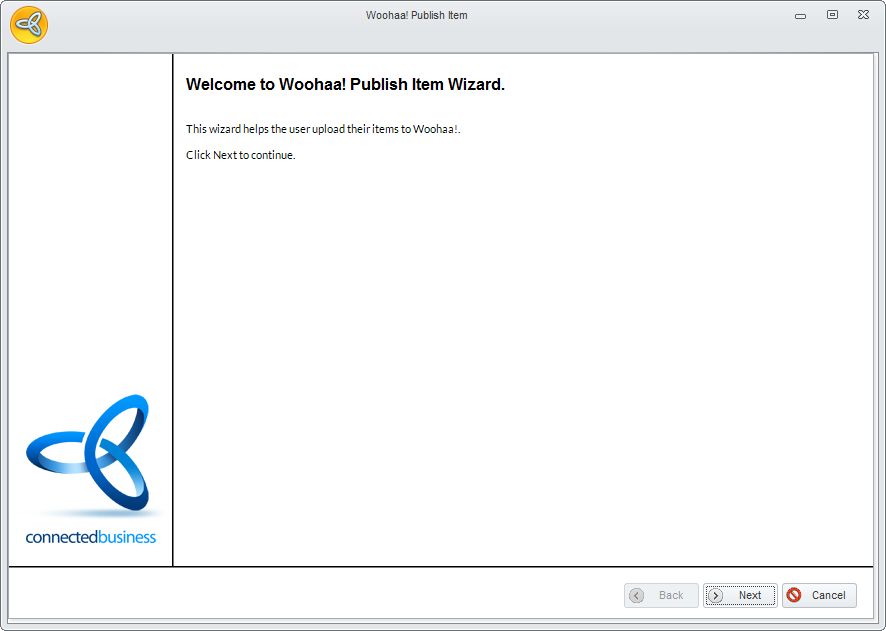
- Go to Woohaa! module ► My Items ► Publish Item. The Woohaa! Publish Item Wizard will be displayed. Click Next to proceed.
Click Image to Enlarge
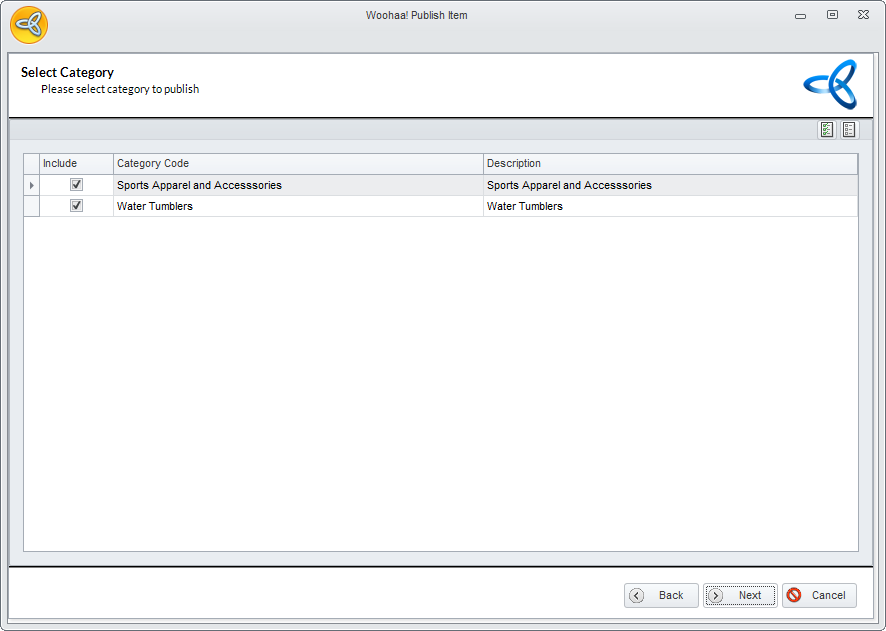
- In the Select Category page, select the categories for the items to be uploaded. Click Next to continue.
Click Image to Enlarge
All items with category will be displayed here except for those that were already uploaded. Make sure that the item has been assigned to a specific category, otherwise, it will not be published.
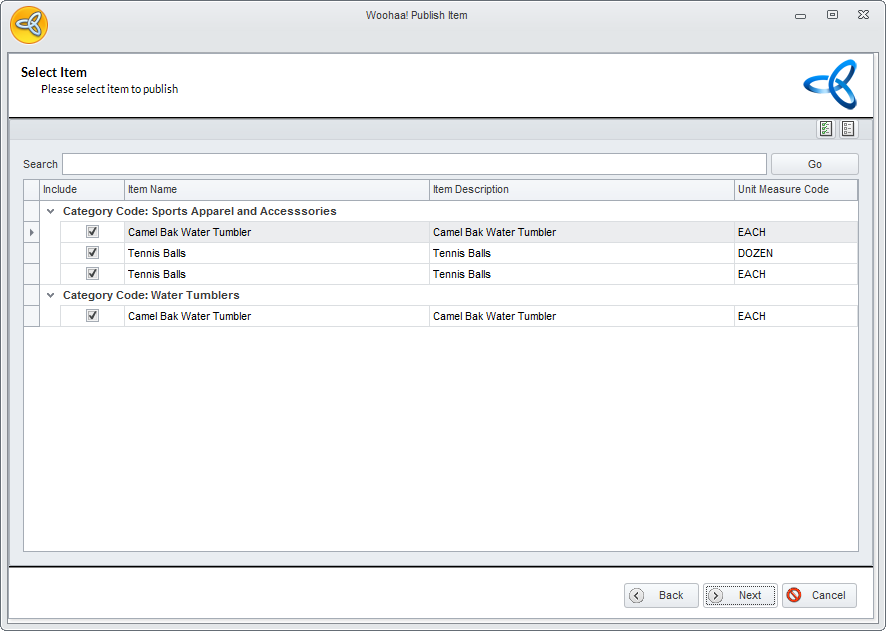
- In the Select Item page, select the items to be uploaded. The items are sorted by category and units of measure. If you have items belonging to multiple categories or have multiple units of measure, these items may appear more than once in the page and are listed based on the category and the type of unit measure per item. Click Next to continue.
Click Image to Enlarge
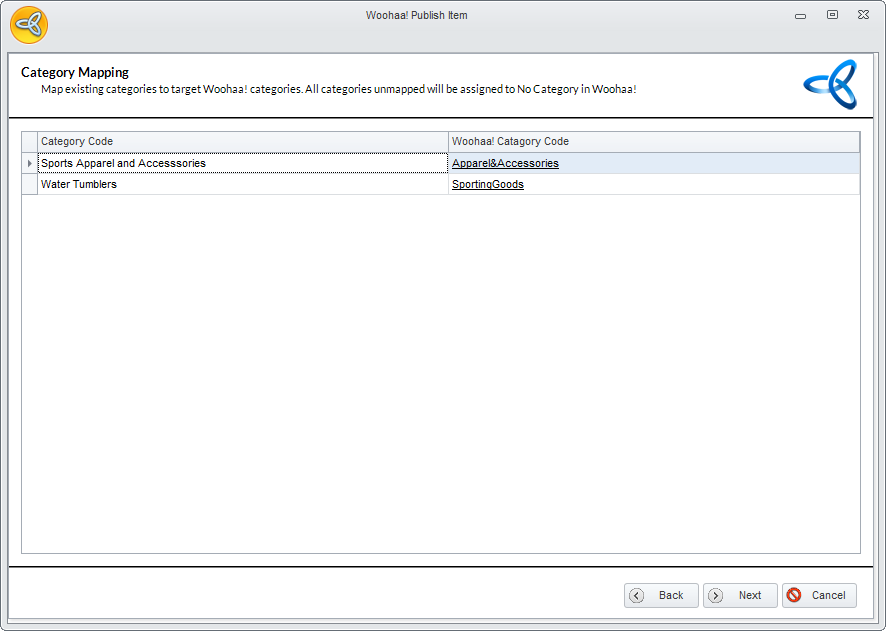
- In the Category Mapping page, map the selected categories if the category is not mapped yet. Only categories with items selected for upload will be displayed here.
Click Image to Enlarge
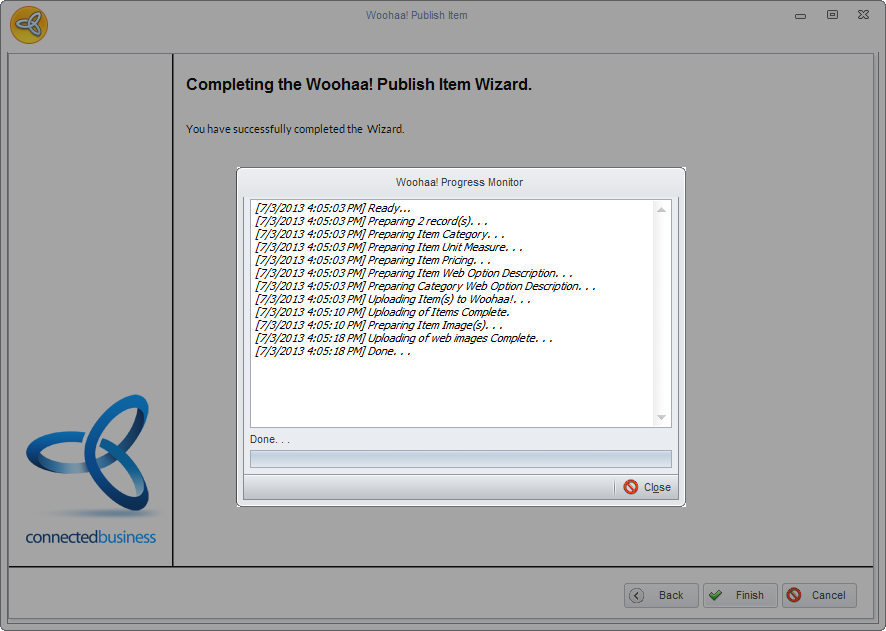
- Click Next and Finish to start uploading. The Woohaa! Progress Monitor will be displayed showing the details of what has been uploaded.
Click Image to Enlarge
Check Uploaded Items
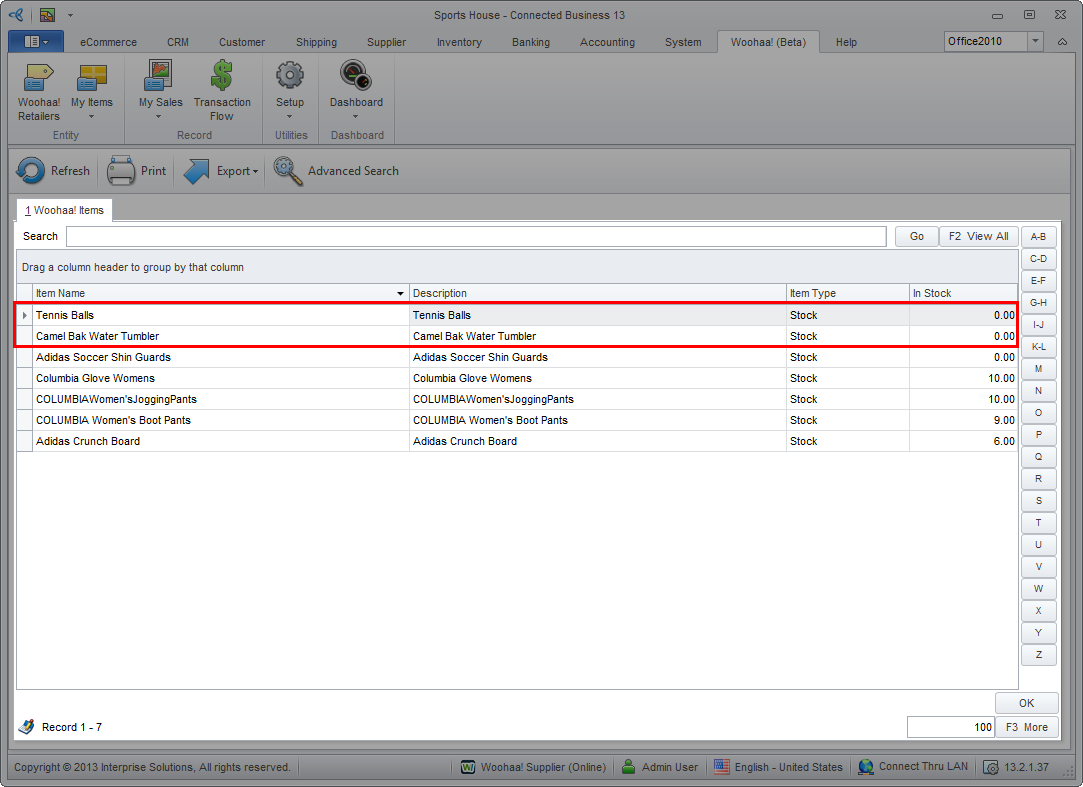
You can check if the item is successfully uploaded from the Woohaa module ► My Items ► Find Items. Alternately, you can also go to Inventory ► Item ► Find Item ► Woohaa Items.
Click Image to Enlarge