
Process Recurring Sales Orders
From the Customer Module, you can also process recurring sales orders by accessing the Recurring Transaction Wizard.
To process Recurring Sales Orders,
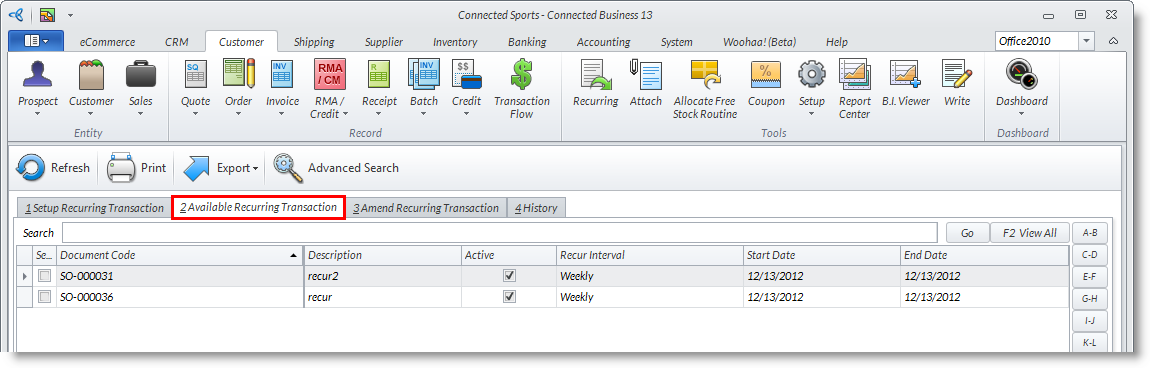
- From the Customer Module > Recurring. The Recurring Transactions list will be displayed.
- Switch to the Available Recurring Transactions tab and select a transaction from the list.
Click Image to Enlarge
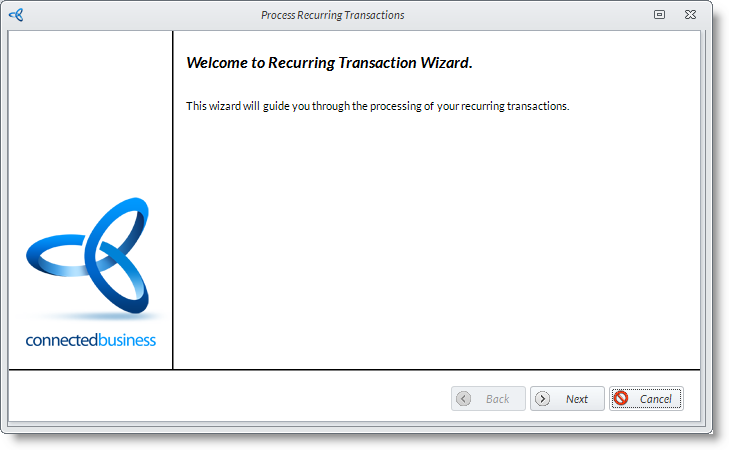
The Recurring Transaction wizard will be displayed.
Click Image to Enlarge

If there are no available recurring transactions, ones listed from the Setup Recurring Transaction tab will have to be processed first. For details on how to do this, please refer to the Set Up Recurring Schedule for Sales Orders online documentation.
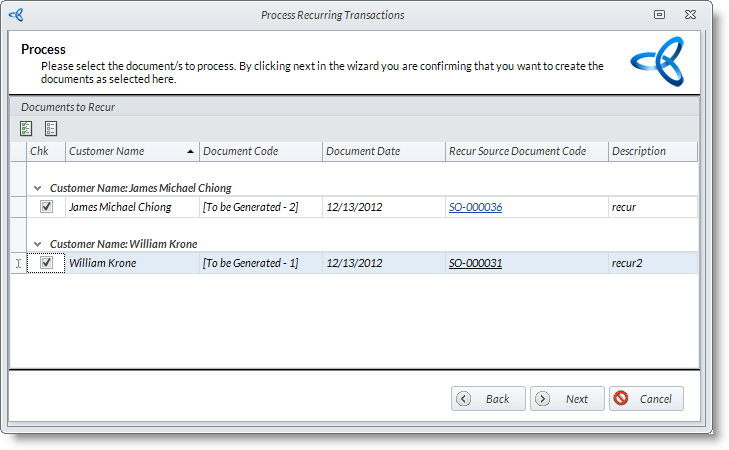
- Click Next. The Process form will be displayed.
- Select the items to process by ticking the respective checkboxes then click Next.
Click Image to Enlarge
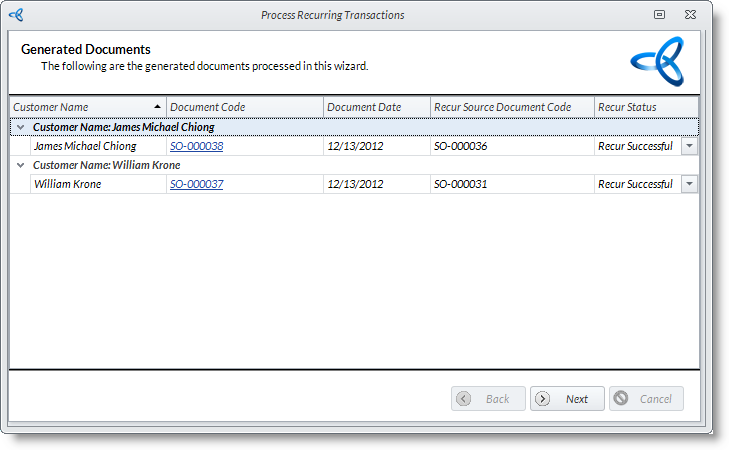
After the items are processed, the list of Generated Documents will be displayed.
Click Image to Enlarge
- Click Next and Finish to close the wizard.