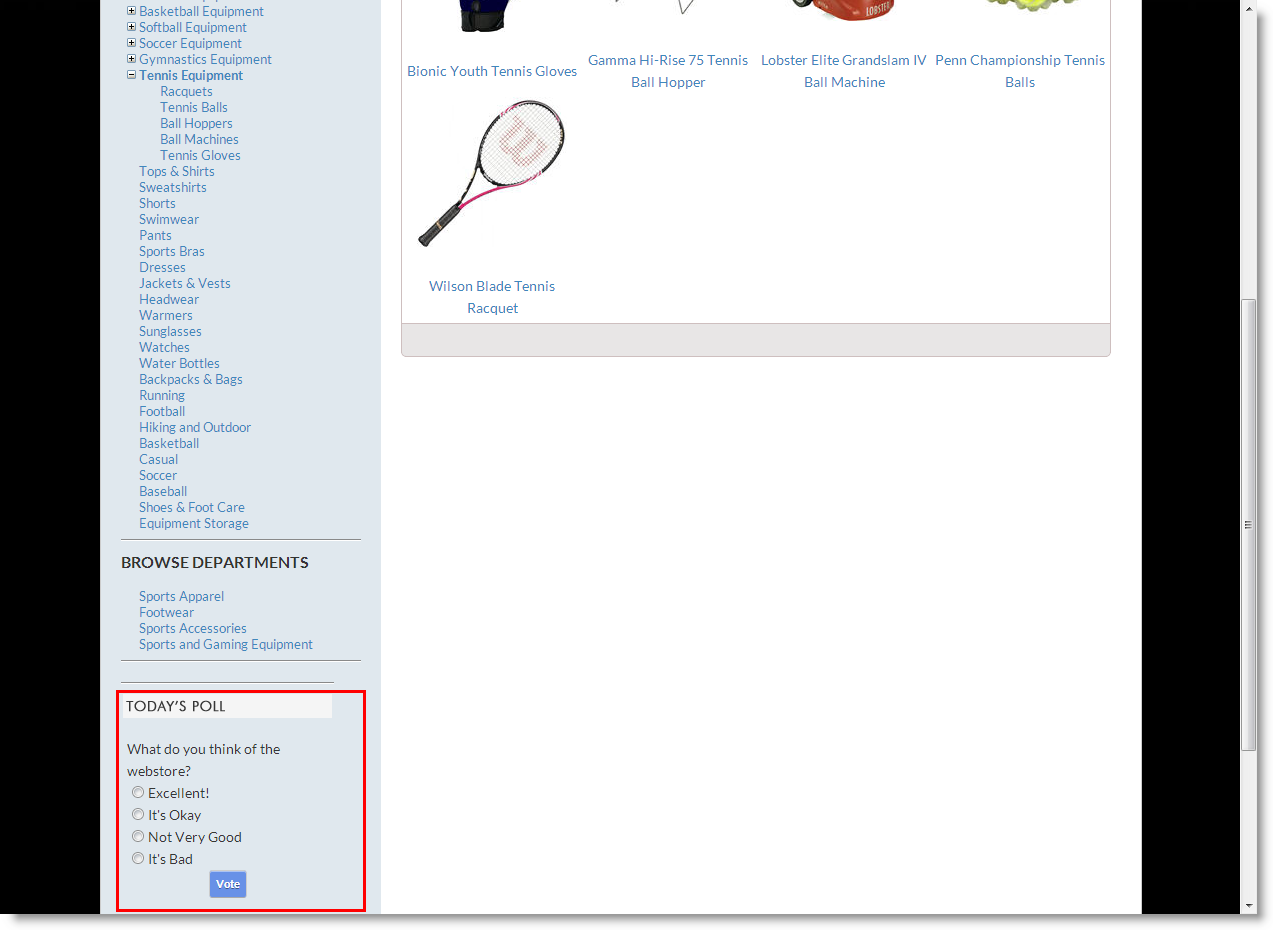
Manage Polls
Creating and managing trends are product promotion strategies you can employ in your webstore to develop a particular product's sales. In Connected Business eCommerce webstore, you can create polls to check out the thoughts of your webstore customers.
STEPS
- From the eCommerce Module > Polls > New Polls
The Poll form will be displayed. Input the necessary information in the creation of your webstore poll.
To add more answers in the selection, click Add Answer from the menu bar. Take note also of the Show on Web and Anons can Vote checkboxes - input checks according to your preference.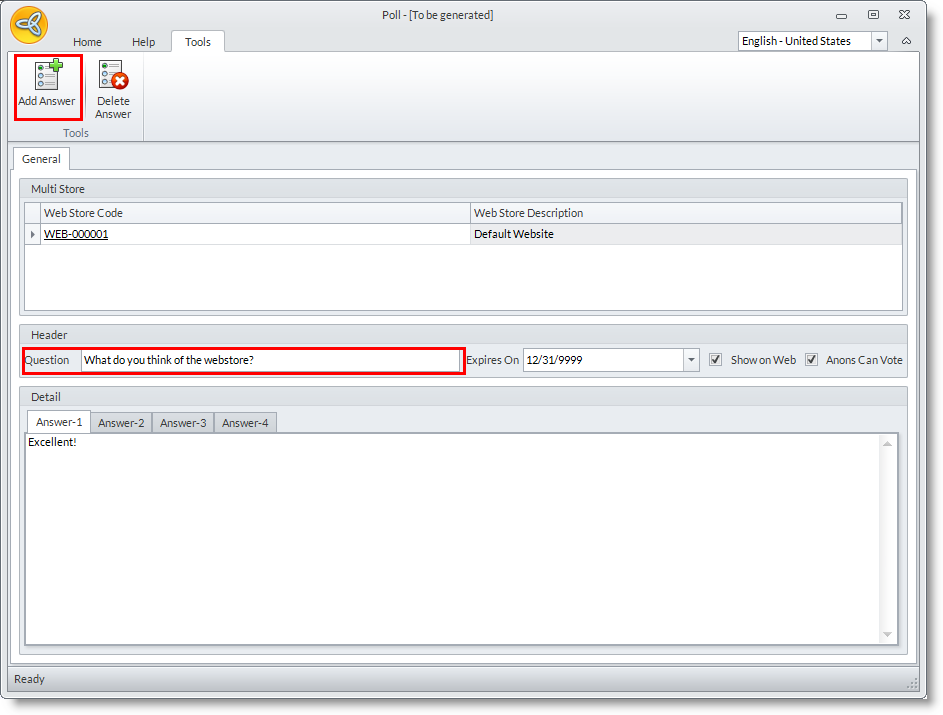
- To apply your changes, click Save and Close from the menu bar.
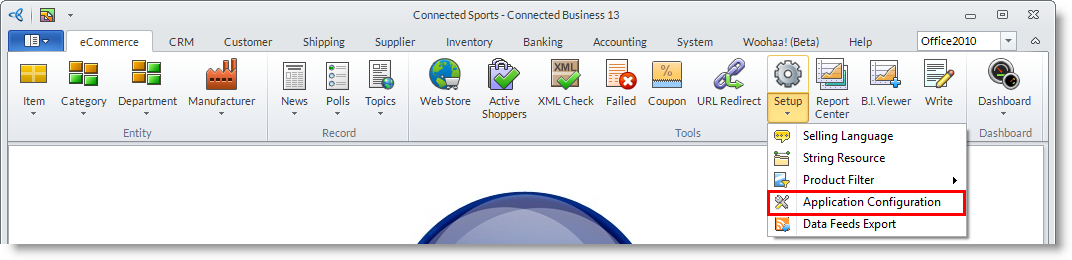
- The next step in enabling polls in your webstore involves the Application Configuration settings. This can be found in the eCommerce Module > Application Configuration.
- From the AppConfig form, key in "poll" in the search bar to view the Polls.Enabled AppConfig
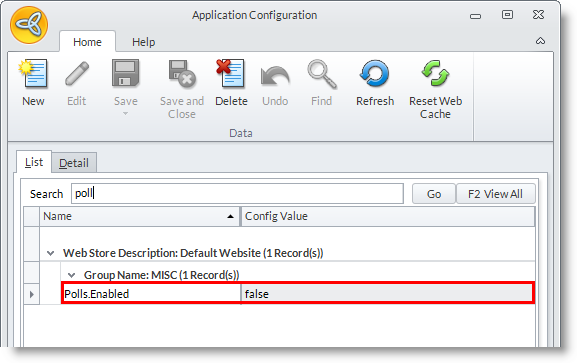
- Double-click on the Polls.Enabled AppConfig or select it and go to the Detail tab to view its parameters.
From the Detail tab set the Config Value to true. Save and Close to apply changes.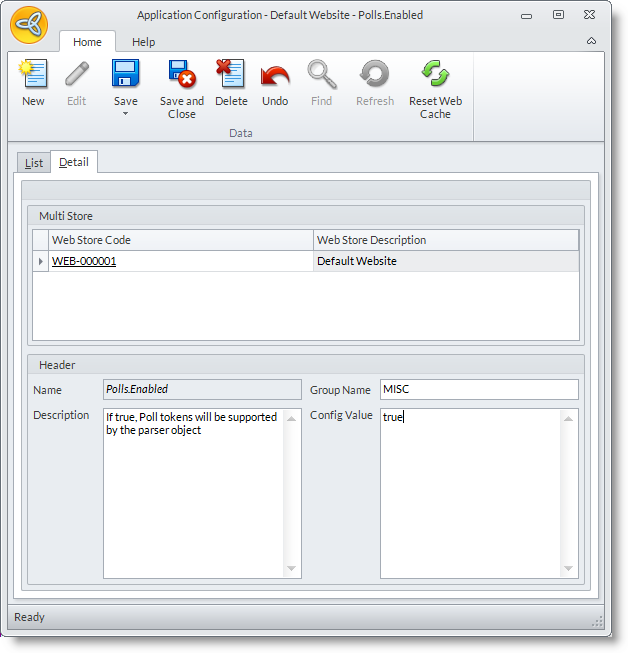
- You can check out the poll you have just enabled in your webstore.