
Connected Business POS Hardware
This document guides the user on the hardware requirements for the Connected Business POS(desktop application).
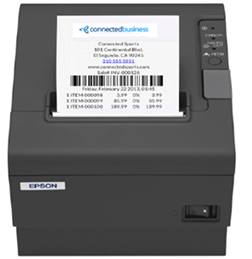
Receipt Printers
Connected Business POS supports any printer that can be installed on a machine with a Windows operating system. You need to set it as the default printer to be able to use it for printing POS receipts.
To setup a receipt printer, refer to Print Connected Sale Receipts.
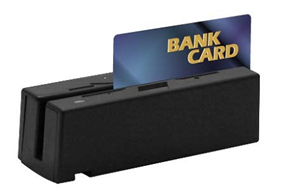
Credit Card Reader
We recommend using an encrypted card reader for a more secure transaction processing with credit card payments. You can purchase the Magtek encrypted card reader, also supported by Connected Business POS, through Transnational.
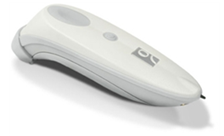
Barcode Scanner
Connected Business supports any USB plug and play bar code scanner that scans the barcode data as keyboard enter key input.
Cash Drawer
Connected Business POS supports any cash drawer that can be installed on Windows but with OPOS support (POS for .NET). The POS driver of the cash drawer must be installed on the machine where POS is installed.
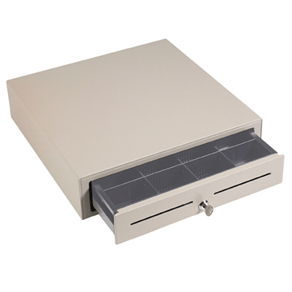
Using the cash drawer requires installing POS for .NET on the client machine where the cash drawer is connected. Cash drawer manufacturers have their own installer and way of setting up the cash drawer. You can refer to the customer's cash drawer and look for the POS for .NET topic (see sample link :http://cornerstorepos.com/downloads/Manuals/Step_For_Posiflex_Printer.pdf )
Once set up, you just need the logical(virtual) cash drawer name you assigned set to the POS preference in Connected Business.

Connected Business v14 POS supports any cash drawer that can be connected to the receipt printer via a network. No drivers, installers, or configurations are necessary.