
View Transaction Error Log
You can view errors logged from across your Connected Business modules, through the System Manager module.
- From the System Manager > Error Log > Transaction Error Log > error logs from the Customer, Supplier, Inventory, Banking and Accounting modules.
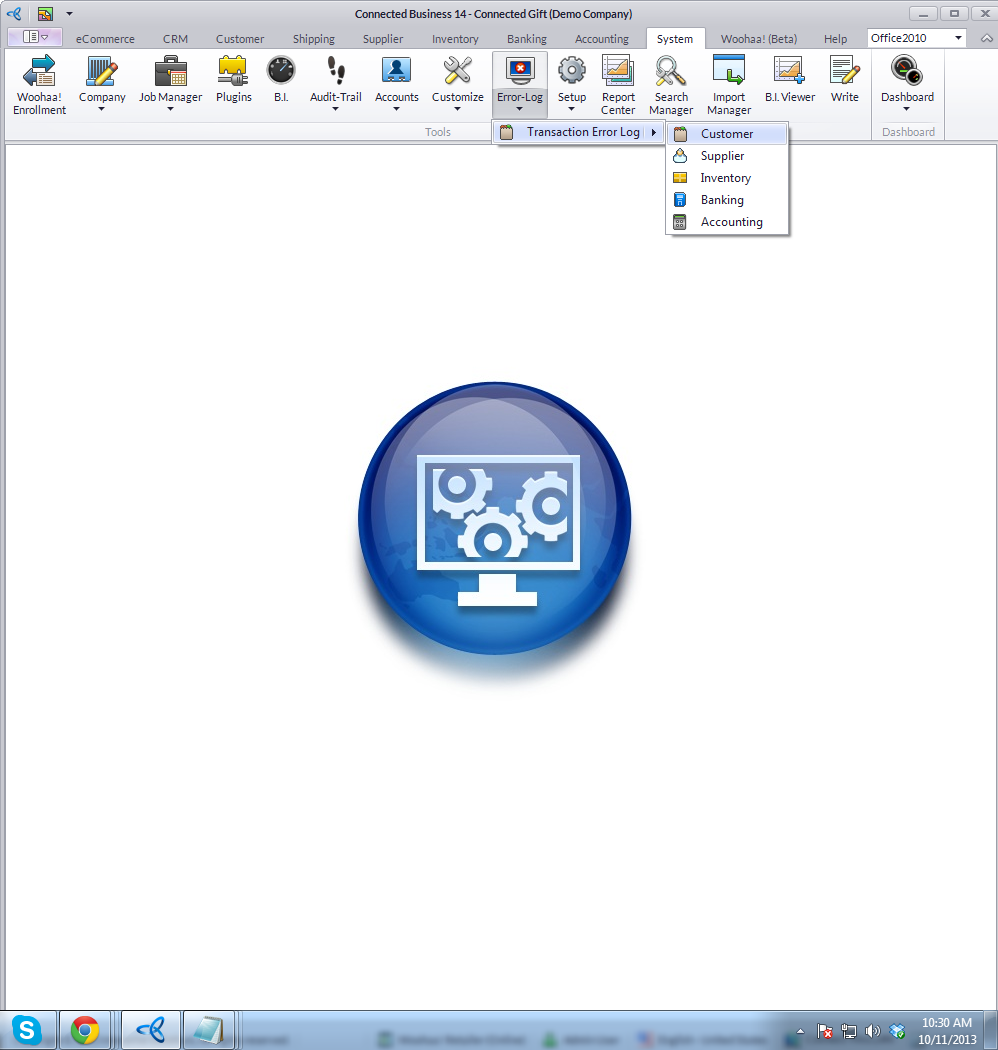
Click Image to Enlarge
The Exception Log for the particular module you have selected will be displayed.

- You can view the details to the exception by drilling down on the Detail column.
- From the Entity Type dropdown, select the type of documents involved in the Transaction Exceptions logs.
- You may also search for specific Transaction Exception logs from the Search bar.
- By double-clicking on the specific document code, you can view the document form (e.g. Sales Invoice Form) that is involved in the Transaction Exception selected.
- You may input if the Transaction Exception is already posted by checking on the Posted column. Likewise, check on the corresponding checkbox from the Printed column if the Transaction Exception is already printed.
- From the Entity Type dropdown, select the type of documents involved in the Transaction Exceptions logs.
