
View Electronic Downloads
From the admin site you can access the list of Electronic Downloads and view necessary details about each one.
To do so,
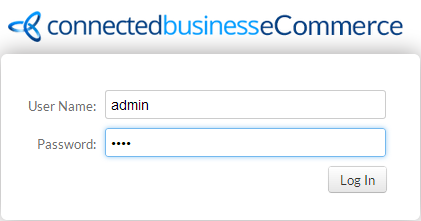
- Log on to the admin site.
- From the Home Page, switch to the Items tab, the list of Electronic Downloads will be displayed.
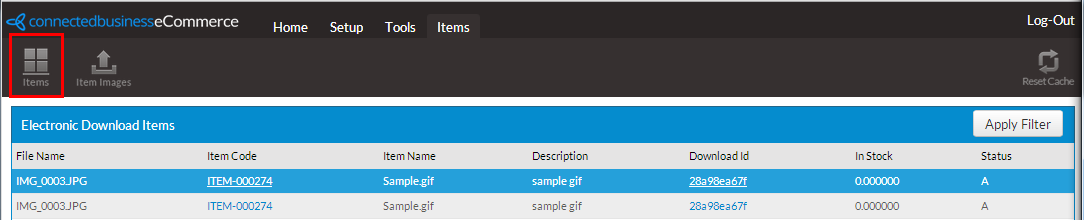
Click Image to Enlarge
Optionally, you may click Apply Filter to sort the list.
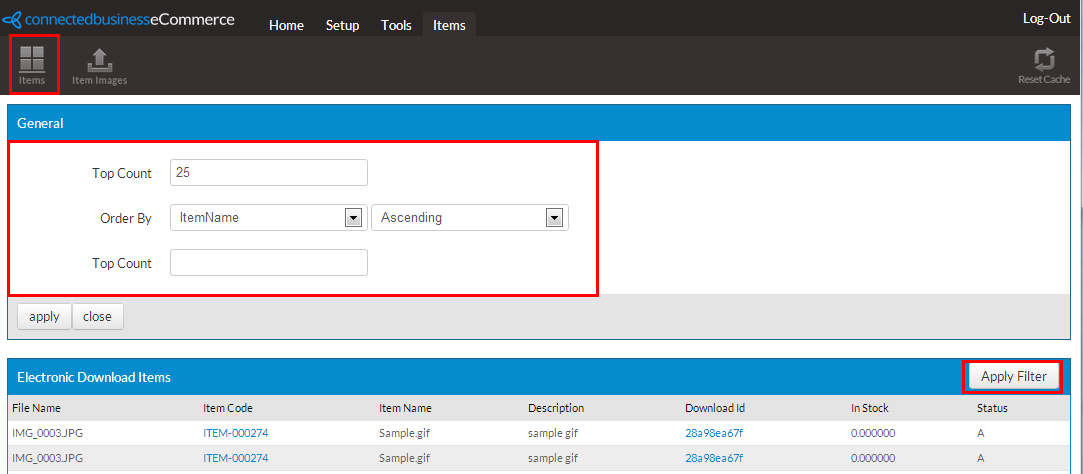
Click Image to Enlarge
The Filter controls and fields are as follows:
General
Control
Description
Value/Type Top Count This is the number of orders you want to display after filtering.
Numeric Order by <fields> Choose the field to be set as the basis of your filter and set whether results are displayed in ascending or descending order.
Drop down option Apply Clickable button
This activates the entered order settings. Close Clickable button
This is the button used to close the General window. - Check the details or replace the existing downloaded file of your electronic downloads as needed by clicking the Download ID.

Click Image to Enlarge
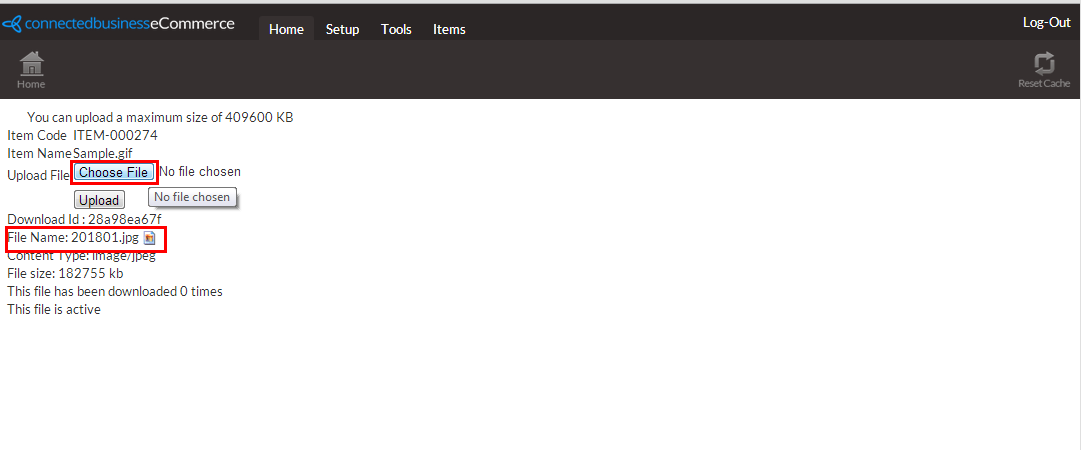
Click Image to Enlarge
