
View Accounting Audit Trail
Overview
Audit Trail allows you to view the audit trail for the account codes in the system.
Steps
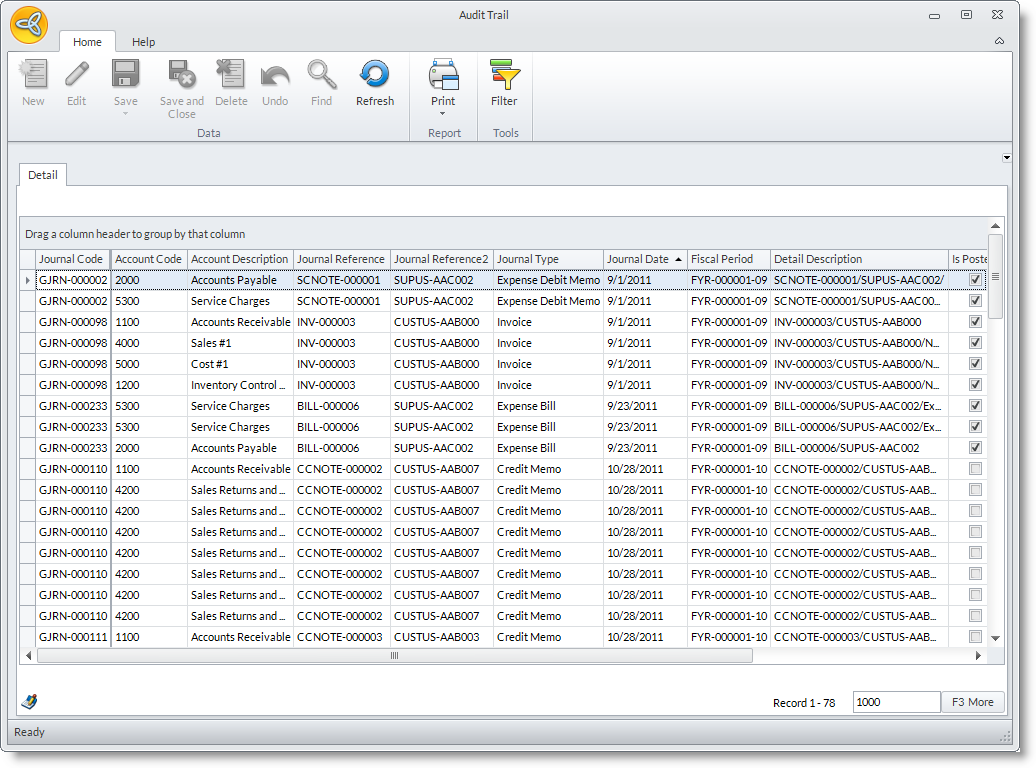
- From the Accounting module, select Audit Trail. The Audit Trail form will display.
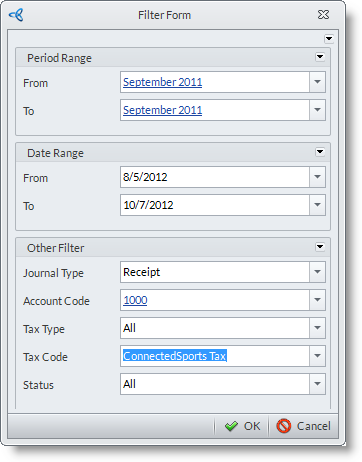
- Set the filter for the records by using the Filter pane. Click the Filter button to activate it. You can choose to filter the records according to period range, date range, journal type, account code, tax type, tax code and status.
- Click the Apply Filter button to apply the filter. The general journal records arranged according to account code will populate the grid.
- You can then view the audit trail for the associated general journal records.
