Update Customer Ranking
Overview
The Update Customer Ranking menu found in the Customer module is used to calculate and update the customer credit ranking.
Update Customer Ranking
Steps
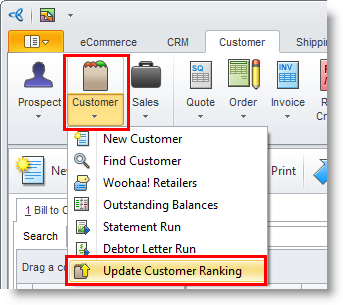
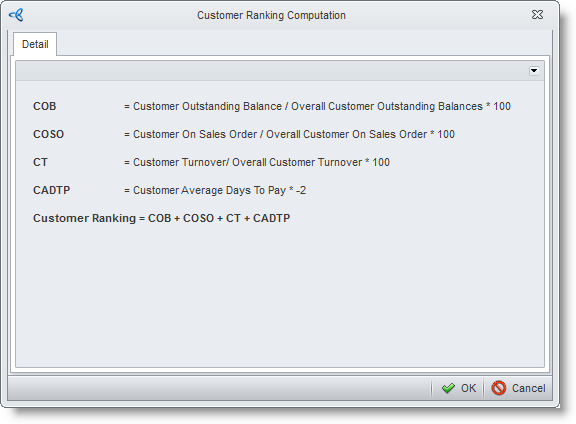
- From the Customer module, select Customer > Update Customer Ranking. The Customer Ranking Computation window will display, showing the criteria used in computing for the customer ranking.
- Click OK to update the credit ranking of all your customers. A pop-up form will inform you that the ranking was successfully updated .
View Customer Ranking
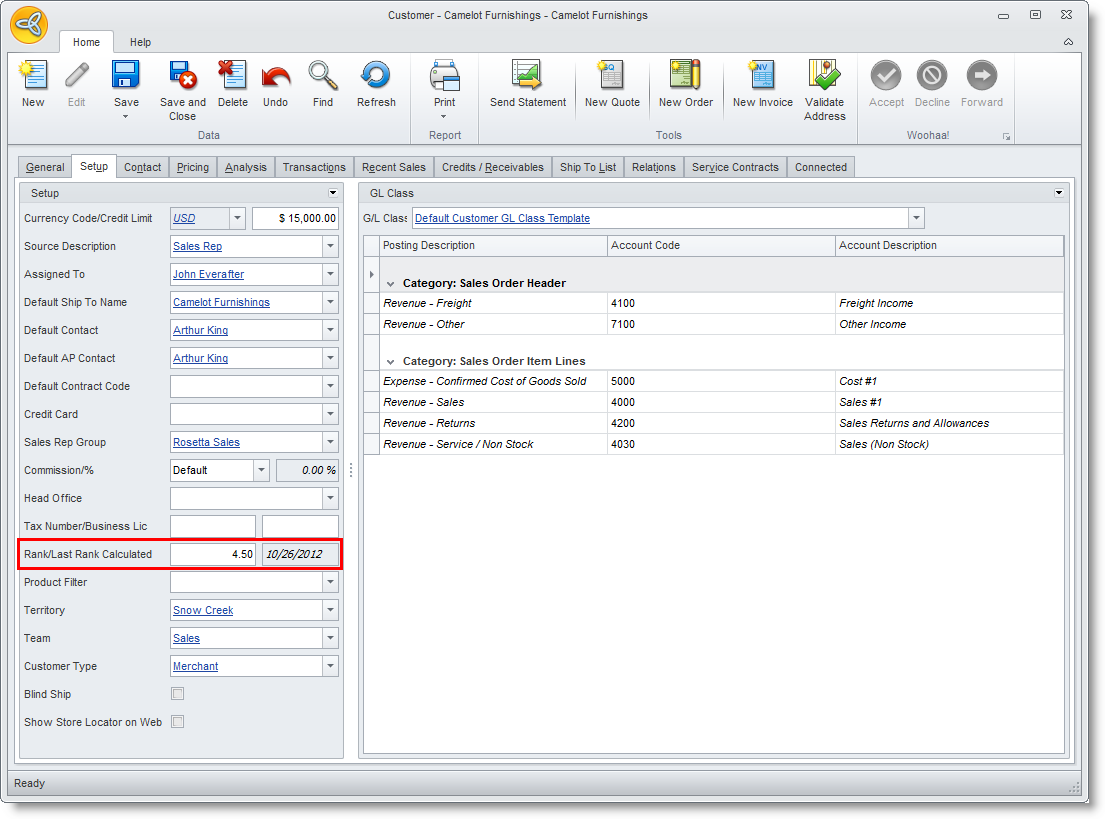
- From the Customer module, select Customer > Find Customer. Select a specific customer that you want to view the latest rank.
- Click on the Setup tab.
- In the Setup section, you will find the Rank/Last Rank Calculated field.