
Subscribe to Supplier
This article demonstrates how to subscribe to a supplier in the Woohaa! Network.
Before you can download items from the Woohaa! network, you need be subscribed to a supplier. Once your subscription is approved, you can start downloading all categories and items under that specific supplier. You can subscribe to as many suppliers as you want. Note that your application for subscription is subject for review and approval by the supplier.
To subscribe to a supplier,
- Go to Woohaa! module ► Find Suppliers and the Supplier Dashboard will be displayed. Alternately, you can subscribe to a supplier from the Woohaa! web console.
- Select the cover image of the supplier you want to subscribe to.
- In the Supplier Info Panel, click on the Connect subscription button. An email will be sent to the supplier indicating that an application for subscription has been submitted.
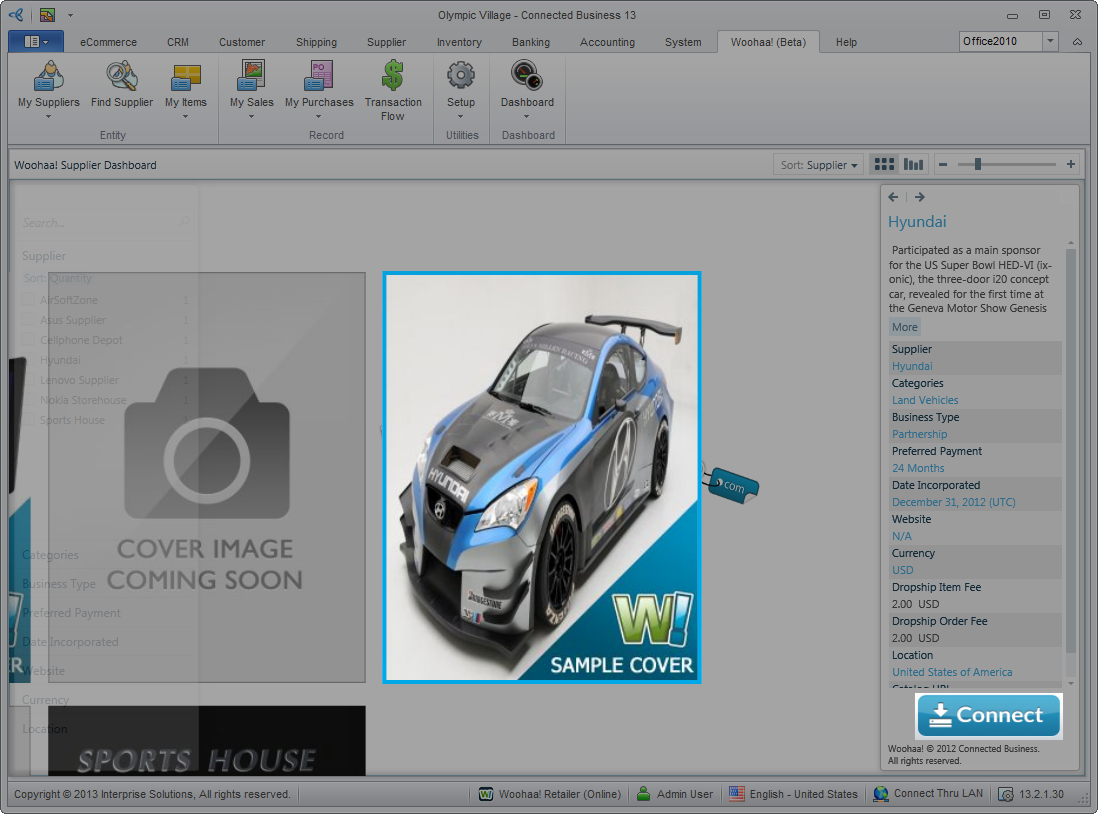
Click Image to Enlarge
- Once submitted, the subscription button will be changed from Connect to Pending which indicates that your application is being reviewed.
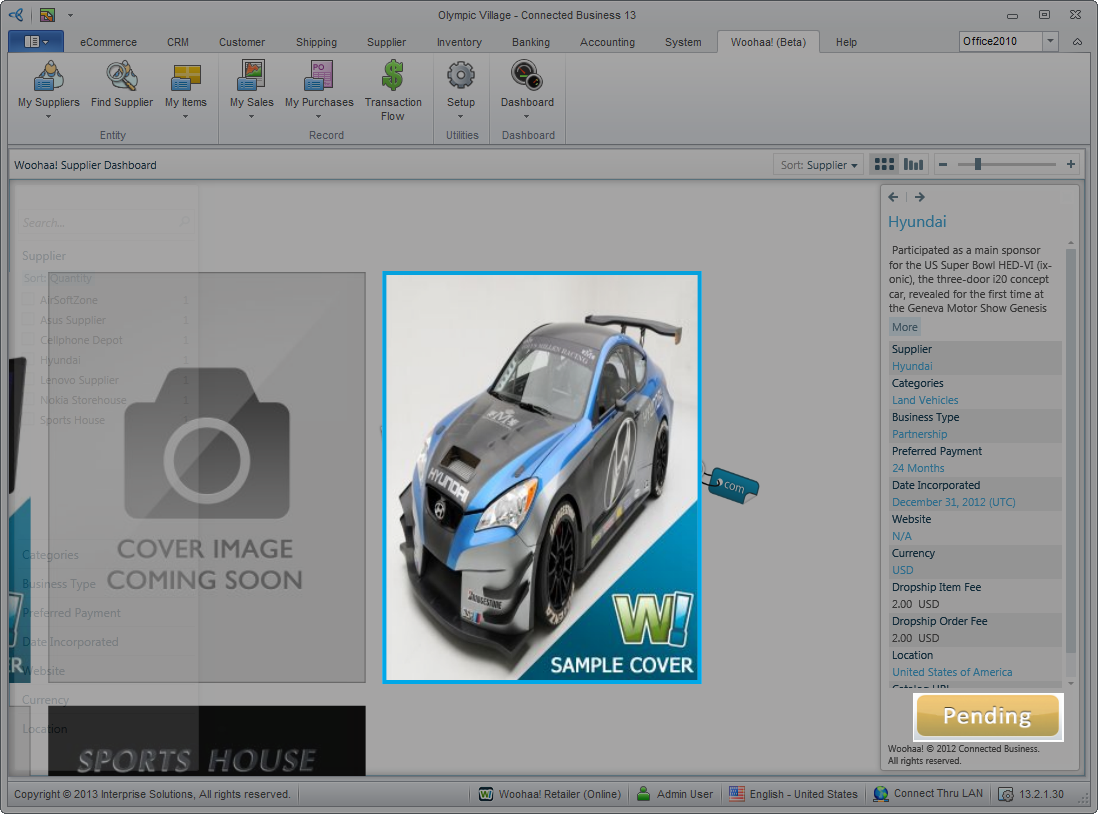
Click Image to Enlarge
- Once the application has been reviewed, you will receive an email notification from the supplier indicating the status of your subscription. If the subscription is approved, the subscription button will be changed from Pending to Connected. Otherwise, it will be changed back to Connect. If your subscription is declined, you can always resubmit your application to the supplier.
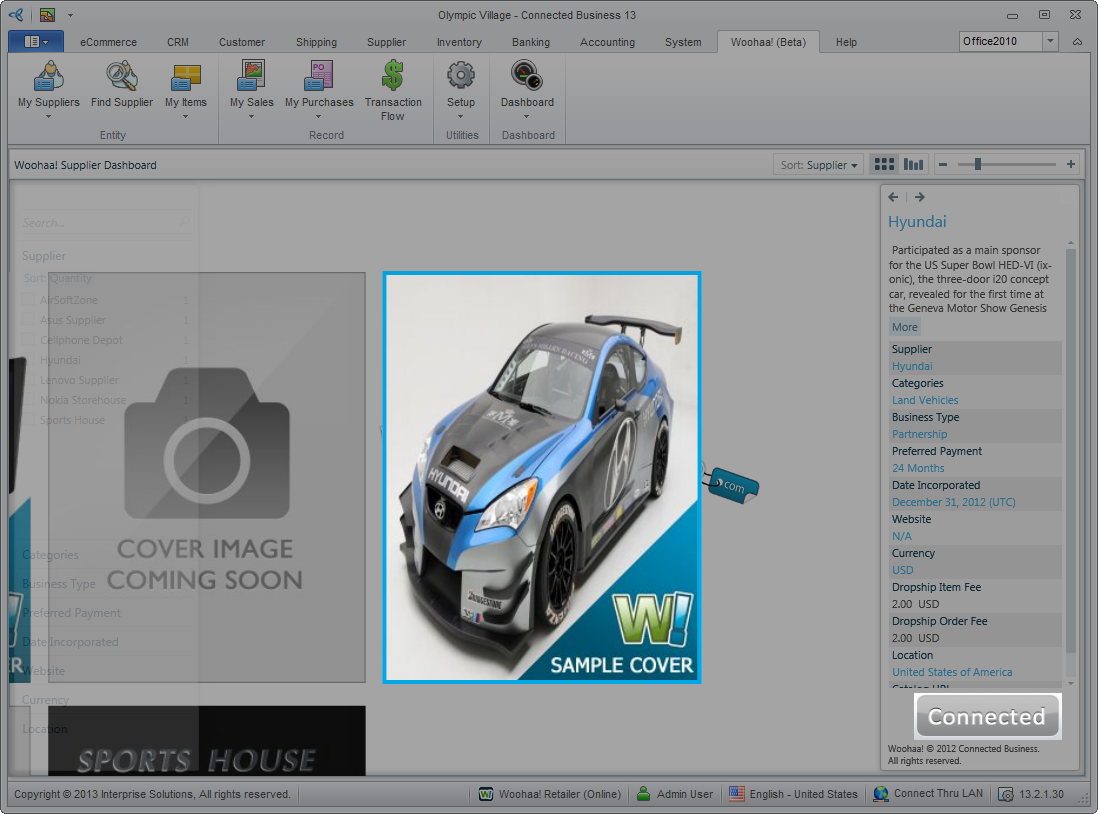
Click Image to Enlarge