
Set Up Web Store Sitemap
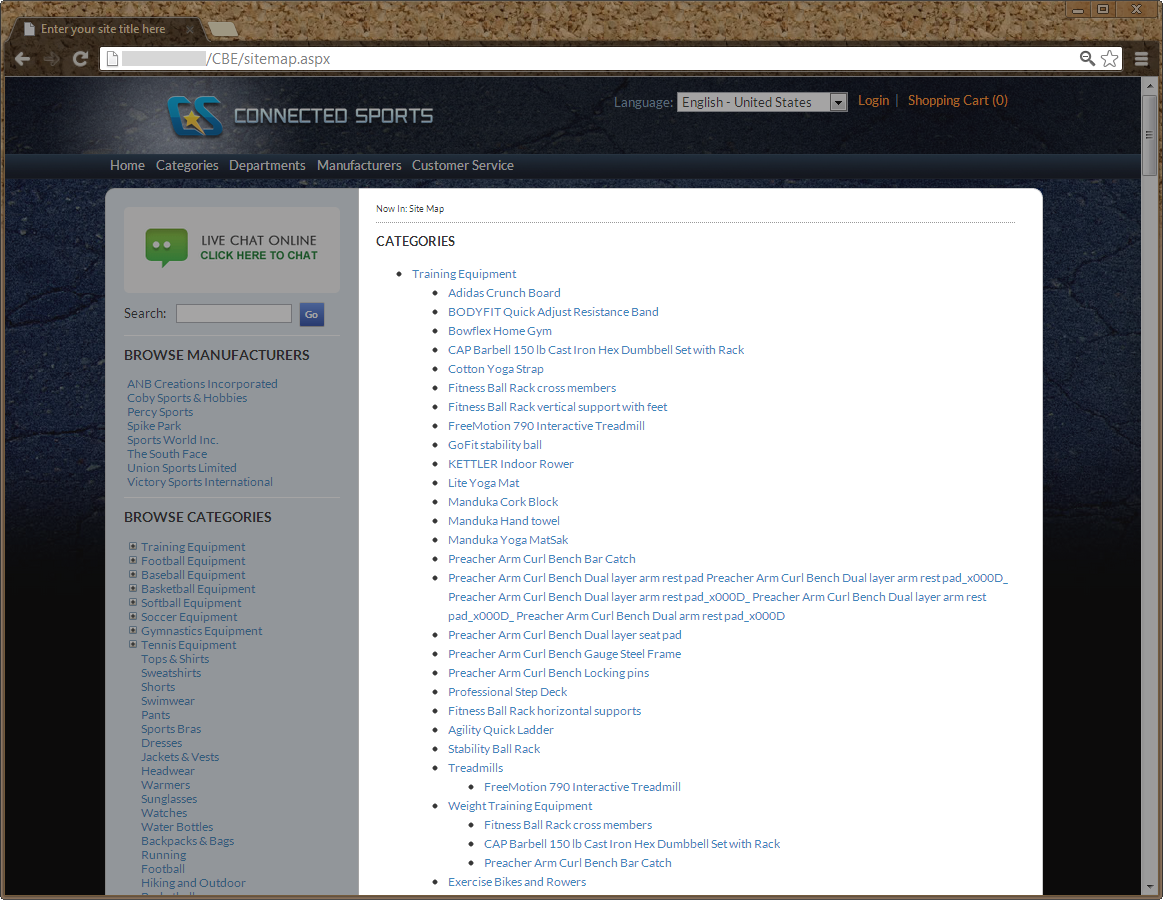
The Sitemap is an outlined list of pages for products, categories, departments, manufacturers and topics in the webstore. It can be used to look-up specific pages in the webstore or find pages which you are not aware of.

Click Image to Enlarge
Configure Sitemap Display
To configure the sitemap,
- Go to eCommerce module > Setup > Application Configuration. The Application Configuration window will be displayed.
- Enter the word “ sitemap” in the search control field and the list of all sitemap–related application configurations will be displayed.

Click Image to Enlarge
The following table shows the sitemap application configurations and its functions in Connected Business eCommerce:
AppConfig Name Description Config Value GoogleSiteMap.EntityChangeFreq Frequency tag used on Google Sitemap (category, department, manufacturer, etc) url nodes. Consult google documentation for allowed values. Weekly GoogleSiteMap.EntityPriority Priority tag used on Google Sitemap entity (category, department, manufacturer, etc) url nodes. Consult google documentation for allowed values. 0.7 GoogleSiteMap.ObjectChangeFreq Frequency tag used on Google Sitemap product (object) url nodes. Consult google documentation for allowed values. Daily GoogleSiteMap.ObjectPriority Priority tag used on Google Sitemap product (object) url nodes. Consult google documentation for allowed values. Do NOT call us if you change this to a value that is not supported by Google please! 0.9 GoogleSiteMap.TopicChangeFreq Frequency tag used on Google Sitemap topic url nodes. Consult google documentation for allowed values. Weekly GoogleSiteMap.TopicPriority Priority tag used on Google Sitemap topic url nodes. Consult google documentation for allowed values. 0.5 GoogleSiteMap.Xmlns Change to match Google sitemap requirements. Consult google sitemap documentation for further info. http://www.google.com/schemas/sitemap/1.0 SiteMap.ShowCategories If you want categories to be shown in the sitemap, set this to true. True SiteMap.ShowCustomerService If you want customer service items to be shown in the sitemap, set this to true. True SiteMap.ShowDepartments If you want Departments to be shown in the sitemap, set this to true. True SiteMap.ShowManufacturers If you want Manufacturers to be shown in the sitemap, set this to true. True SiteMap.ShowProducts If you want product links to be shown in the sitemap, set this to true. True SiteMap.ShowTopics If you want topics to be shown in the sitemap, set this to true. True
- Change the config values according to your preference and save changes.

By default, the sitemap used in Connected Business eCommerce is sitemap2.aspx.
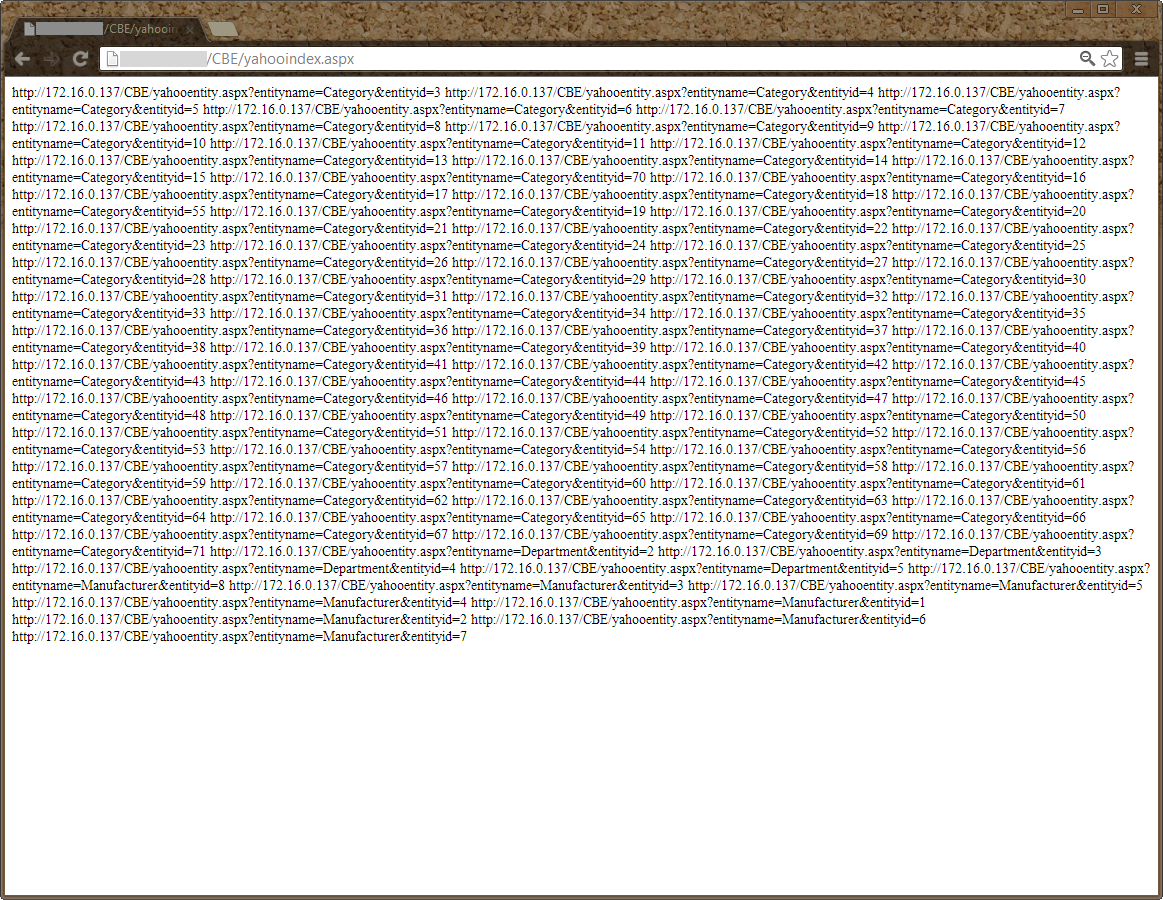
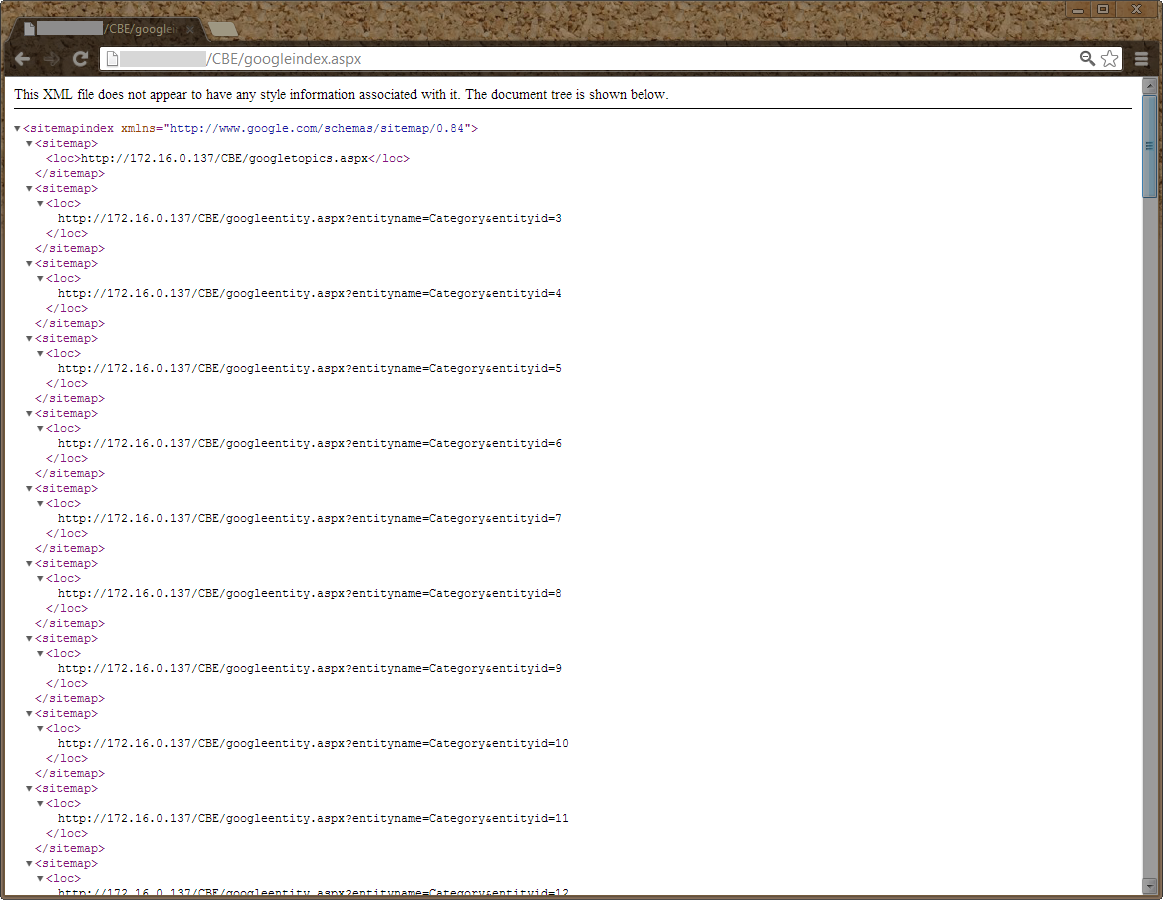
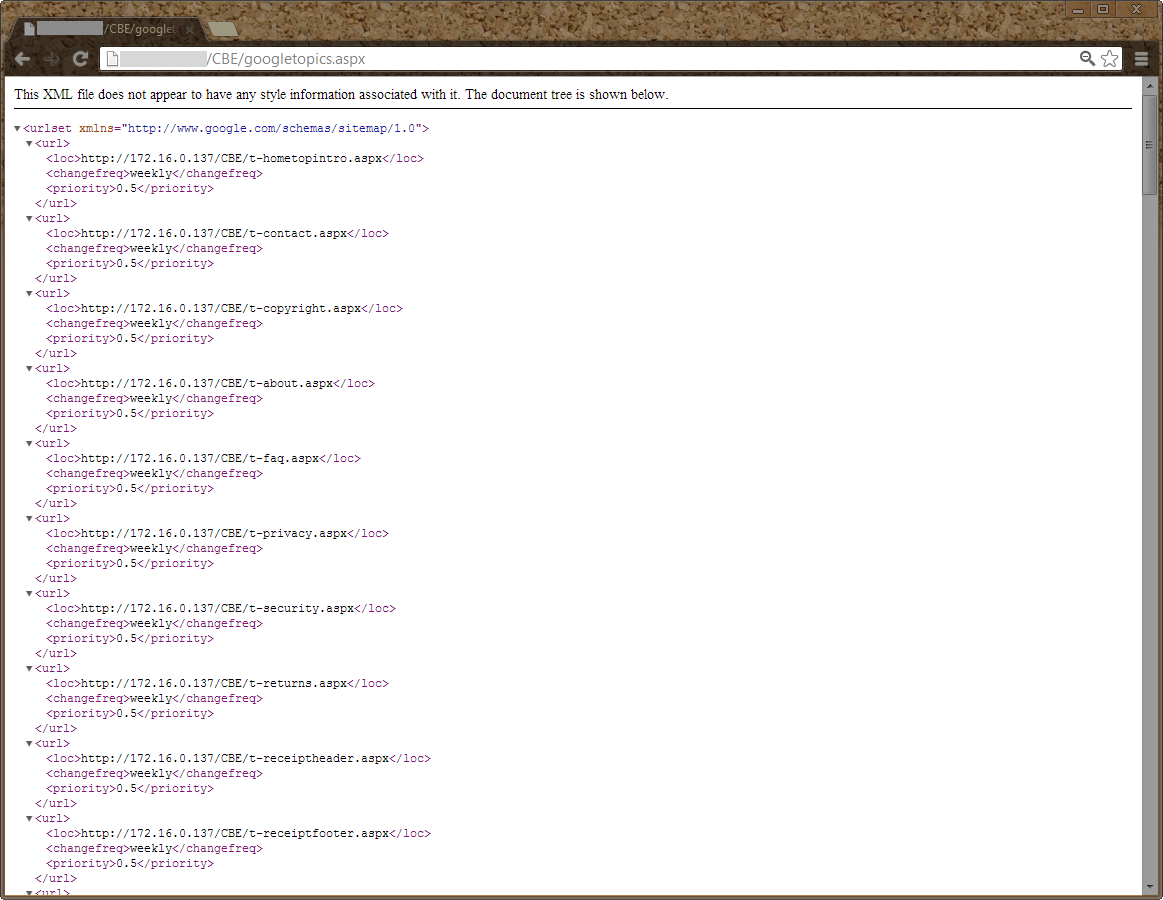
You can also access other sitemap pages in Connected Business including sitemaps for Yahoo and Google. Simply affix the following in the URL.
- sitemap.aspx
Click Image to Enlarge
- yahooindex.aspx
Click Image to Enlarge
- googleindex.aspx
Click Image to Enlarge
- googletopics.aspx
Click Image to Enlarge