
Set Up Package Type
With Connected Business' Shipping module, you can set your own packaging type depending upon the package dimensions such as height, weight and length of the package. You can then use the newly created packaging type whenever you want to pull out a specific type for your shipping needs.
Steps
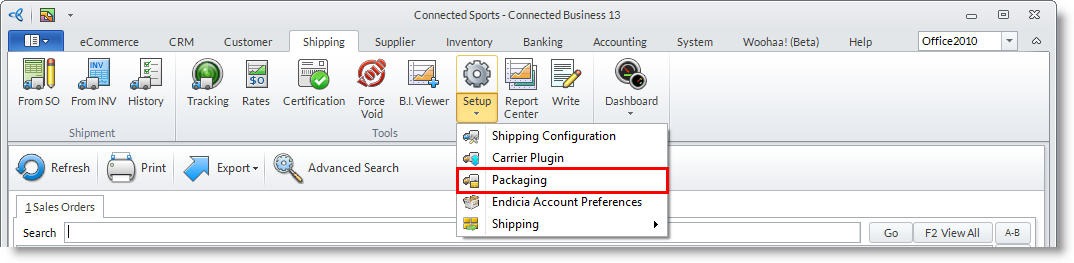
- From the Shipping module, select Go to Setup > Packaging button. The list of existing packaging types will then display.
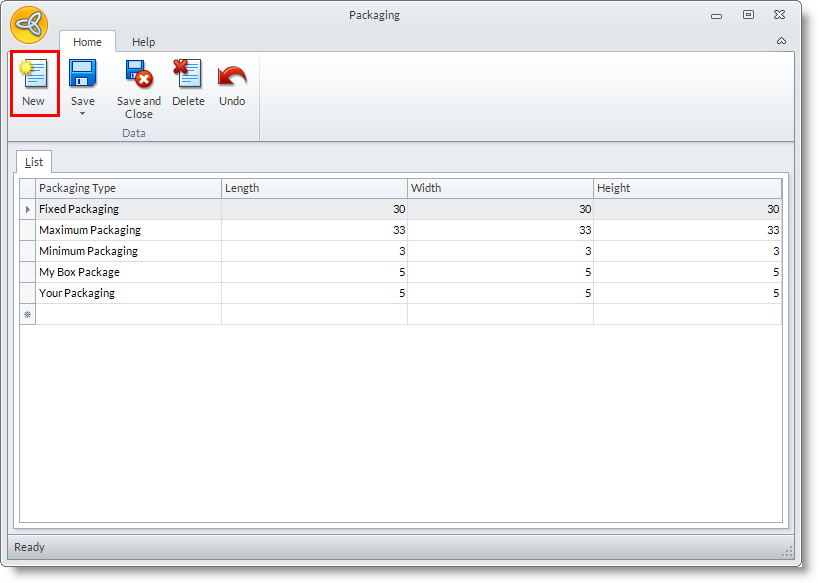
- On the Packaging form, click on the New button to create a new packaging type.
- Enter the new packaging type, length, width and height fields.
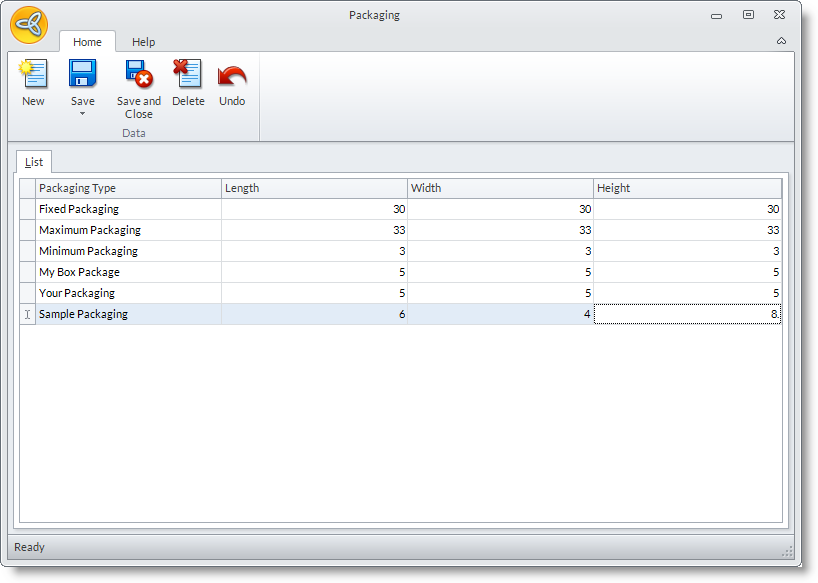
- Click Save and Close.
