
Set Up Manufacturers
Manufacturer by common definition, is a person, an enterprise, or an entity that creates or produces something. In shopping terms, manufacturers are even called as Brands. Commonly, customers look for products they want through the manufacturers or brands where these products come from. For admin users, it also helps them keep track where the products come from. In regards to this, there should be at least one manufacturer defined in your store as every product MUST be assigned to a manufacturer. If you manufacture your own products, you need to include your company in the manufacturer list as well.
To create a manufacturer,
- Go to the eCommerce module > Manufacturer and select the New Manufacturer option.
- The New Manufacturer form will be displayed.
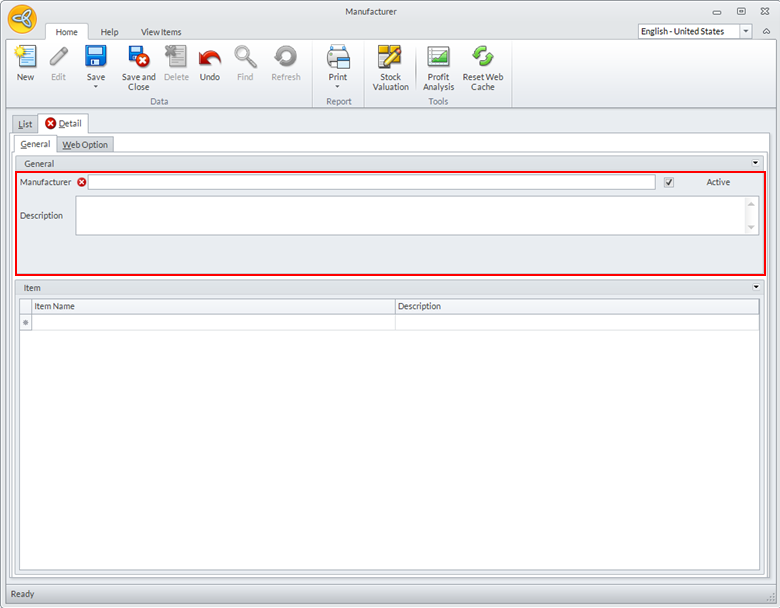
Click Image to Enlarge
Enter the details for the following:
Field Description Manufacturer Code Enter the name for the manufacturer.
Description Add a short description for the manufacturer.

Check the Active checkbox for the manufacturer to be shown on the website, otherwise, uncheck.
- Click the Save or Save & Close button to save the newly created manufacturer or click the New button to create another manufacturer.