
Set Up Item Display Format
Most consumers tend to buy things most commonly by how a certain product looks. You can put this perspective to you and your webstore's advantage by using the XML Packages available in your Item Form to define the format of how your image will be displayed.
To set up the item display format,
- From the eCommerce Module > Item > Find Item.
- The Item list form will be displayed. Select the item you want to modify its web options by double-clicking the item on the list.
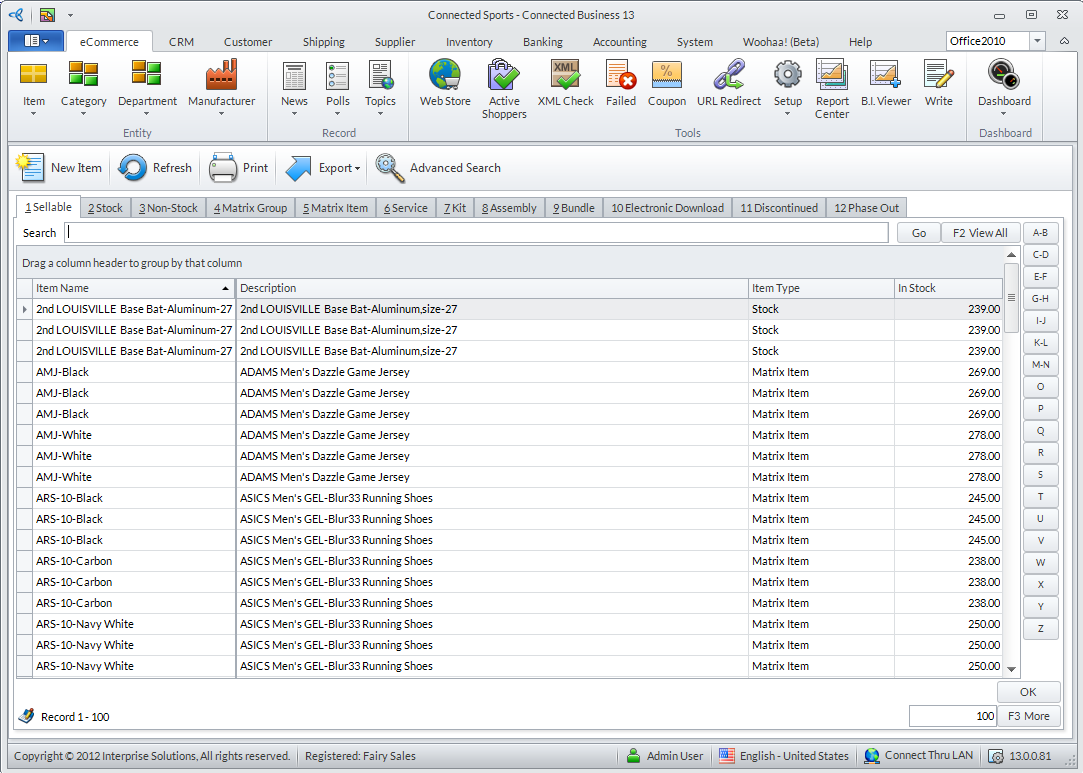
Click Image to Enlarge
- The Item form will be displayed. Access the Web Options tab.

Click Image to Enlarge
- From the Settings tab under the Web Options tab, click on the dropdown field corresponding to the XML Package field to select from the available XML Packages to define the display format of your item.

For more information, please refer to the Web Store Product Display Formats online documentation.
- Once done, Save and Close the Item form to apply your changes.