
Set Up Departments
By definition, a Department is a section or discipline which the customer is related to by job assignment such as Communication, Office Productivity, etc. In this eBusiness Suite, Departments are the secondary organizational and navigational entity of the store wherein products can be categorized.
To create a department,
- Go to the eCommerce module > Department and select the New Department option.
- The New Department form will be displayed.
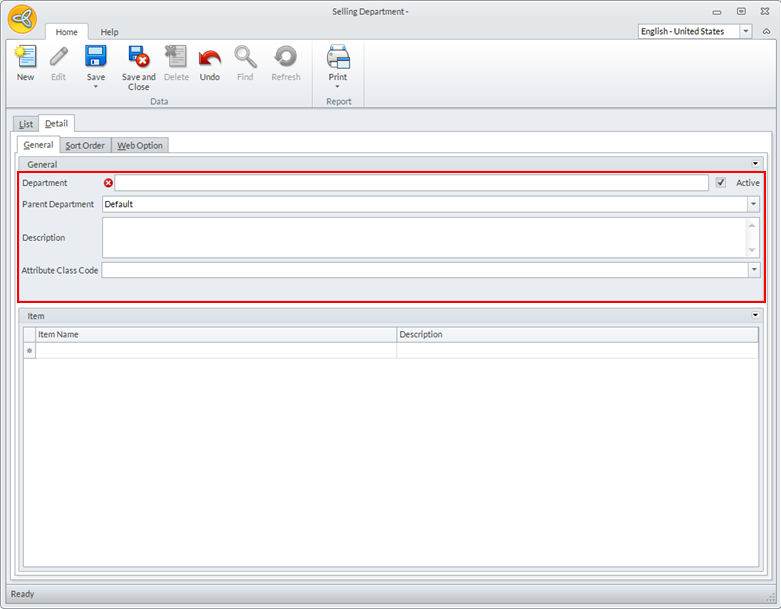
Click Image to Enlarge
Enter the details for the following:
Field Description Department Code Enter the name for the department. Parent Department The parent department is set to Default. You can select your preferred department from the dropdown list. Description Add a short description for the department. Attribute Class Code Enter the attribute (department features) class code for the department. 
Check the Active checkbox for the department to be shown on the website, otherwise, uncheck.
- Click the Save or Save & Close button to save the newly created department or click the New button to create another department.