
Set Up Customer Defaults
Using the Customer Class Template to define default settings on your webstore customers per country will help make your webstore processes faster.
To do so,
- From the Customer Module > Setup > Customer Class Template.
- The Customer Class Template window will be displayed. This displays existing customers based on their nationality in your Connected Business Customer Module. Double-click any item on the list to open its properties in the Details tab.
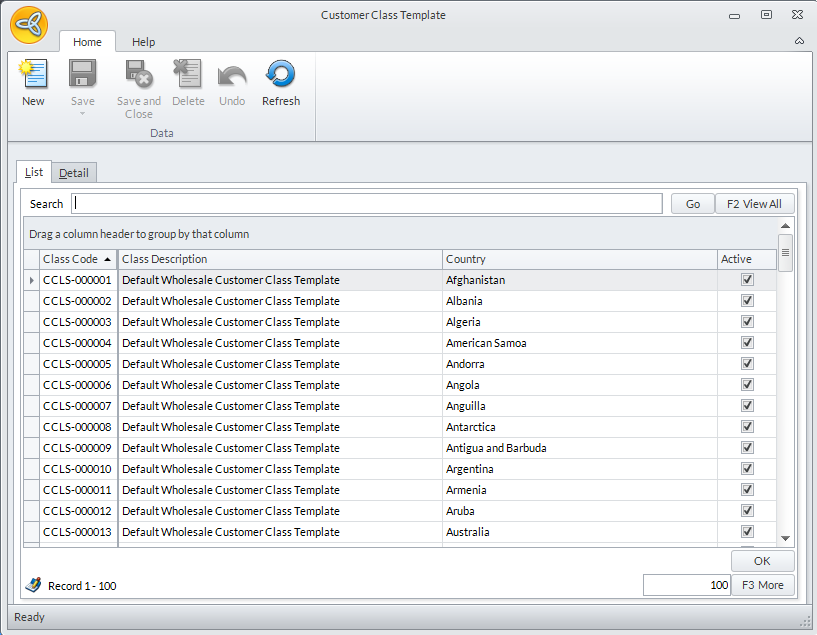
Click Image to Enlarge
You may click F2 to view all the items on the list.
- Navigate through all the properties of the Customer Class Template by scrolling down the form. Click on each field to input or modify its inset properties.
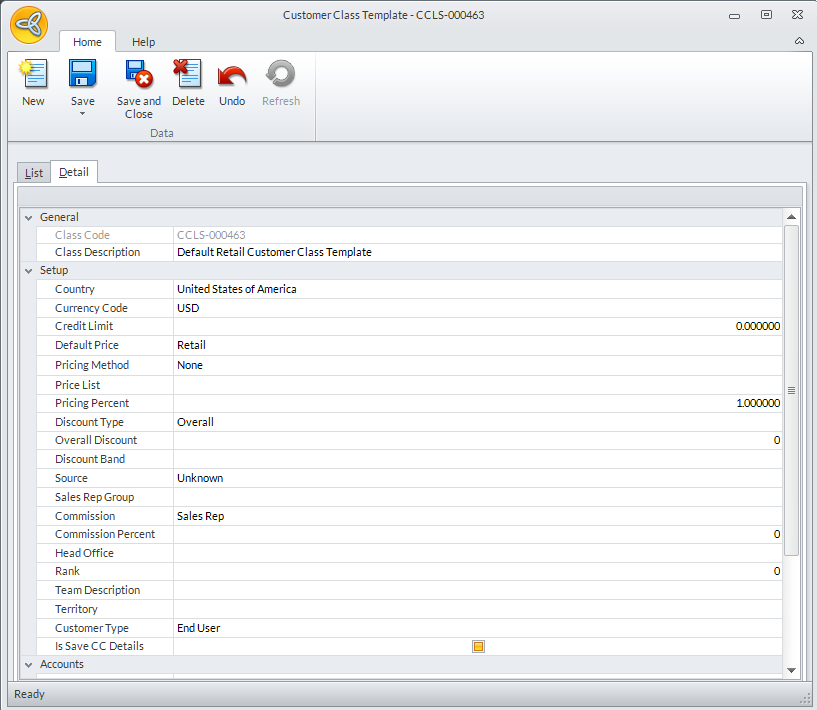
Click Image to Enlarge
On the specifications table that will be shown, supply the desired configurations for this shipping type (for this example, we use the US Shipping).
Click the Save & Close button as all the necessary settings here are entered.