
Set Up Coupon for a Specific Customer
Control the availability of coupons for your customers by assigning coupons to specific customers for them to avail.
To do this,
- From the Customer Module > Order > Find Order. The list of Customers will be displayed.
- Select a customer from the list. The corresponding Sales Order form will be displayed.
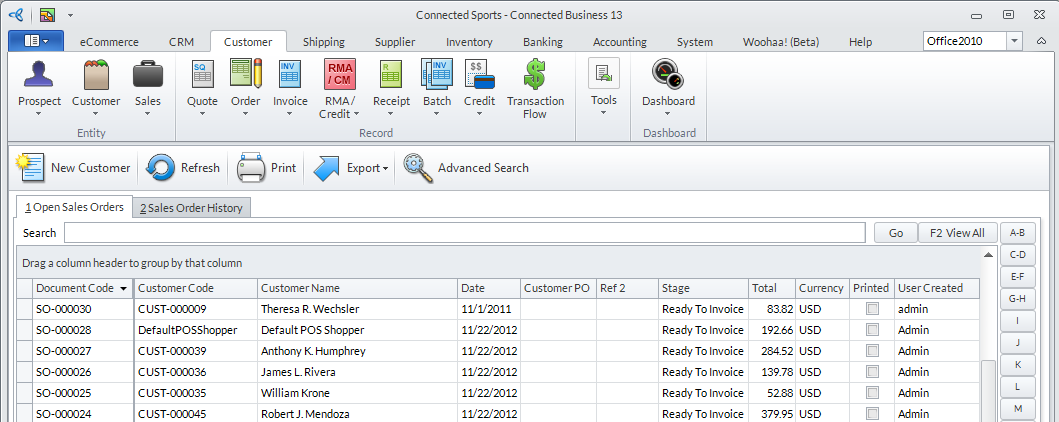
Click Image to Enlarge
- Open the Order tab, expand the Coupon Code dropdown and select from the available coupons.
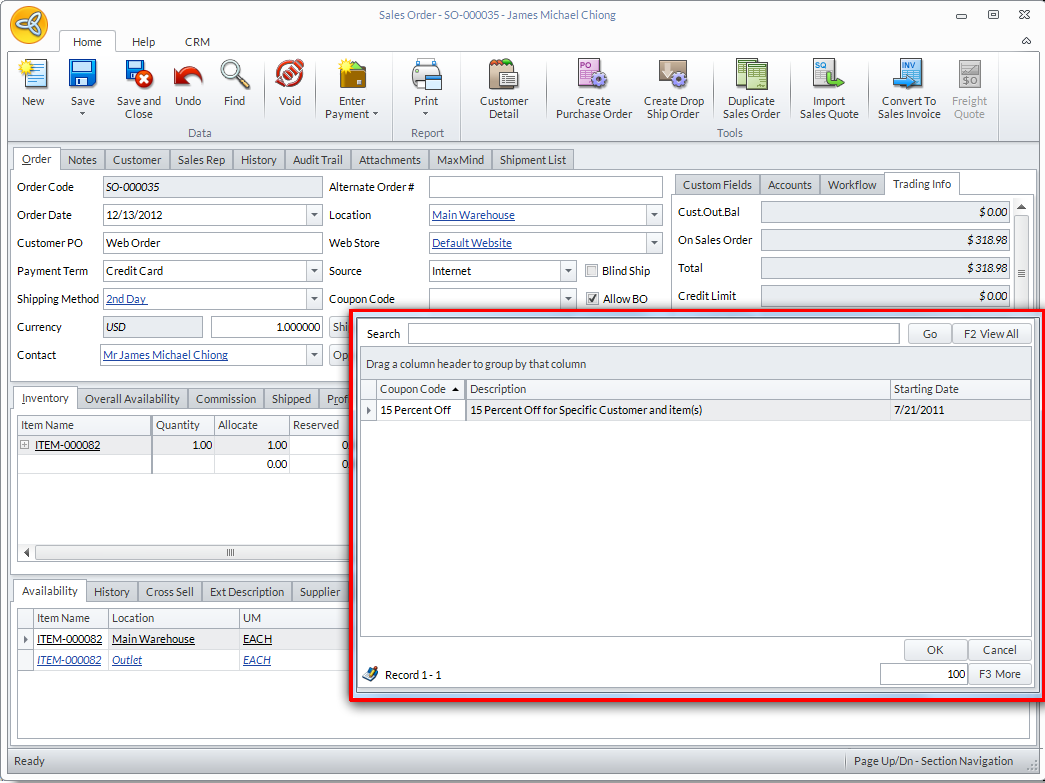
Click Image to Enlarge
- Click Save and Closeto apply your changes.
You may check your store site and find that there will be a Coupon field. Customers can enter the Coupon Code here.
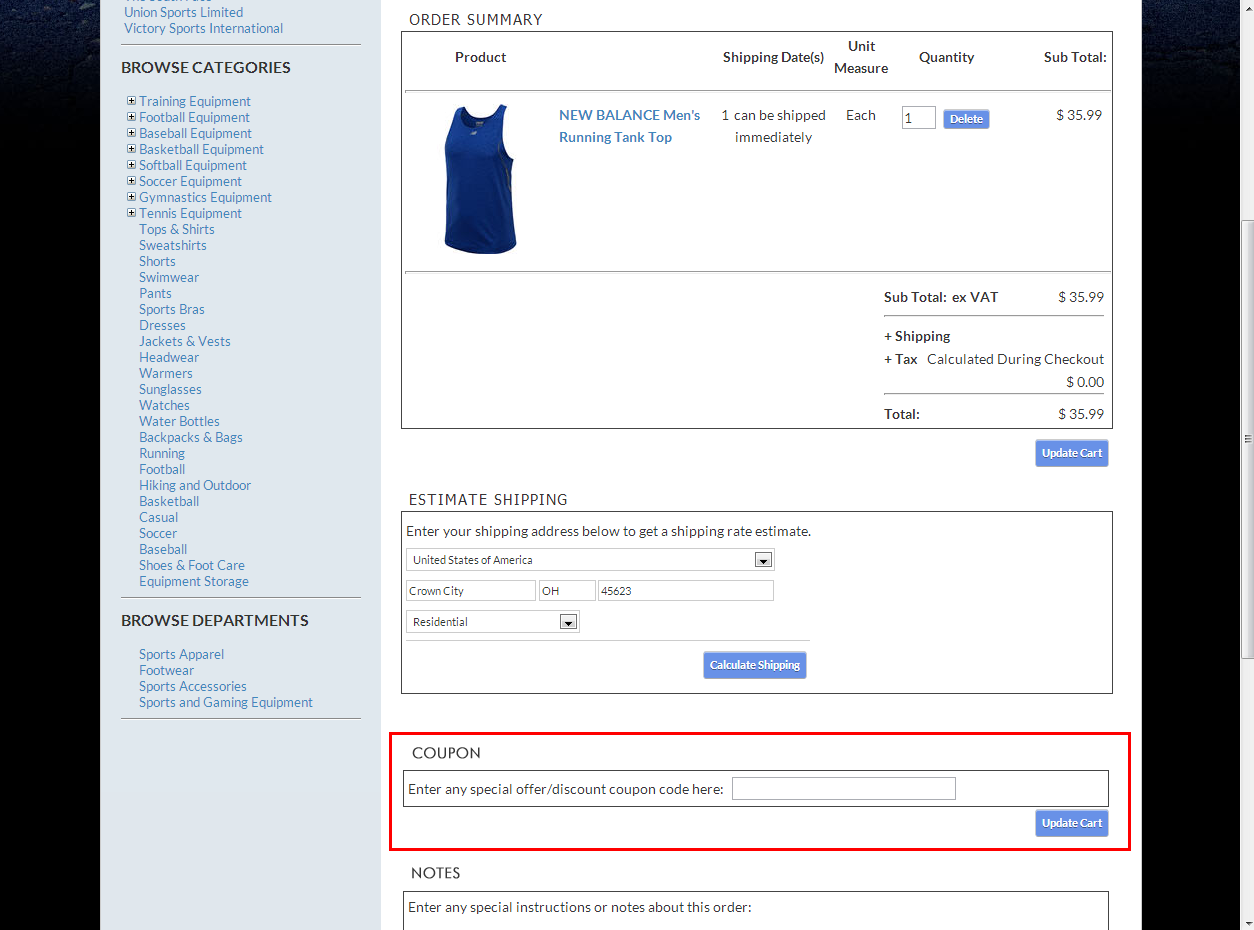
Click Image to Enlarge