
Review Stock Valuation and Profit Analysis
|
Content
|
|---|
The Inventory Analysis menu contains options to view an assessment of the value of your inventory items and the potential profit.
Review Stock Valuation
The Stock Valuation menu item displays an assessment of value of all the items in all your warehouses.
- From the Inventory Module > Valuation.

- The Stock Valuation form will display.
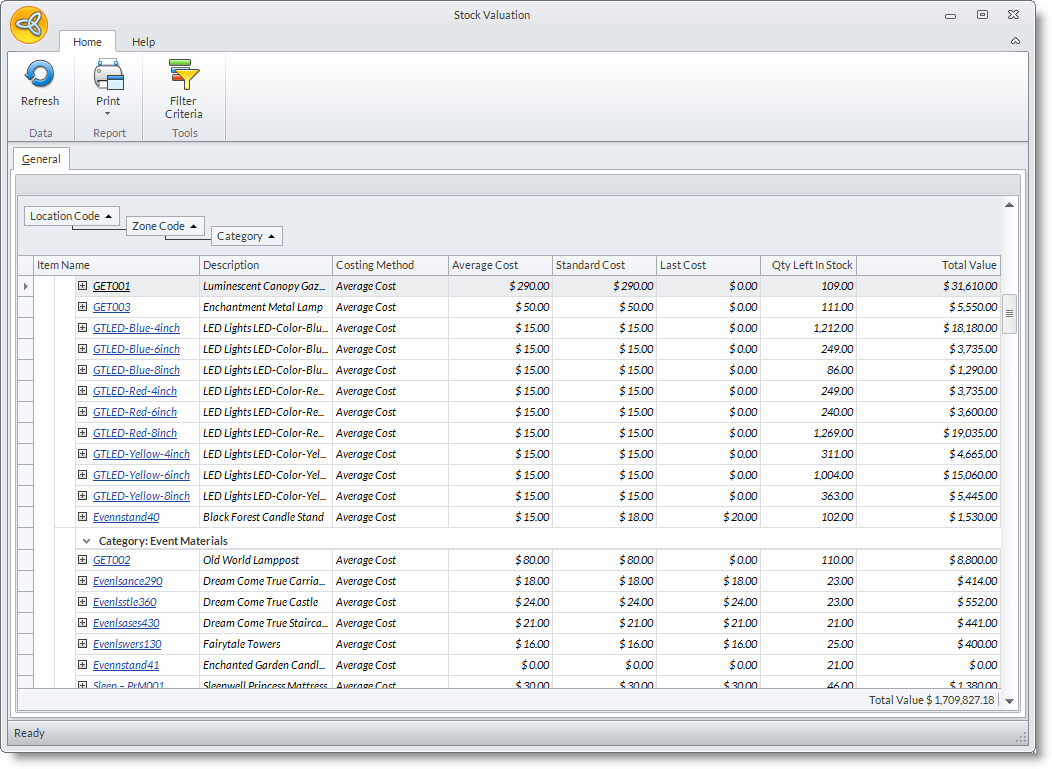
- The Stock Valuation form shows the comparison of costs of the inventory item.
- You can also view all the transactions that involve the item by clicking the node button on the left of the item name. The Transaction Detail grid will then display.
REVALUATE THE VALUE OF THE INVENTORY ITEMS

Learn more about how to revaluate stock values of your inventory items from the Accounting Module.
See More: Revaluate Stock Values

Review Profit Analysis
- From the Inventory Module > Analysis.

- The Analysis Form will be displayed.
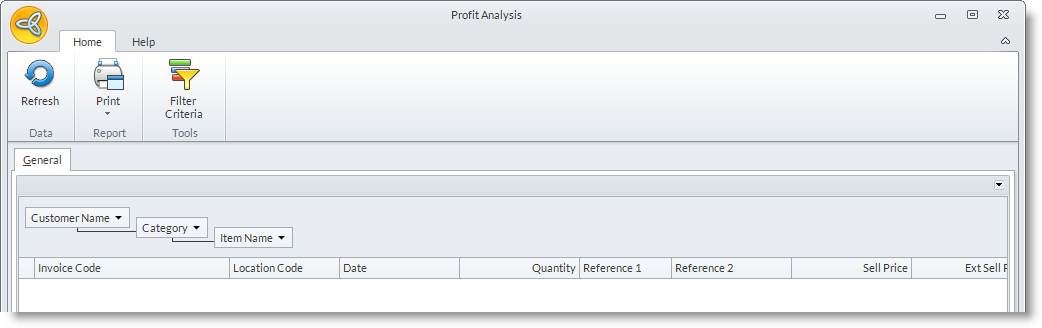
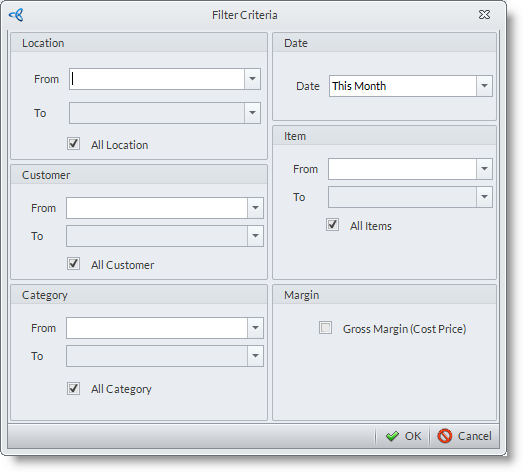
- You can filter the documents that will appear in the grid through the Filter Criteria window which can be activated by clicking the Filter Criteria button from the menu bar.
- You can view full details to the documents by drilling down on the Document Code.