
Review Shipment Transaction
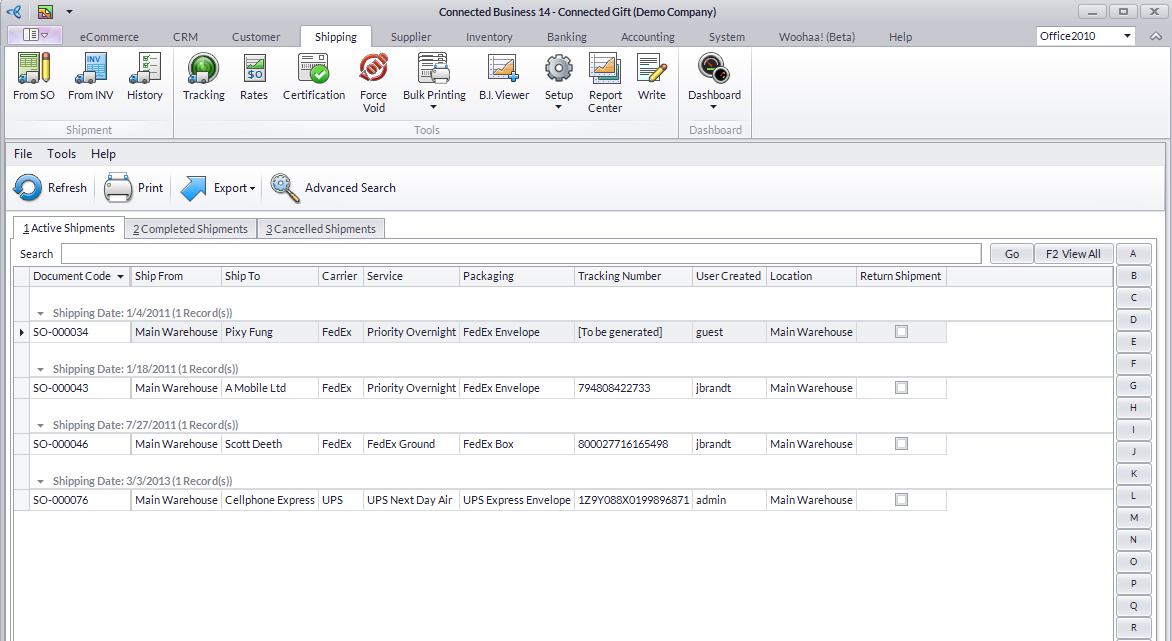
If you want to review a shipment transaction, you may now check it through the History button of the Shipping module.
Steps
- From the Shipping module, select History button.
- You may select shipment transaction from the following tabs:
- Active Shipments - display the saved transactions that are still for completion.
- Completed Shipments - display all completed transactions. You can no longer edit these transactions.
- Cancelled Shipments - displays all voided transactions.
Or,
- Open the source Sales Order or Invoice under the Customer module > Order > Find Order or Customer module >Invoice > Find Invoice menu, respectively.
- When the Sales Order or Invoice form is displayed, click the Shipment List tab.
- Click the Open Shipment button beside the tracking number hyperlink on the Package tab.
