Review Customer Credits and Receivables
Overview
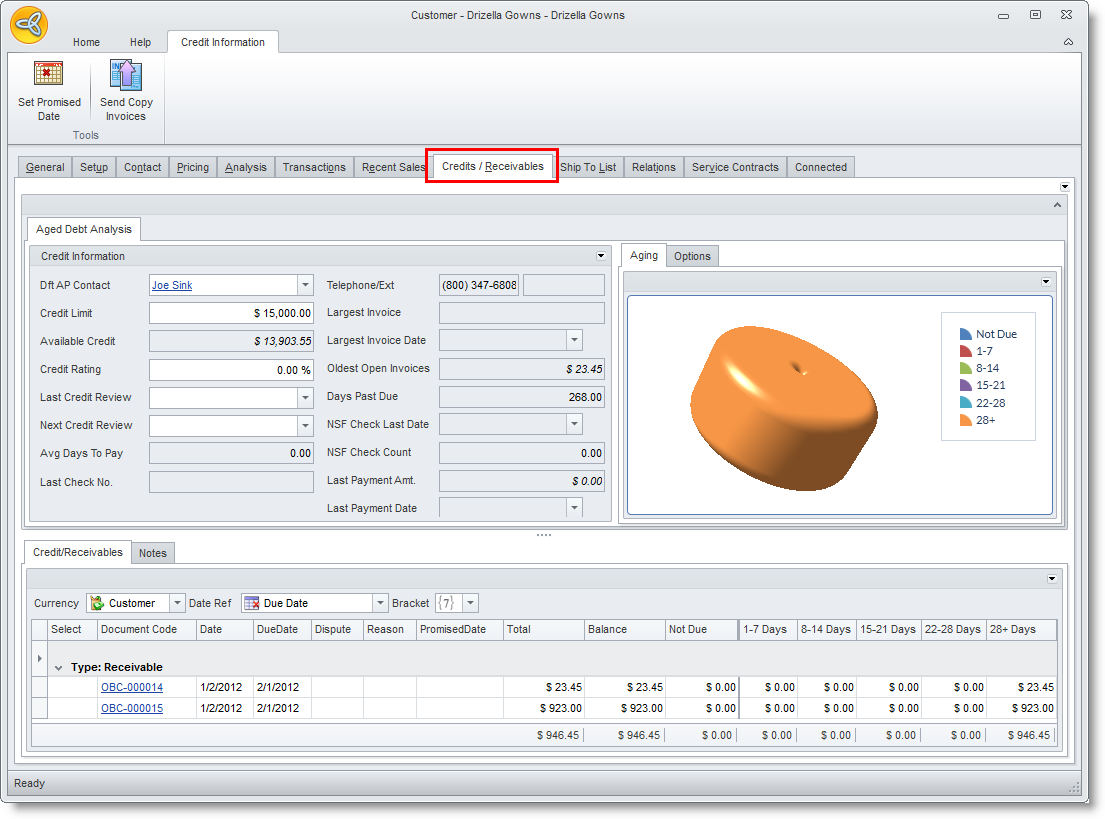
The Credit / Receivables tab of the Customer detail form are integrated Credit Control tools used to individually focus on the credit and receivables of a particular customer.
Review Customer Credits and Receivables
Steps
- From the Customer Module, select Customer > Find Customer. The customer search screen will display.
- Select a customer in the list to display the Customer detail form.
- Go to the Credit / Receivables tab.