Rename Form Section
|
Content
|
|---|
Plugin and Plugin Sections from the User Role layout form can be renamed easily with simple steps to follow.
Rename Plugin Section
- From the System Manager module > Customize > Role.
The User Rolelist form will be displayed.

- The User Role form will be displayed. From here you can choose what module you wish to modify its forms. Double-click on a module to open the User Role layout form.

- There will be many forms from the Detail tab to select from. Double-click on one item for you to edit specific sections.
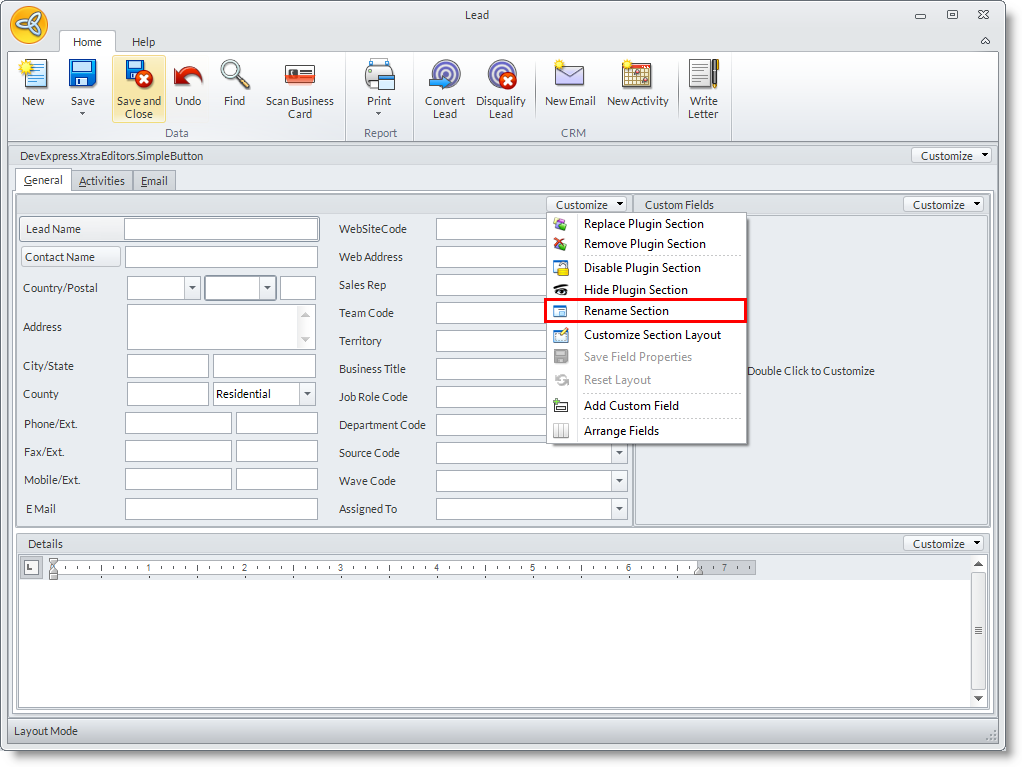
From here you may click the Customize dropdown list and select Rename Plugin Section.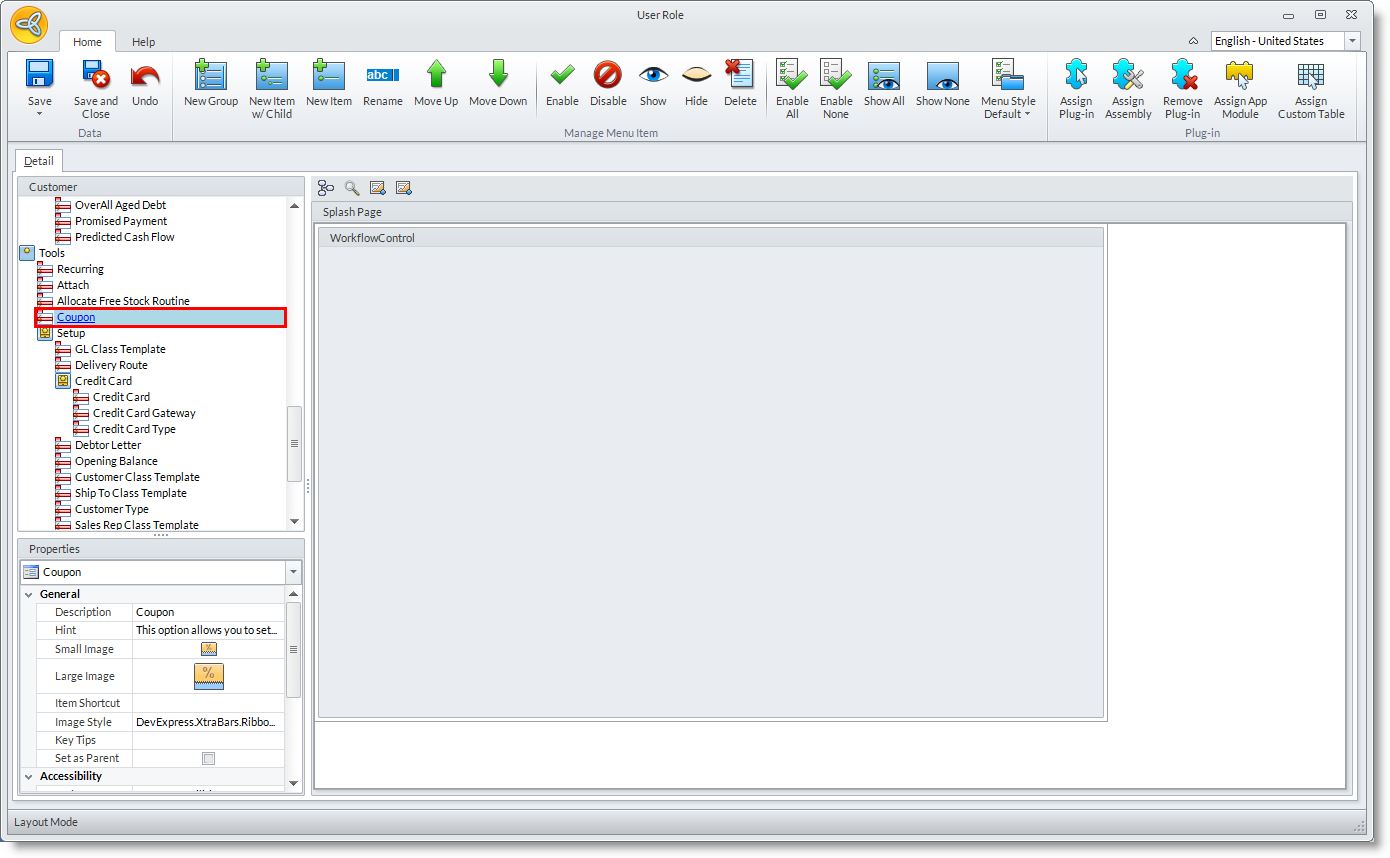

Rename Plugin
- From the System Manager module > Customize > Role.
The User Rolelist form will be displayed. - From here you can choose what module you wish to modify its forms. Double-click on a module to open the User Role layout form.
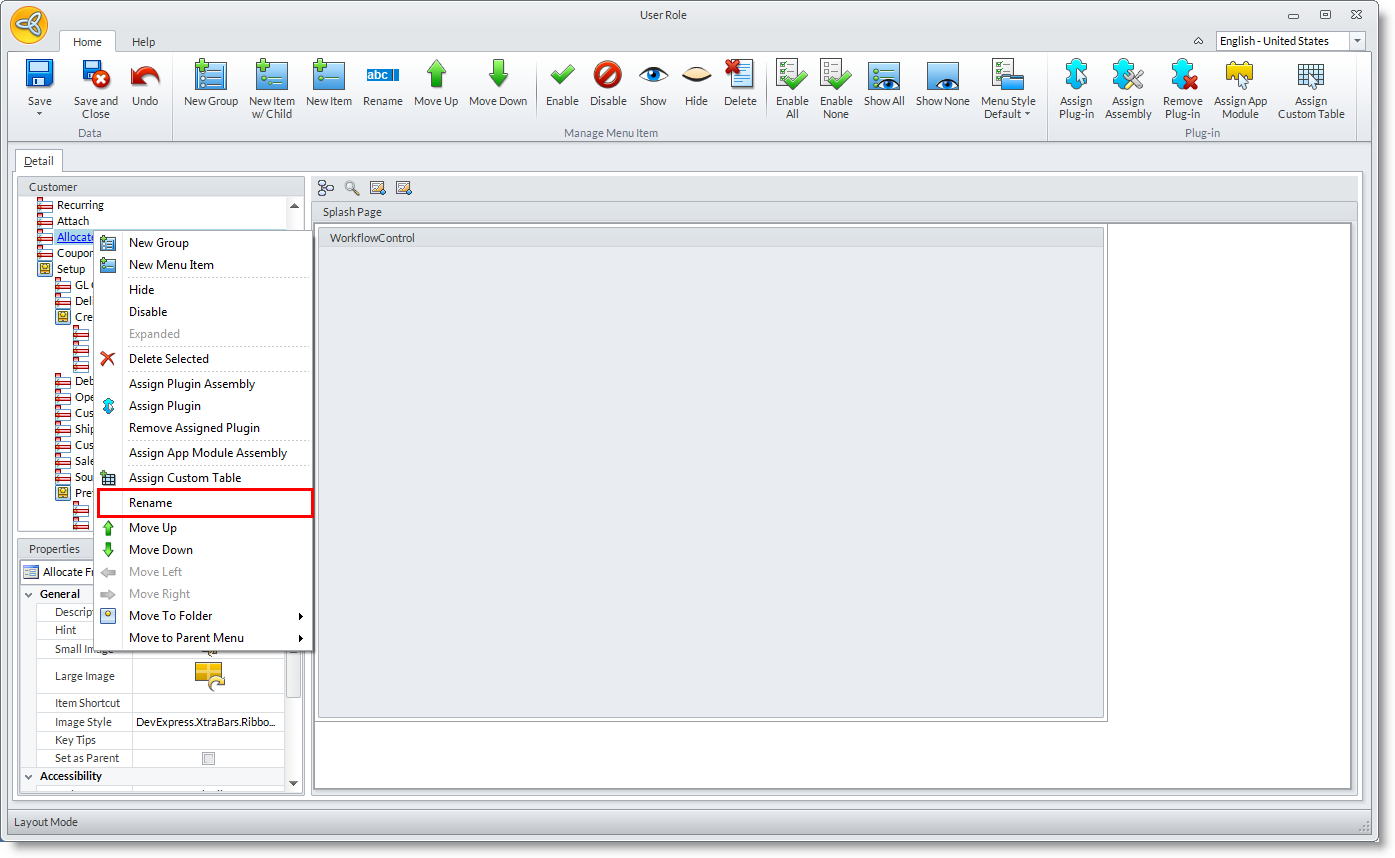
- There will be many forms from the Detail tab to select from. Right-click on an item and select Rename.
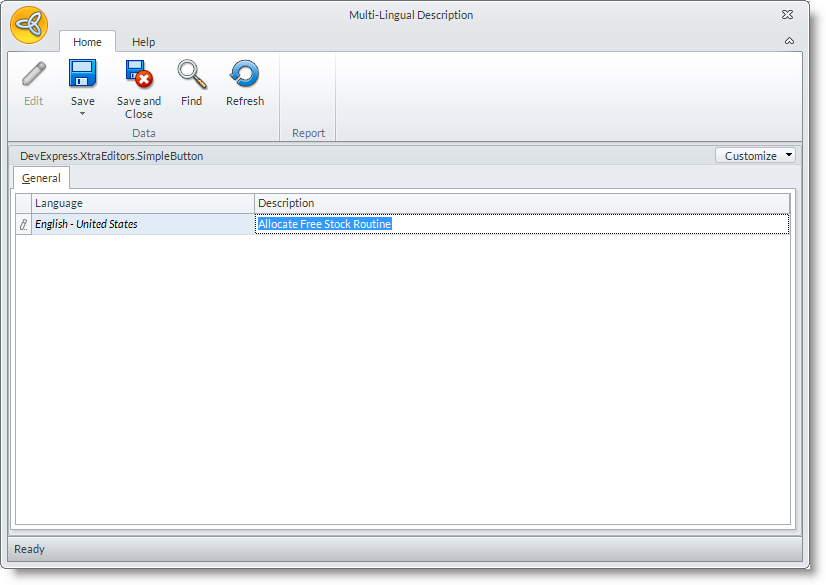
From here another dialog box will be displayed allowing you to rename the section you have selected to be renamed. Click OK to confirm modification.