
Prior Year Adjustments
Overview
The Prior Year Adjustment menu allows you to create an adjusting journal entry for the prior fiscal year.
Steps
- From the Accounting module, select Period > Prior Year Adjustment. A search screen of previous year adjustments is displayed.
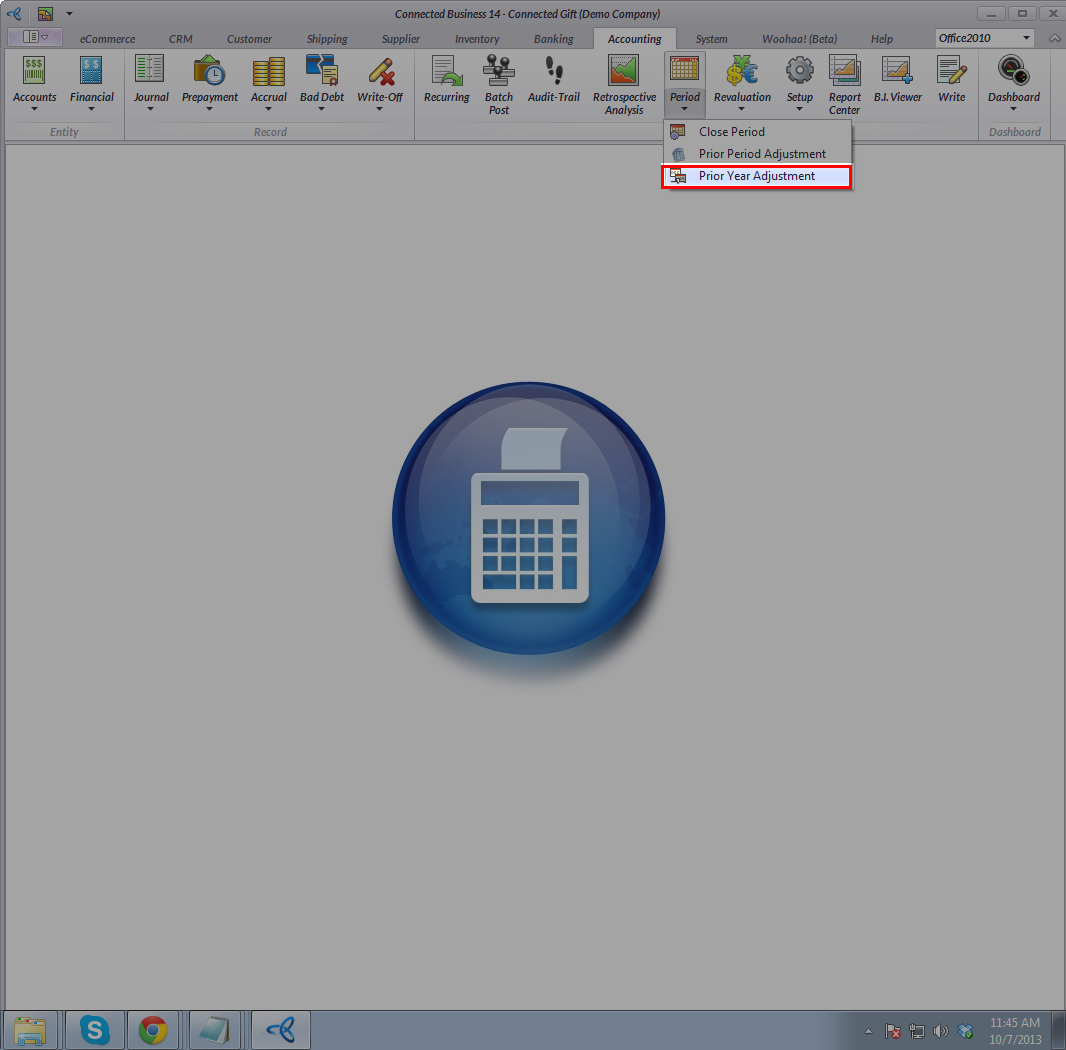
- Click New button from the menu of the search screen. The Prior Year Adjustment form will display.

- The Journal Date field shows the date of the last fiscal year.
- Optional: You may apply a journal template by selecting it from the Journal Template field.
- The Reference 1 field may denote the related records that the journal is based on. The Reference 2 field may denote the entity that initiated the journal.
- The Journal Type of the journal entry. The prior year adjustment is given the type, "General Journal".
- The Fiscal Year field shows the fiscal year of the journal to be processed. By default, this is set to the last fiscal year.
- The Fiscal Period field shows the accounting period where the prior year adjustment will be posted.
- Set the account codes to be included in the journal in the Items section. Select the account codes from theAccount Code column pulldown.
- Enter a Description for the transaction.
- Enter the values in the Credit and Debit columns.
- Optional: You may select a Tax Type for applicable account codes and select the appropriate Tax Code.
- You can view the current and new brought forward balance of the accounts on the Prior Year Adjustment Detail section at the bottom.
- Save the details before closing the form. A prior year adjusting entry is created.
