
Ordering Process Through Manufacturer
You can browse items from the webstore by searching through Manufacturers of the webstore items.
To do so,
- From the webstore, you can find a list of manufacturers of items on the column sider:
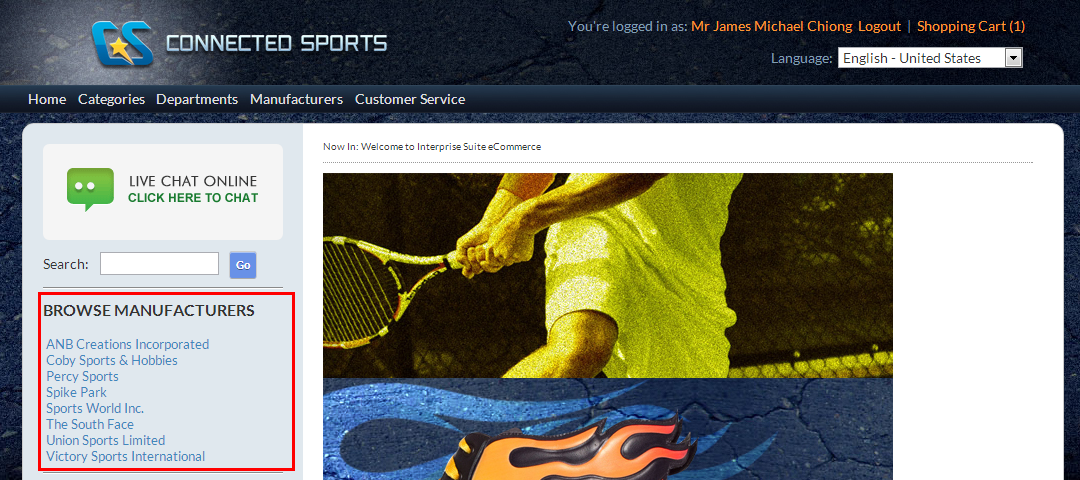
Click Image to Enlarge
Or from the top menu of the webstore:
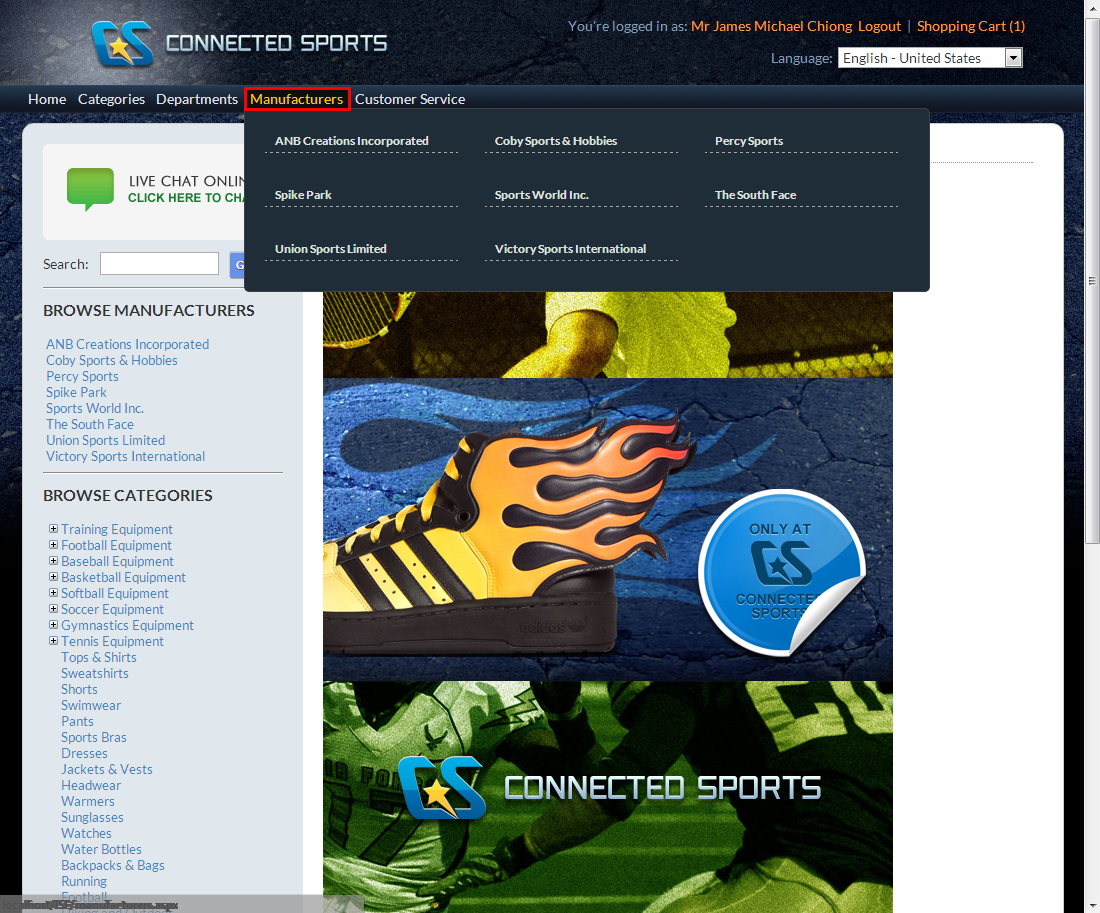
Click Image to Enlarge
- Upon selection of a manufacturer, the list of items under the selected department will be displayed.
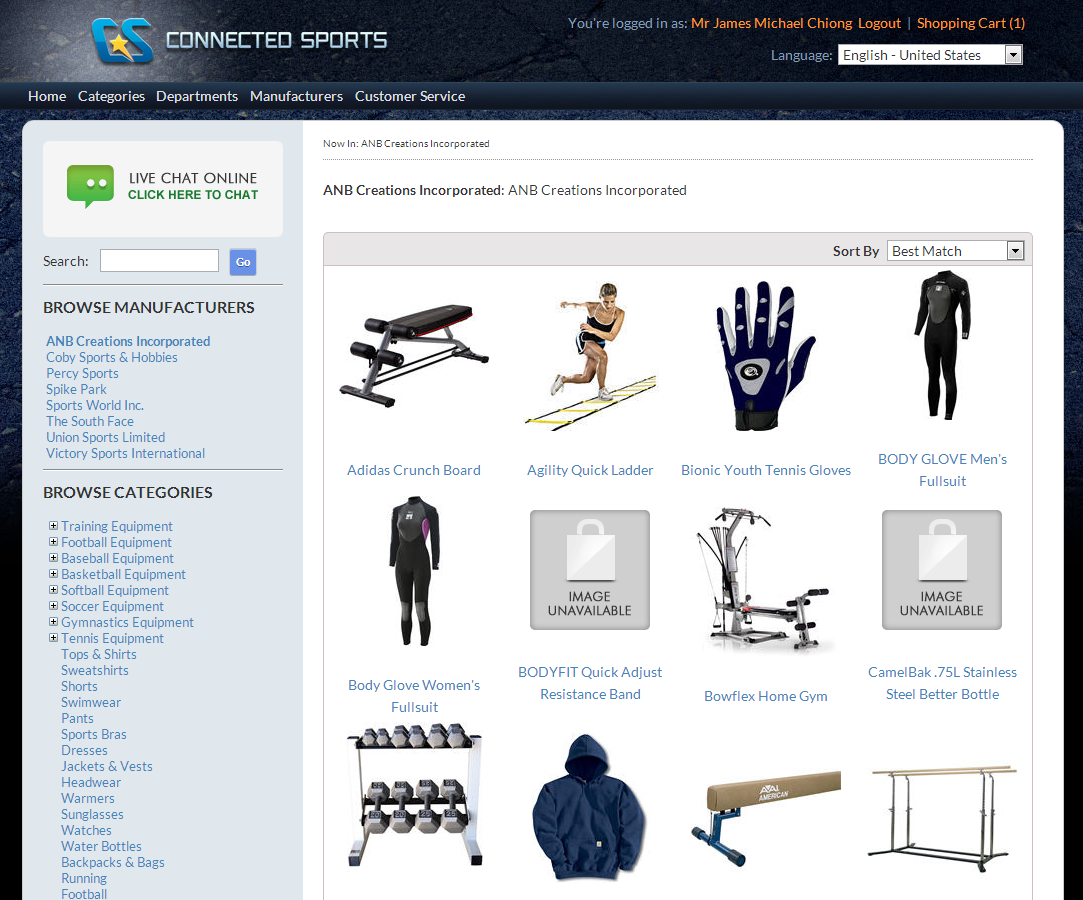
Click Image to Enlarge
- Selecting an item brings you to the item detail page. Click Add to Cart to include the item to the cart that you will check out later, or Add to Wishlist to bookmark the item to be viewed or add to your shopping cart later.
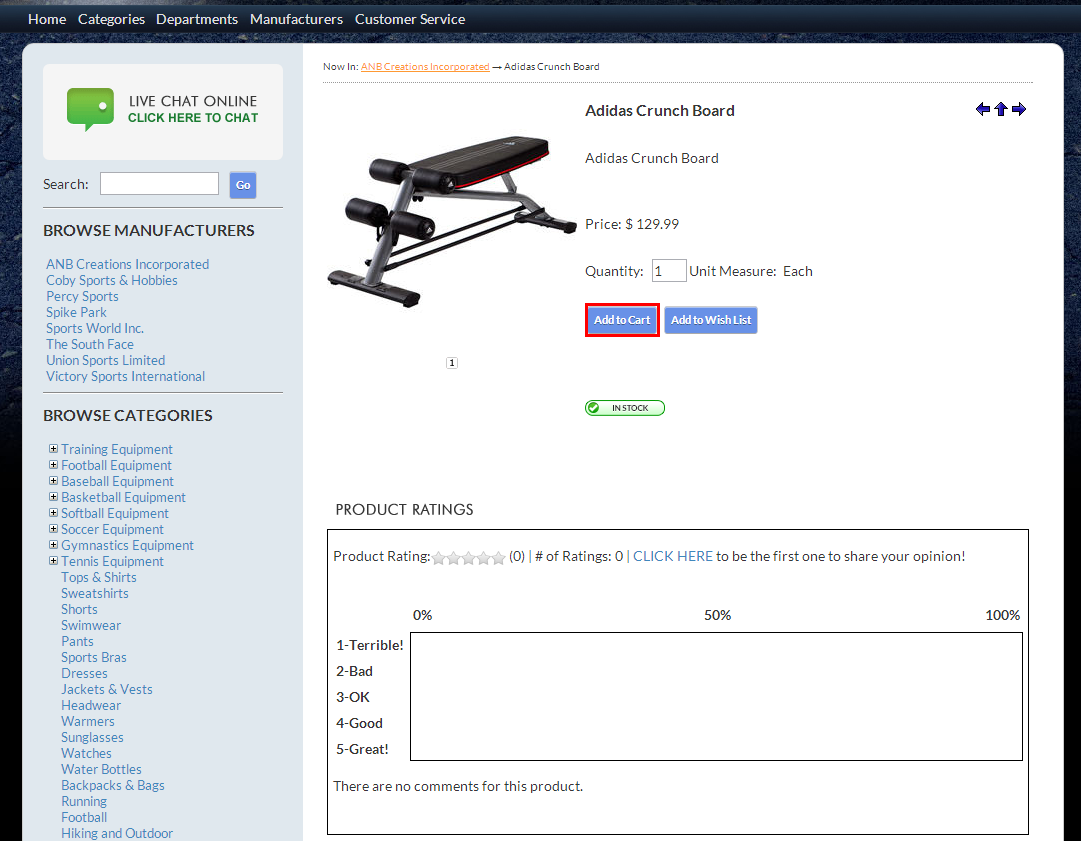
Click Image to Enlarge
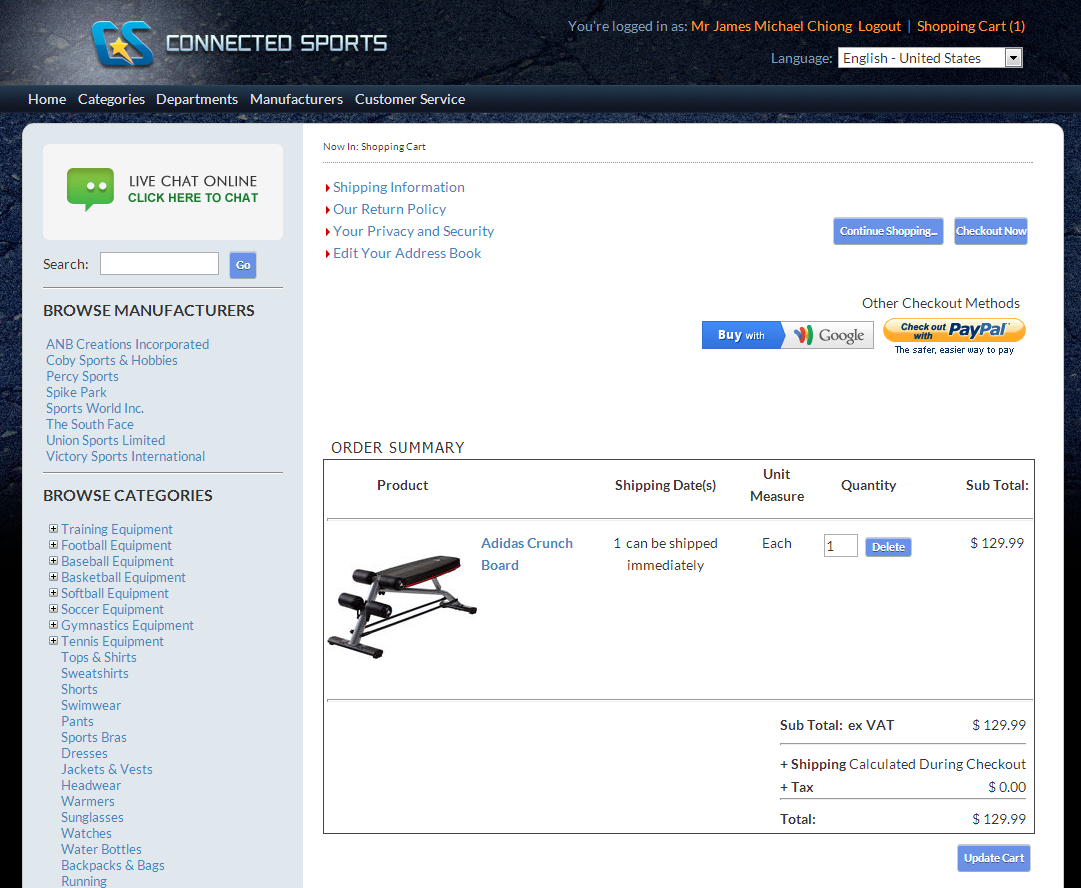
Click Add to Cart to bring you to your shopping cart page.
- From the shopping cart page you can either Continue Shopping to browse for more items, or Checkout Now to set-up the checkout details.
Click Image to Enlarge