
Non-Stock Items
Non‐Stock is any item, that falls under any of the following:
- items you do not store and make or sell only when needed
- items you procure only for a planned or special order
- items you do not keep track of the quantity
- items you dropship from suppliers
These can be set up through the Inventory Module's New Item Wizard.
To do so,
- From the Inventory Module go to Item > New Item. The New Item Wizard will be displayed.
- Select the Non-Stock item type and click Next.The General Information form will be displayed.
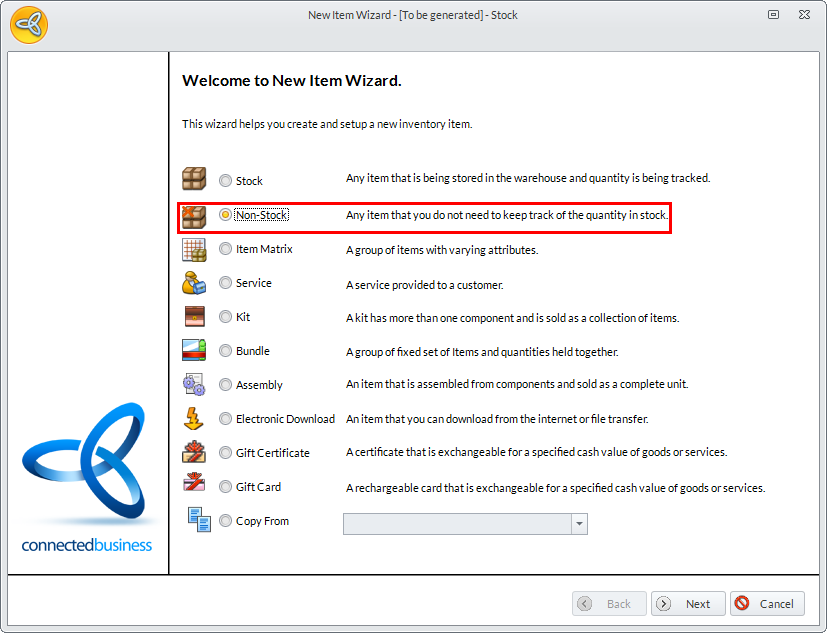
Click Image to Enlarge
- Provide the Item Name, Description, and all other pertinent details then click Next. The Unit Measure and Category form will be displayed.
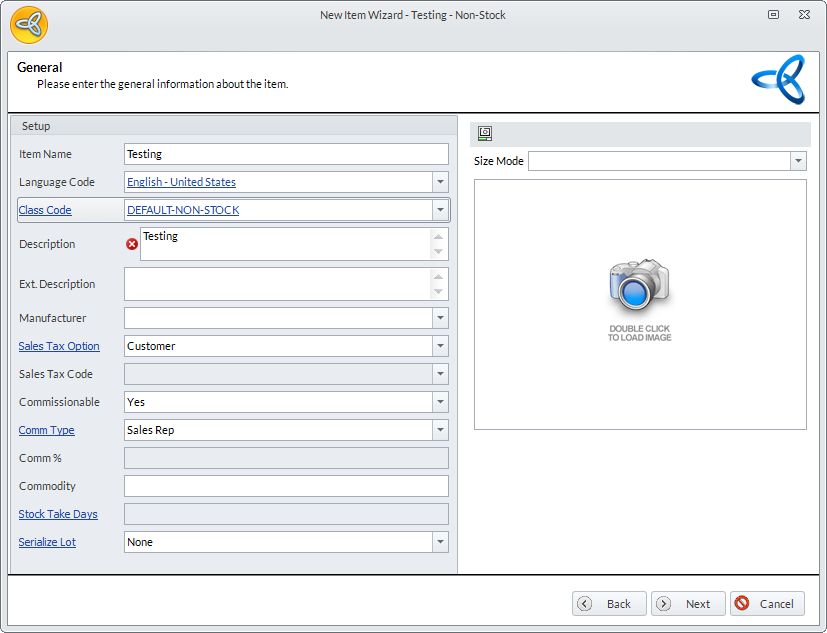
Click Image to Enlarge
- A default or base Unit Measure (i.e. Each) will be present. Change or add to the unit measures, then select the item's category and department.
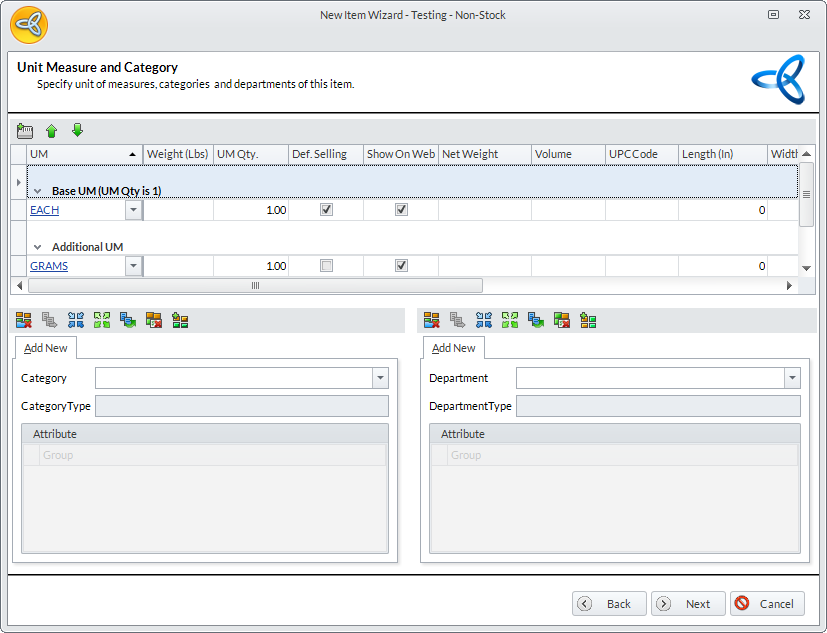
Click Image to Enlarge
Click Next. The Costing form will be displayed.
- Set the following:
- Costing Methods and default cost value
- Item Suppliers and each Supplier’s Cost Price
- One priority supplier
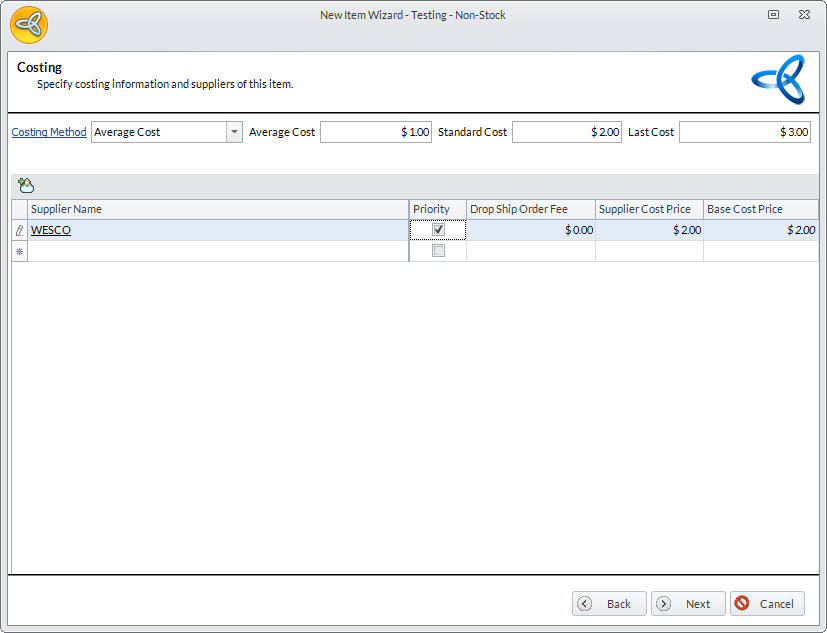
Click Image to Enlarge
Click Next. The Pricing form will be displayed.
- Set the pricing method and markup percent or value to add to the cost.
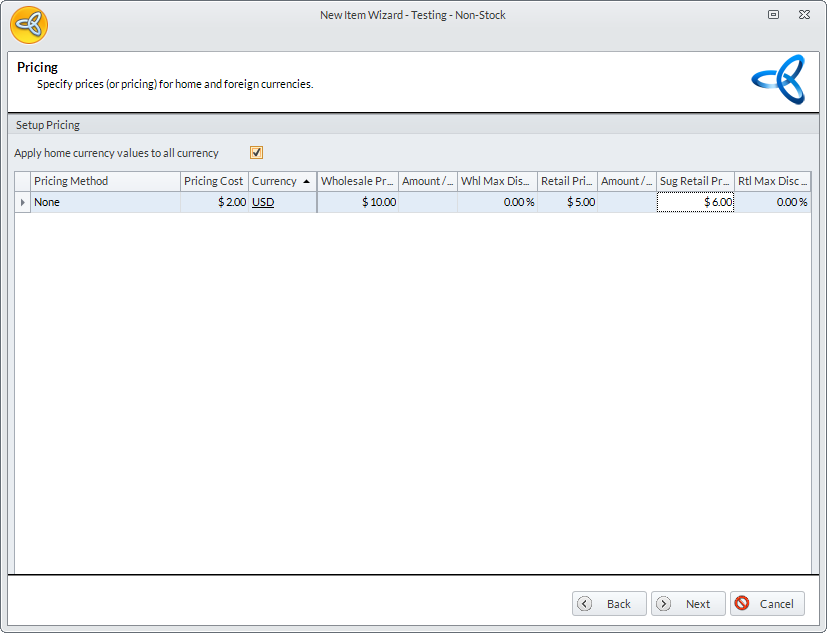
Click Image to Enlarge
- Click Next, then Finish to exit the wizard.