
Navigate The Application Configuration Window
| Content |
|---|
This document talks about how to navigate the application configuration window. To view the Application Configuration window, go to eCommerce module > Setup > Application Configuration.
View the Application Configuration Groups
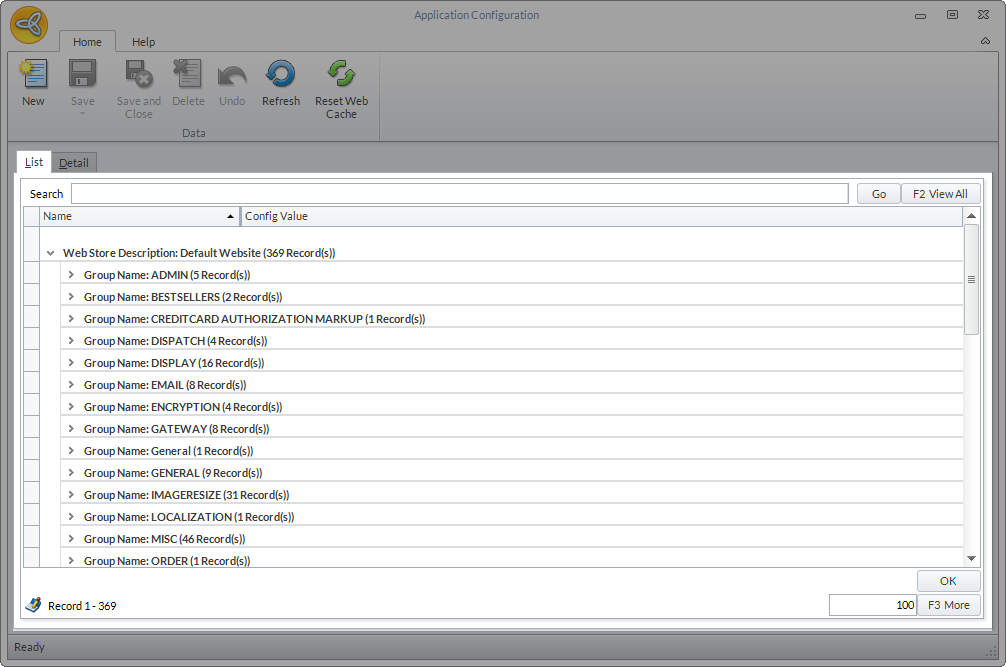
The Application Configuration is comprised of numerous parameters that run the webstore. To help you look for particular appconfig parameters, Connected Business has sorted related parameters into groups. Upon opening the Application Configuration form, you can see the appconfig groups in the List tab.
Click Image to Enlarge
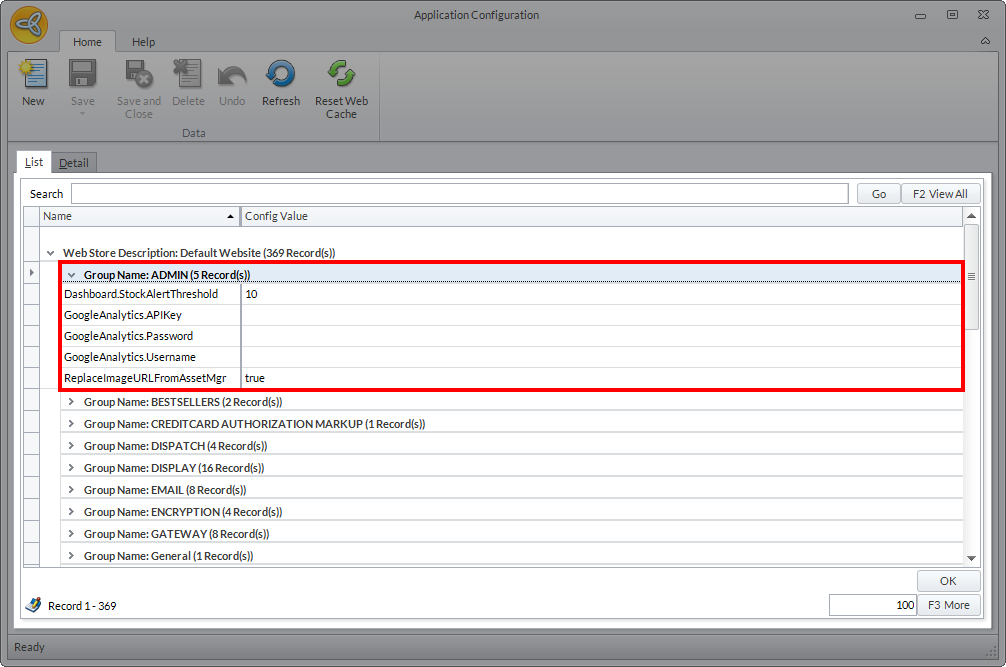
You can click on the dropdown arrow in each group to view the related appconfig parameters.
Click Image to Enlarge

Search for an Application Configuration
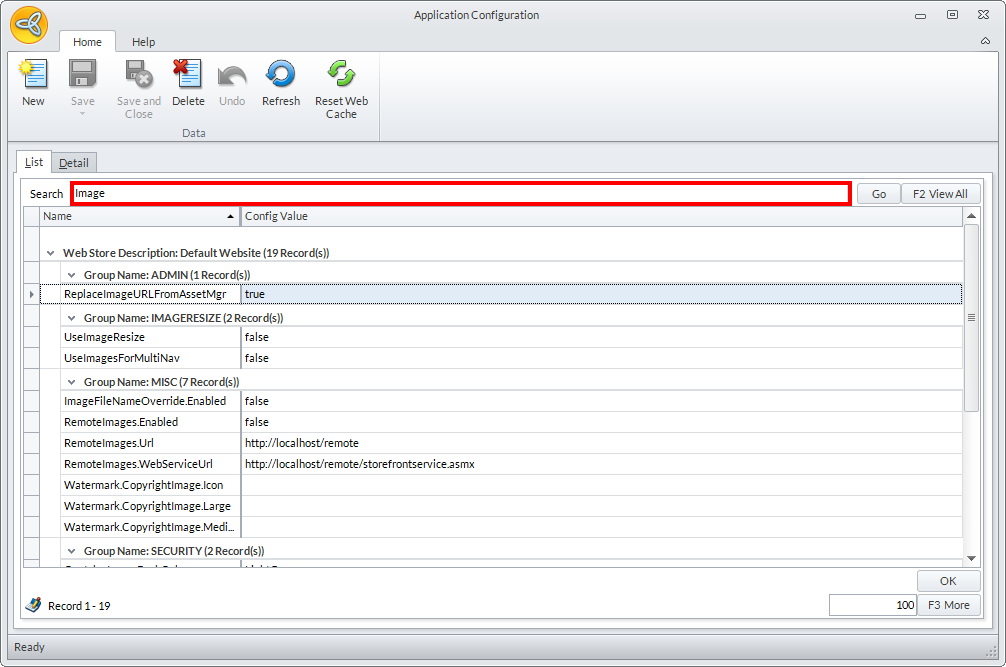
To search for an application configuration, just enter the keyword in the search control field and a list of related appconfig parameters will be displayed.
Click Image to Enlarge
Modify an Application Configuration
You can modify the application configuration to change some functions in the webstore to suit your business needs. To modify an application configuration, follw the steps below.
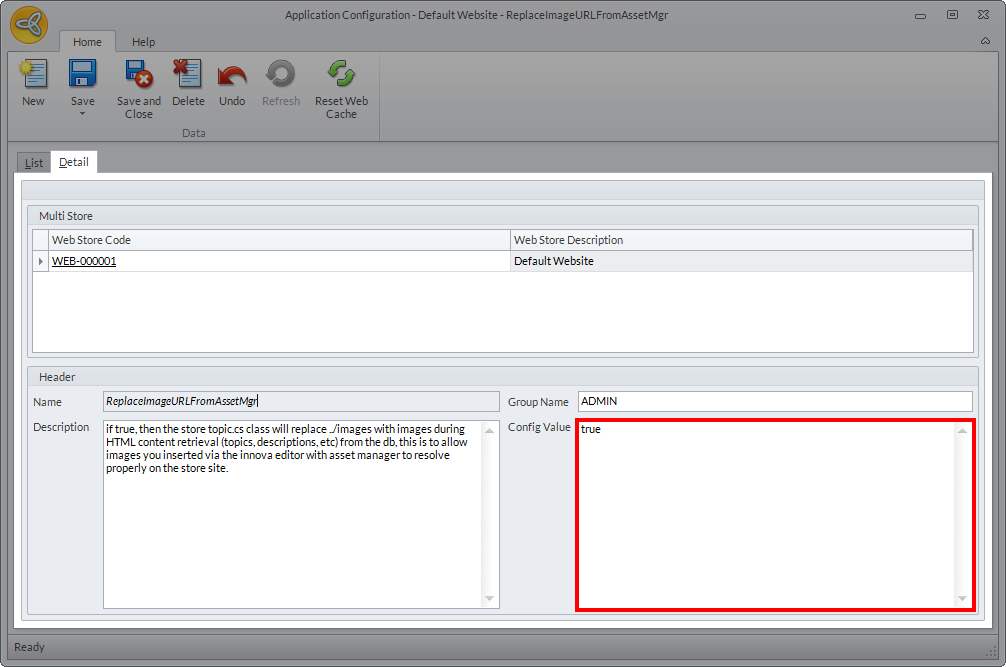
- From the Application Configuration window, search and/or select an appconfig parameter and double/click or click the Detail tab to view its details.
- Enter the appropriate value in the Config Value field.
Click Image to Enlarge
- Click Save and Close to apply changes.
- Click Reset Web Cache in the Webstore form to apply the changes in the webstore.

To view the complete list of application configurations used in Connected Business eCommerce, refer to Application Configuration List.