
Maintain Write Offs
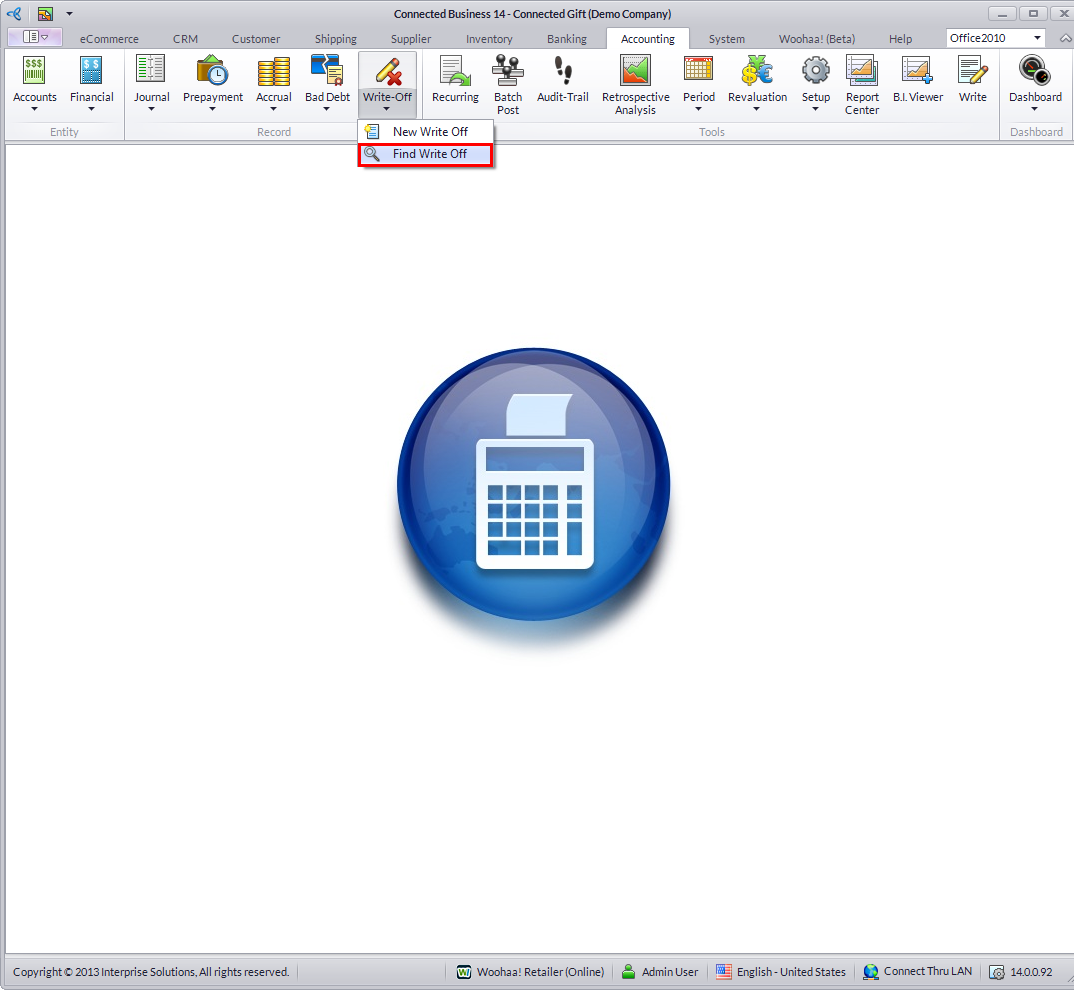
You can review your records of those that are written off using the Find Write Off in the menu options of the Accounting module.
Steps
- From the Accounting module, select Write Off > Find Write Off button from the menu options. The write off history search screen will display
- Select a Write Off record in the list to display the Write Off form. The Write Off form displays the details and references to the amount written off the records.

