Maintain Sales Quote
|
Content
|
|---|
Overview
Maintain records for sales quote by converting it into sales order, call it off or view the audit trail of of the sales quotes.
Maintain Sales Quote
Steps
- From the Customer Module, select Quote >Find Quote/Proforma. The sales quote search screen will display.
- Select a sales quote record in the list to display the Sales Quote form.
- Edit the details as necessary and save again before closing the form.


Convert the Sales Quote to Sales Order
- From the Customer Module, select Quote > Find Quote/Proforma from the menu. The sales quote search screen will display.
- Select the sales quote record in the list to display the Sales Quote form.
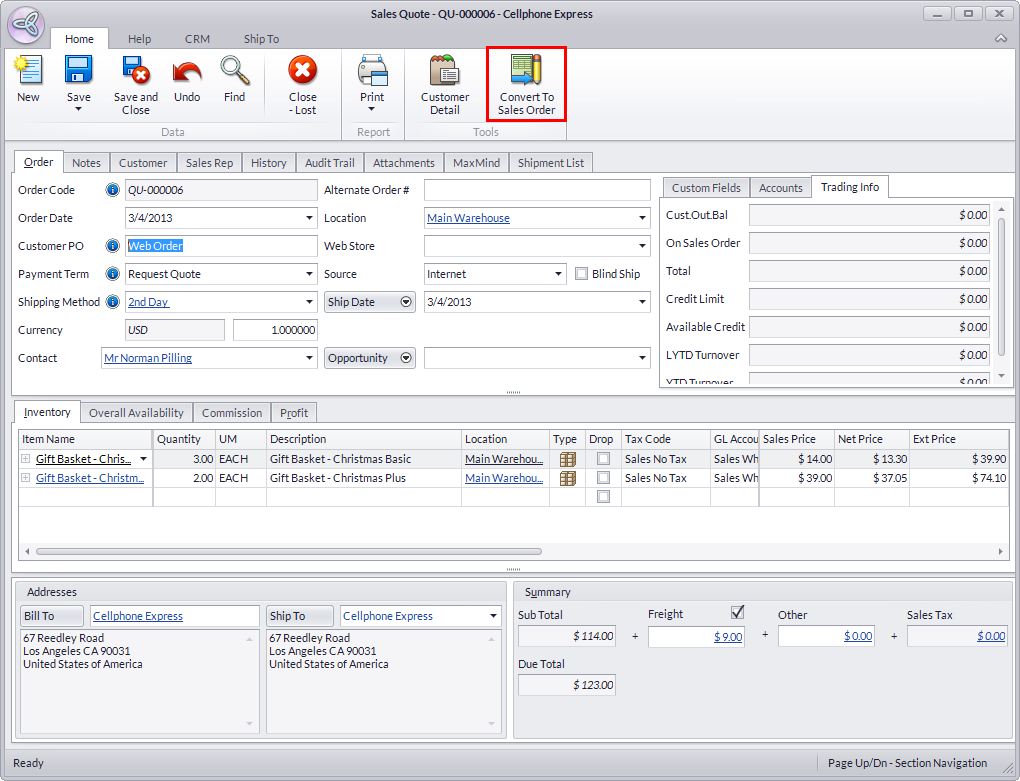
- Click on the Convert to Sales Order button from menu.
- You may view the generate sales order.
Call Off the Sales Quote
- From the Customer Module, select Quote > Find Quote/Proforma from the menu. The sales quote search screen will display.
- Select the sales quote record in the list to display the Sales Quote form.
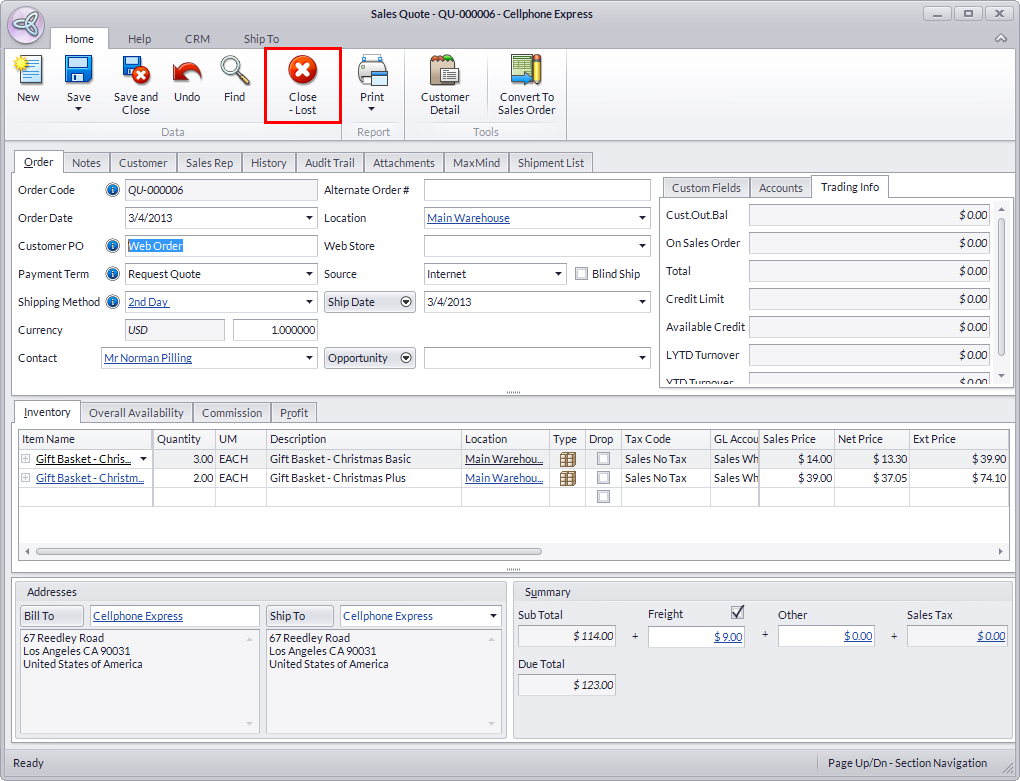
- Click on the Close-Lost option in the toolbar menu.
- Close the Sales Quoteform.
View Audit Trail of Sales Quotes
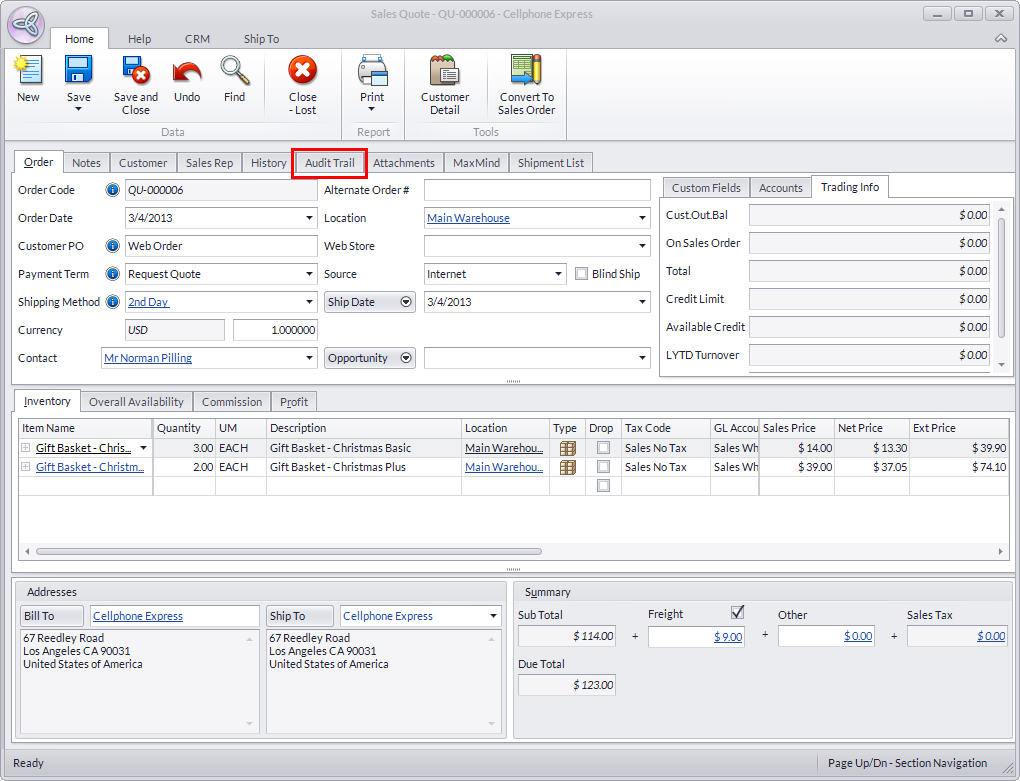
- Go to the Audit Trail tab of the Sales Quote form to view changes made to the sales quote document.