
Hide Coupon Feature
You may discontinue the coupon feature from your webstore by modifying its corresponding AppConfig parameters.
To do so,
- From the eCommerce Module, go to Setup > Application Configuration. The Application Configuration (AppConfig) list will be displayed.
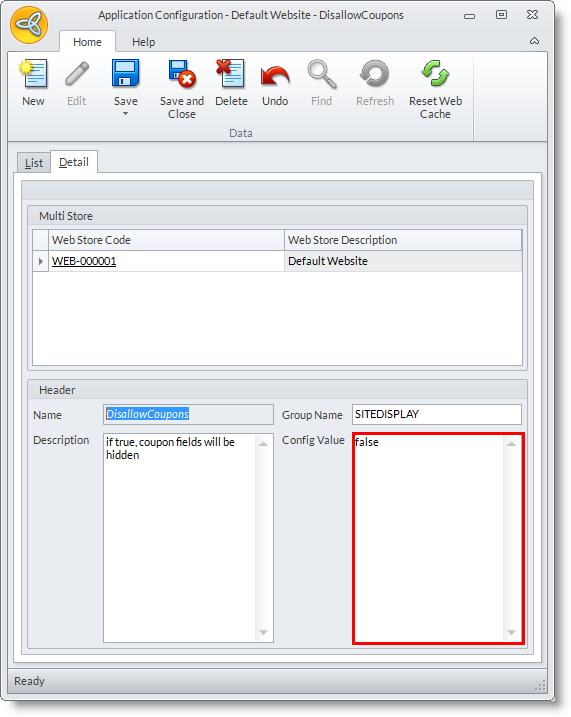
- Search for and select the DisallowCoupons. The corresponding Application Configuration form will be displayed.

Click Image to Enlarge
- By default, the config value for this is set to False. To hide coupons, set this to True.
Click Image to Enlarge
- Click Save and Close to apply changes.
- Wednesday, 24 October 2012
- Posted in: Manage Coupons