
Edit Existing News Article
Connected Business allows for the editing of existing news articles when necessary. This article will discuss how to do so.
To edit an existing news article,
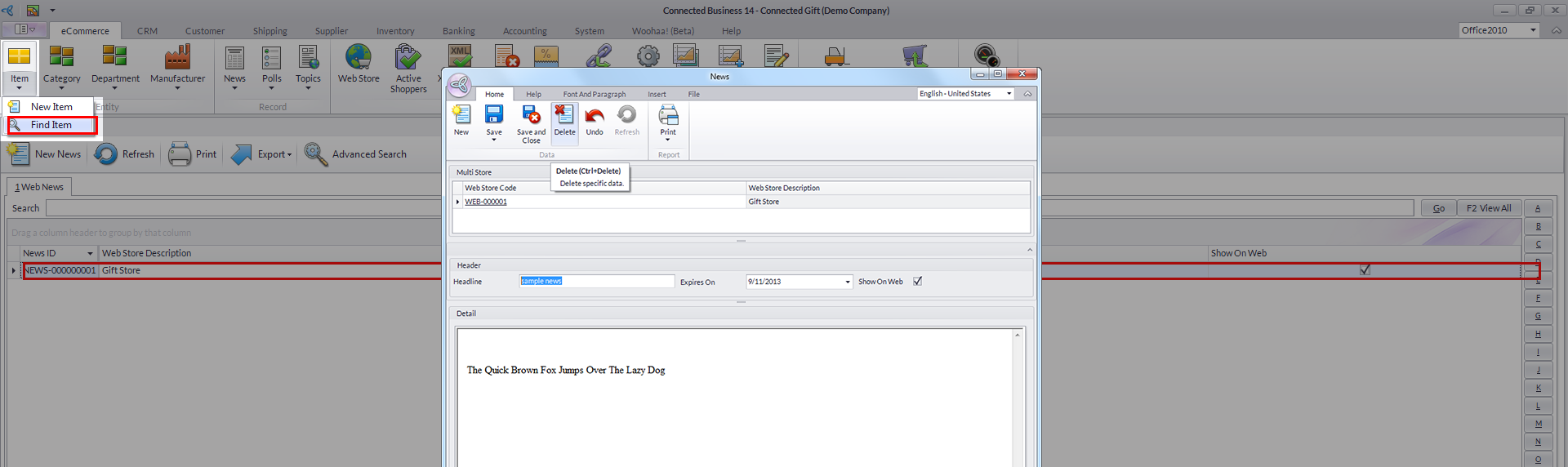
- From the eCommerce module, go to News > Find News. The News list will be displayed.
- Select a news item from the list. The corresponding News form will be displayed.
Click Image to Enlarge
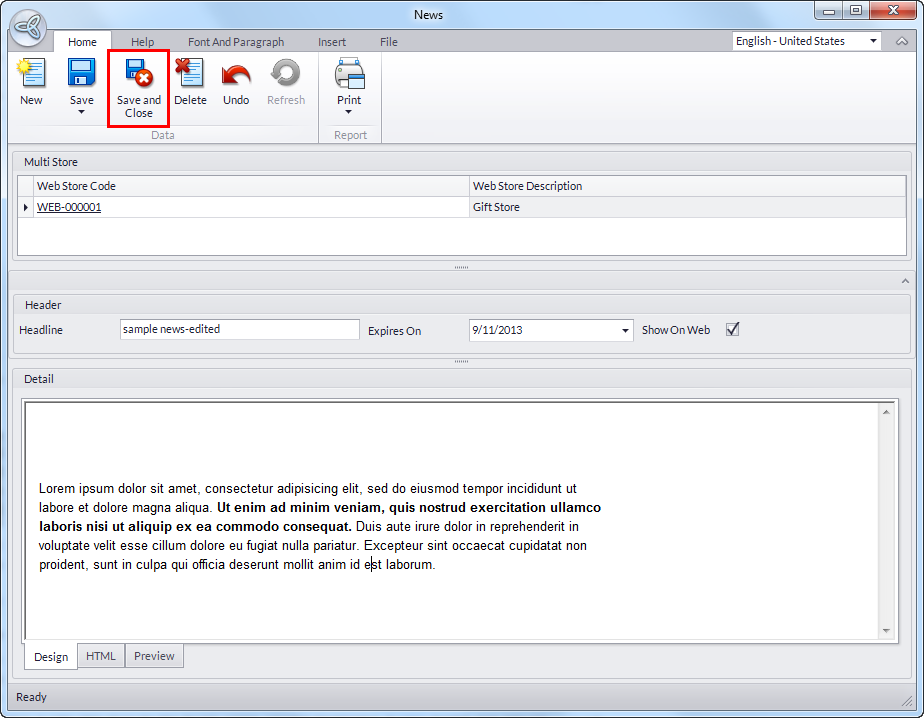
- Edit or modify the fields as needed then click Save and Close to apply the changes.
Click Image to Enlarge
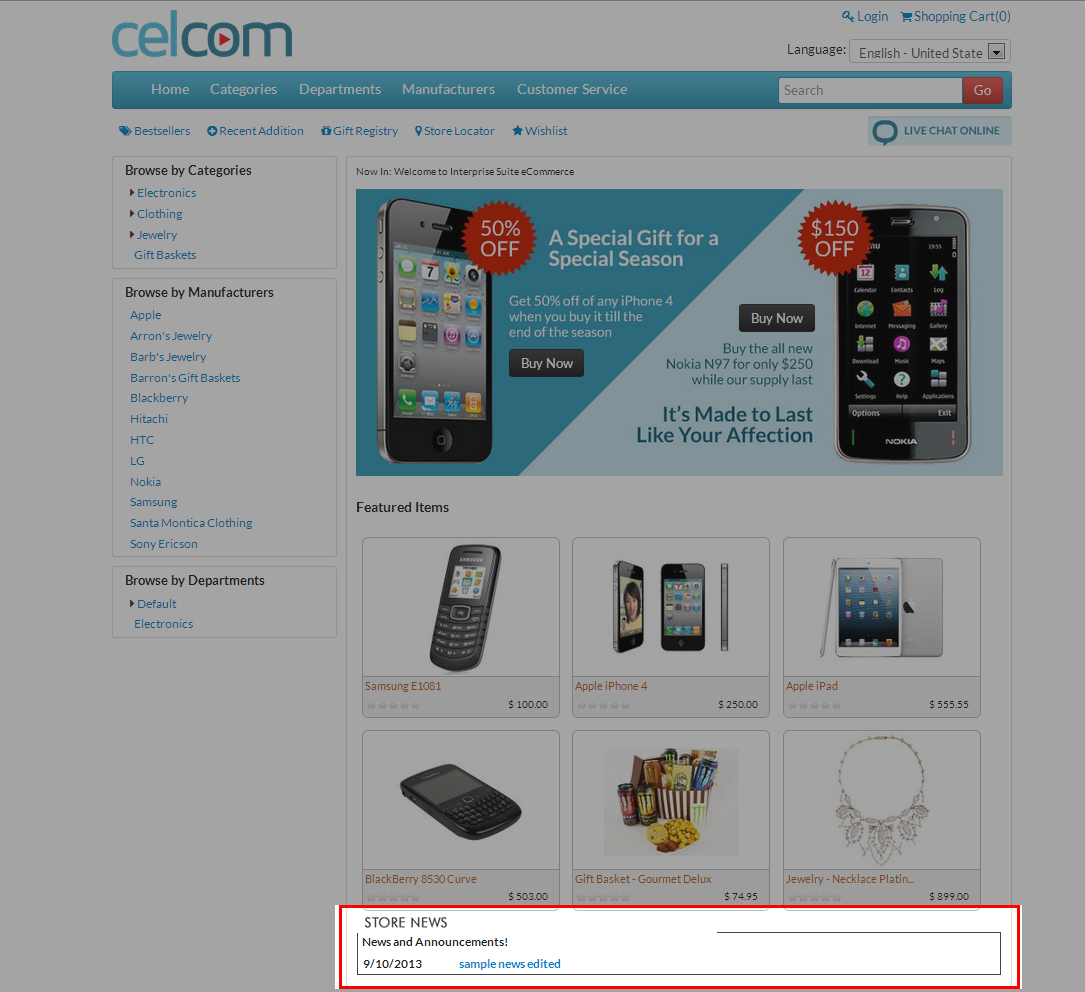
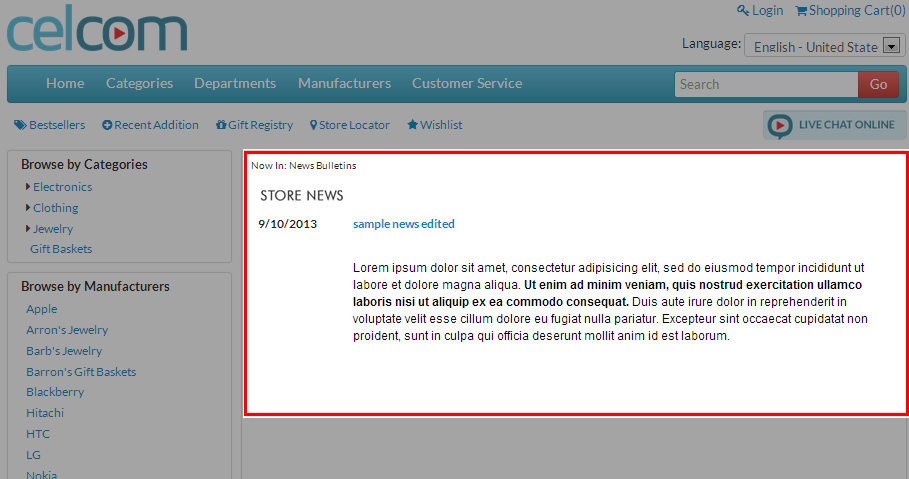
- The changes will be reflected in the webstore.
Click Image to Enlarge
Click Image to Enlarge