
Define New Shipping Method
You can create a new shipping method for your eCommerce webstore from the Shipping Module.
To do so,
- From the Shipping Method Module > Setup > Shipping > Shipping Method
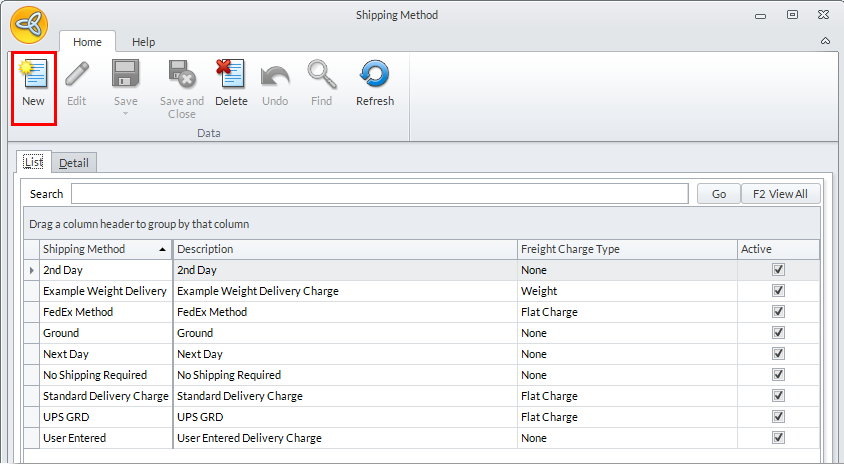
- The Shipping Method screen will be displayed. To create a new shipping method, click New from the menu bar to display the Detail Tab with blank fields for you to fill out.
Click Image to Enlarge
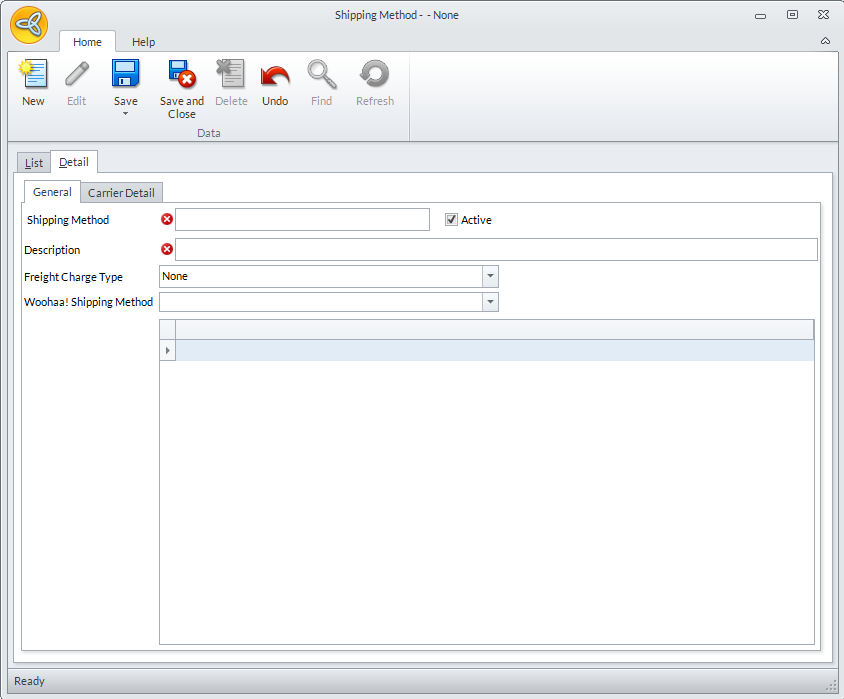
- Fill out the necessary fields and click Save and Close from the menu bar. Make sure that you leave the Active checkbox checked to make this shipping method available in your webstore.
Click Image to Enlarge