
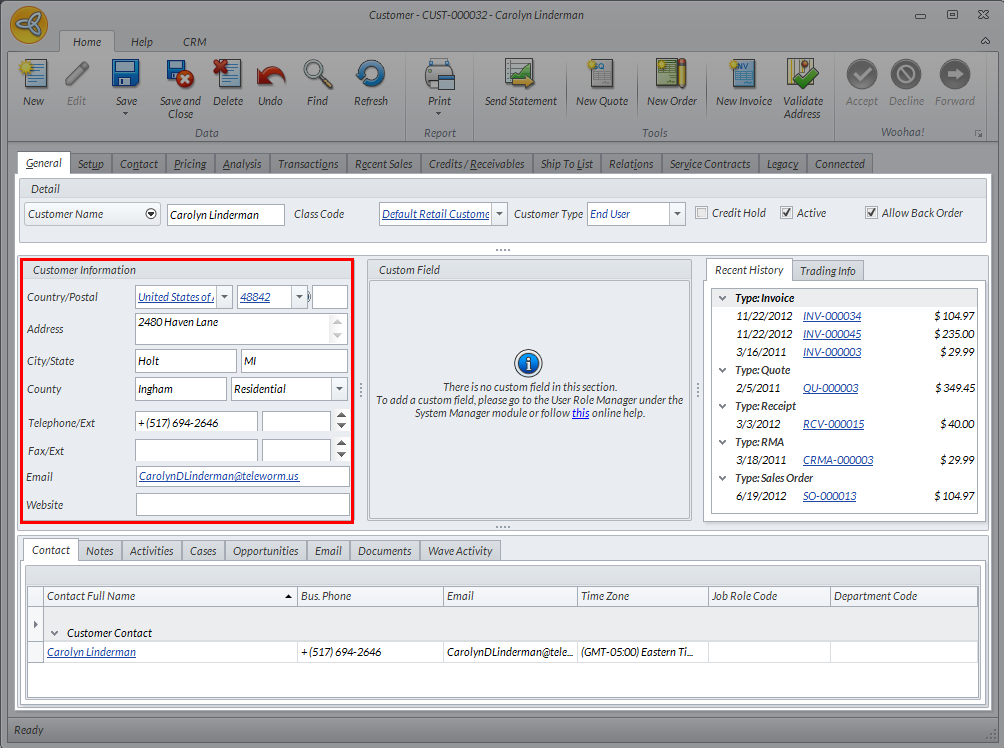
Customer Information Section
From the Customer Module, you can manage and modify customer information.
To do so,
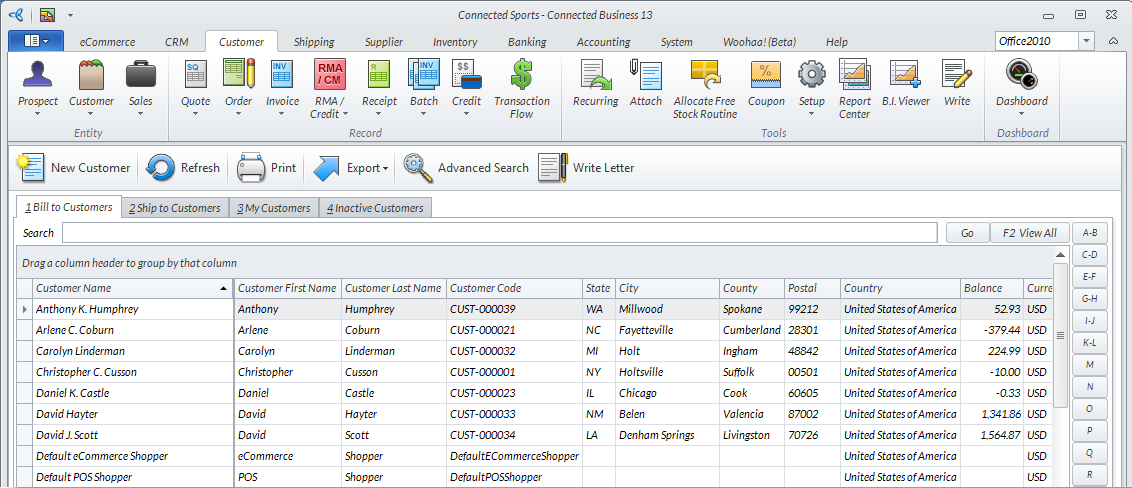
- From the Customer Module > Customer > Find Customer. The Customer list will be displayed.
Click Image to Enlarge
- Select a customer from the list. The corresponding Customer form will be displayed.
- In the General Tab, enter or modify the values for the fields under the Customer Information section as needed.
Click Image to Enlarge
- Click Save and Close to apply changes and complete the process.