
Customer Class Template Section
This is the template to be used for the Class Code field on the Customer Detail window.. Basically, this template is meant to provide default values other than the information given by the customer during registration.
To modify a Customer Class Template,
- From the Customer Module > Setup > Customer Class Template. The Customer Class Template screen will be displayed.
- Select a Customer Class Template from the List tab. Its corresponding Detail tab will be displayed.
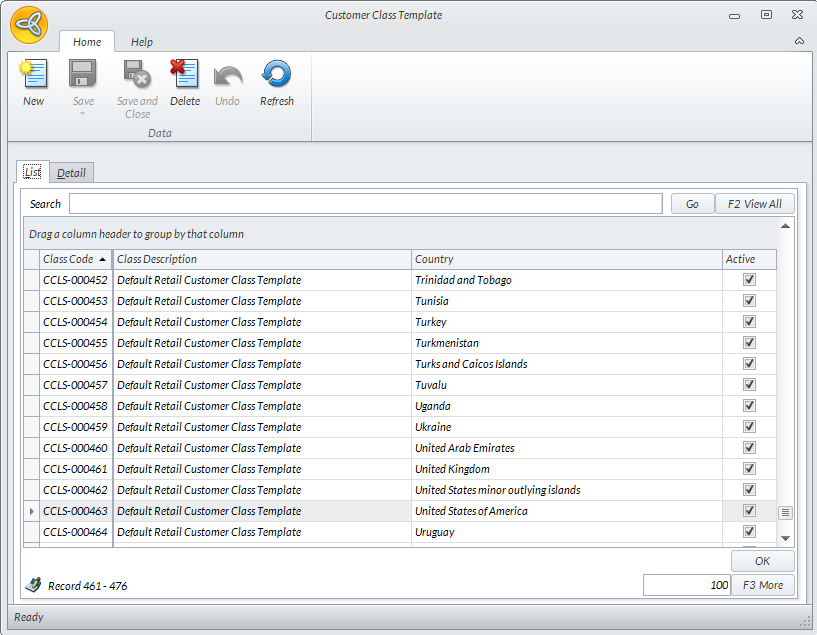
Click Image to Enlarge
- Enter values or modify the fields as necessary.
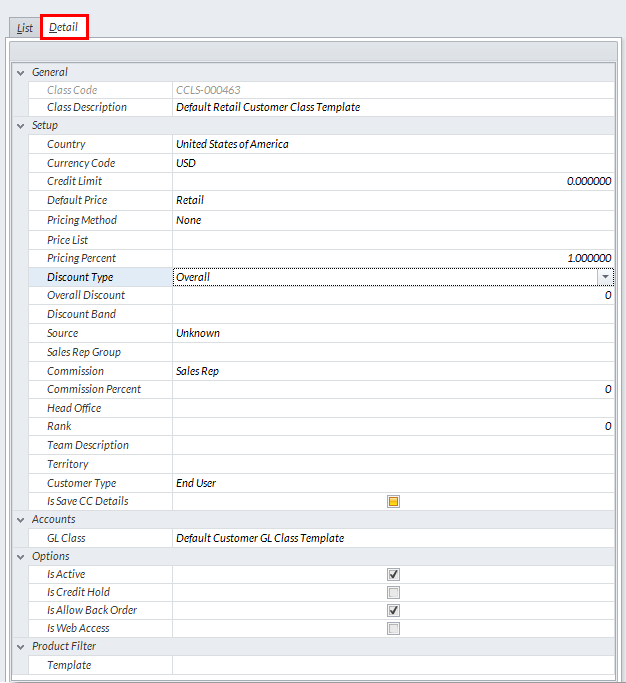
Click Image to Enlarge
- Then, click Save and Close to apply changes.