
Create New Module
With Connected Business, you can create a whole new module and customize it on your own.
Steps
- Go to the System Manager module.
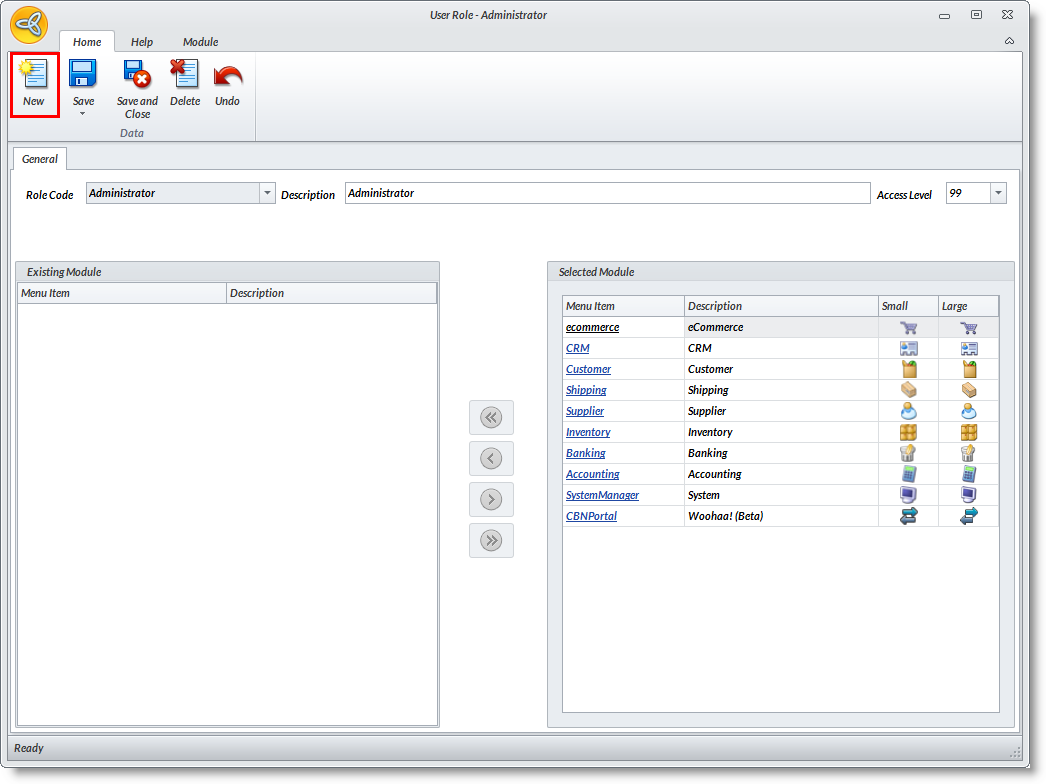
- Select Customize > Role button from the menu. The User Role form will display.
- From the User Role form, click the New Module button in the ribbon menu. A new module (Sample Module) is created in the Selected Modules List.
- Right-click to view options to modify the new module. You can add images as the module icons, assign a shortcut key, or edit the module in Layout Mode.

- When in the Layout Mode, you will see that there are default menu folders.
- You will find default dashboard pages for Workflow, Find, Reports and Business Intelligence.

To delete a module, select the module in the selected list and click on the Delete button. Select Yes in the prompt to delete the module. Alternately, you may right click on the module then click on Delete module.
Note that the custom module will be deleted completely including the customizations done to the menu and forms.
