
Anonymous Checkout
If you are already logged in you can enjoy the convenience of having a customer account on the webstore. However, checking out items anonymously - or by not signing in to the webstore - is allowed and can be done in the webstore.
To do so,
- Without logging in, add an item/s from the webstore to your shopping cart and check it out. The Address Book Page will be displayed.
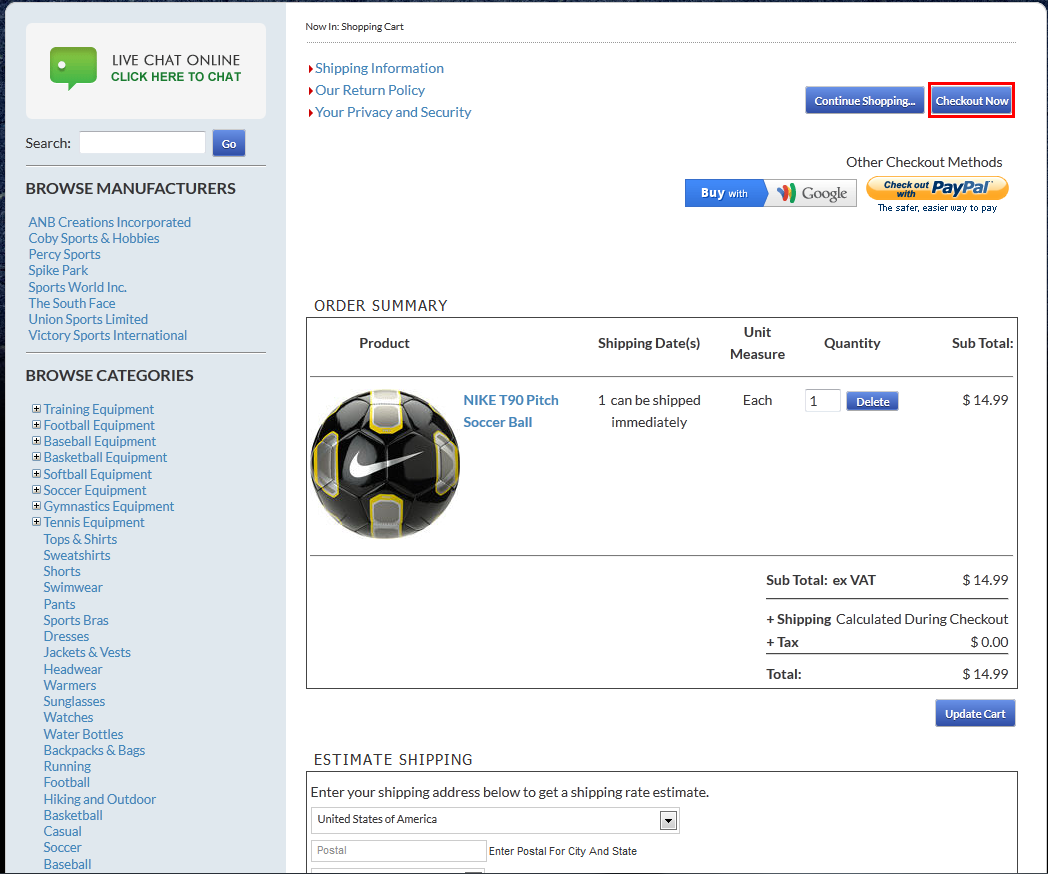
Click Image to Enlarge
- Click the Skip Login and Checkout button to check out the items without logging in. The Account page will be displayed.
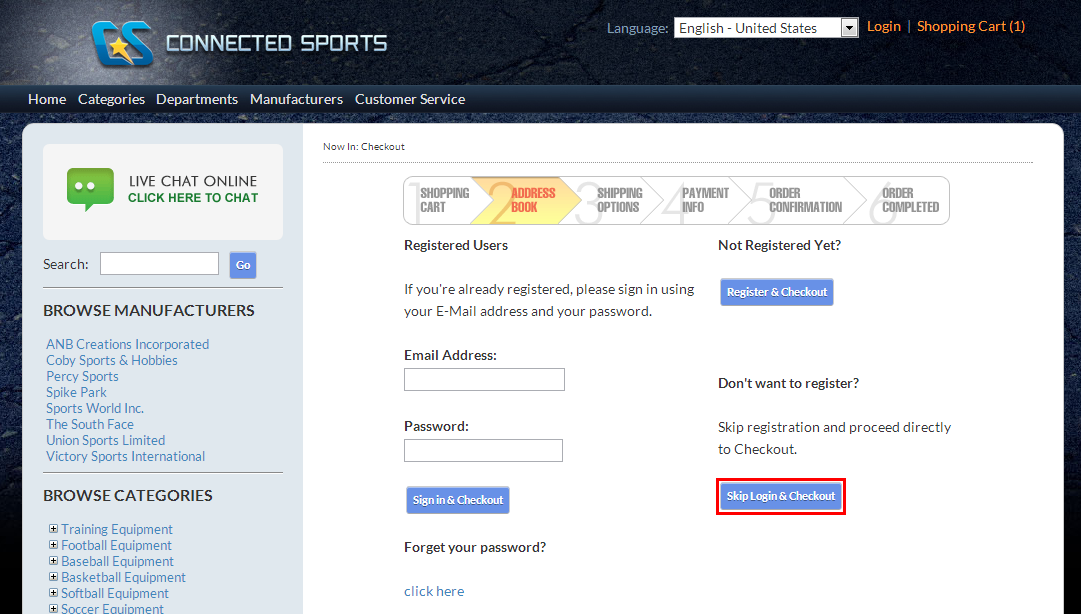
Click Image to Enlarge

Make sure that the PasswordIsOptionalDuringCheckout AppConfig is set to TRUE to enable anonymous customers to check out items.
- Supply all the necessary information then continue the process of anonymously checking out items from the webstore.
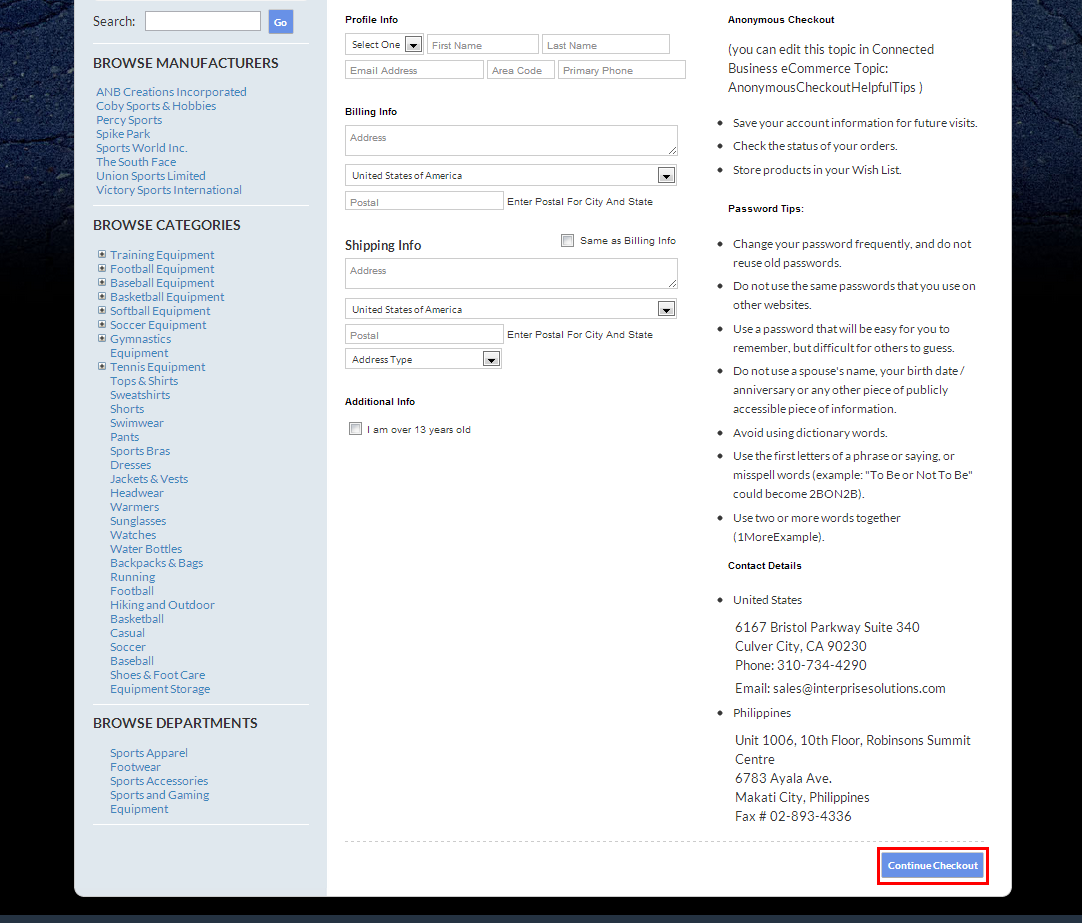
Click Image to Enlarge