
Access Previous Versions of Connected Sale
Connected Sale’s Backwards Compatibility allows POS users to detect older versions of their Connected Sale Mobile up to v.13.2.0, to access the corresponding data from the server by logging in using the old version’s server URL.
This feature enhancement will help store owners and users in backtracking past transactions, receipts, etc. made from the previous versions of the POS.
To access old versions of your Connected Sale Mobile using your latest version:
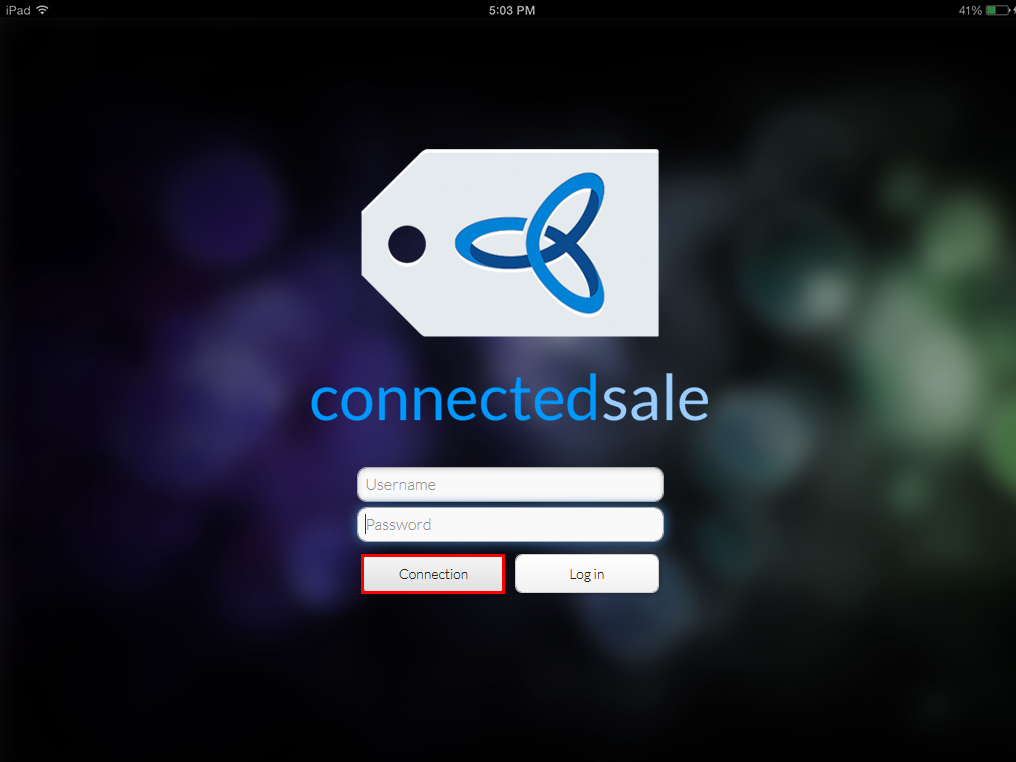
- On the login page of your Connected Sale Mobile, tap Connection to display the Connection Settings box.
Click Image to Enlarge
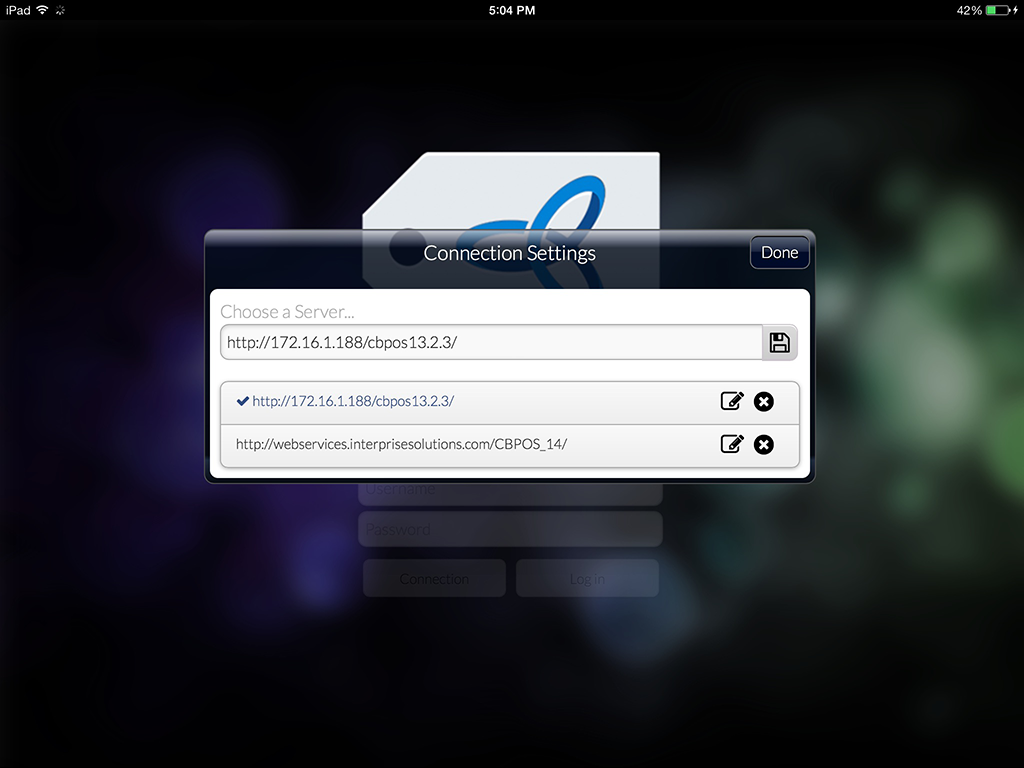
- Enter the server URL of the previous Connected Sale version that you want to access.
Click Image to Enlarge

In order to access the old versions of their Connected Sale properly, users will have to check the changes in status/configurations of the POS service on their IIS manager. Otherwise, a Server Incompatibility error notification will be encountered on the login page.
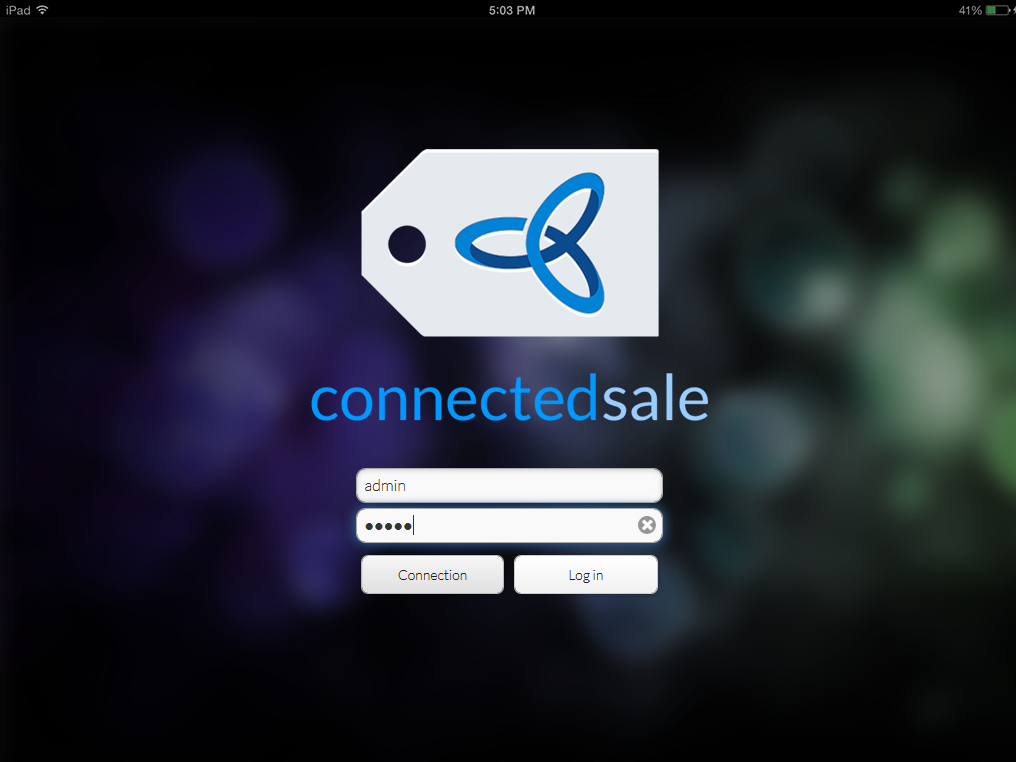
- Log on to Connected Sale using your POS credentials.
Click Image to Enlarge
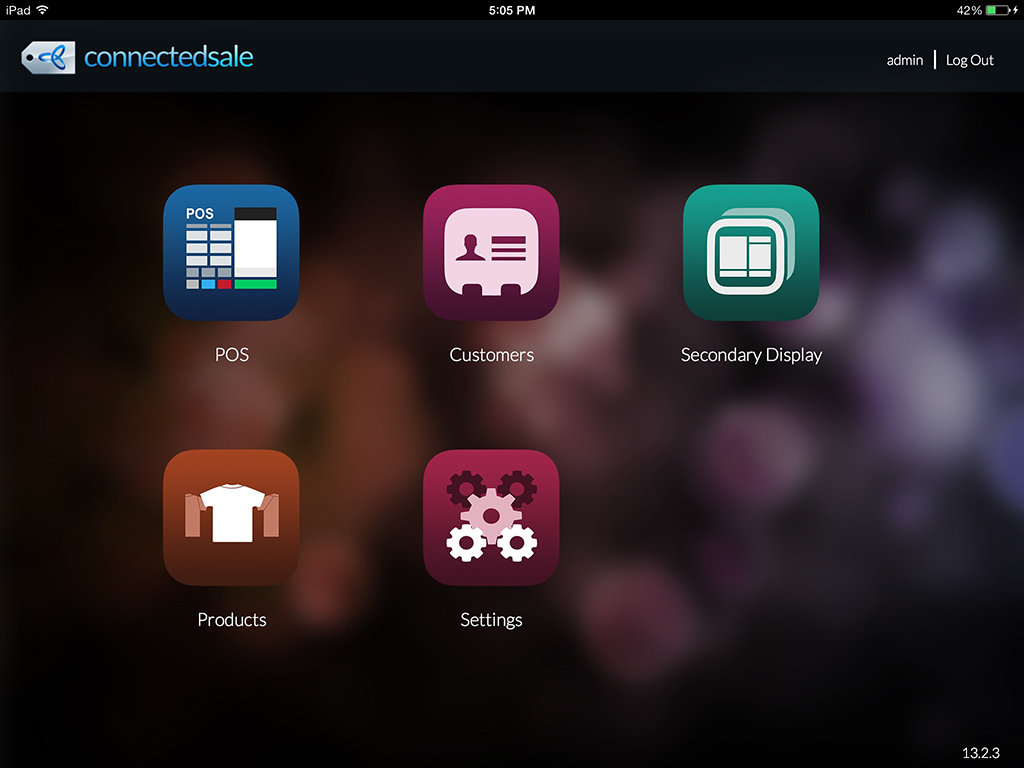
- Once logged in, users can now view, access, print, and in some cases, modify completed POS transactions, item details, and customer lists from the previous POS version, using the current version of Connected Sale Mobile.
Click Image to Enlarge
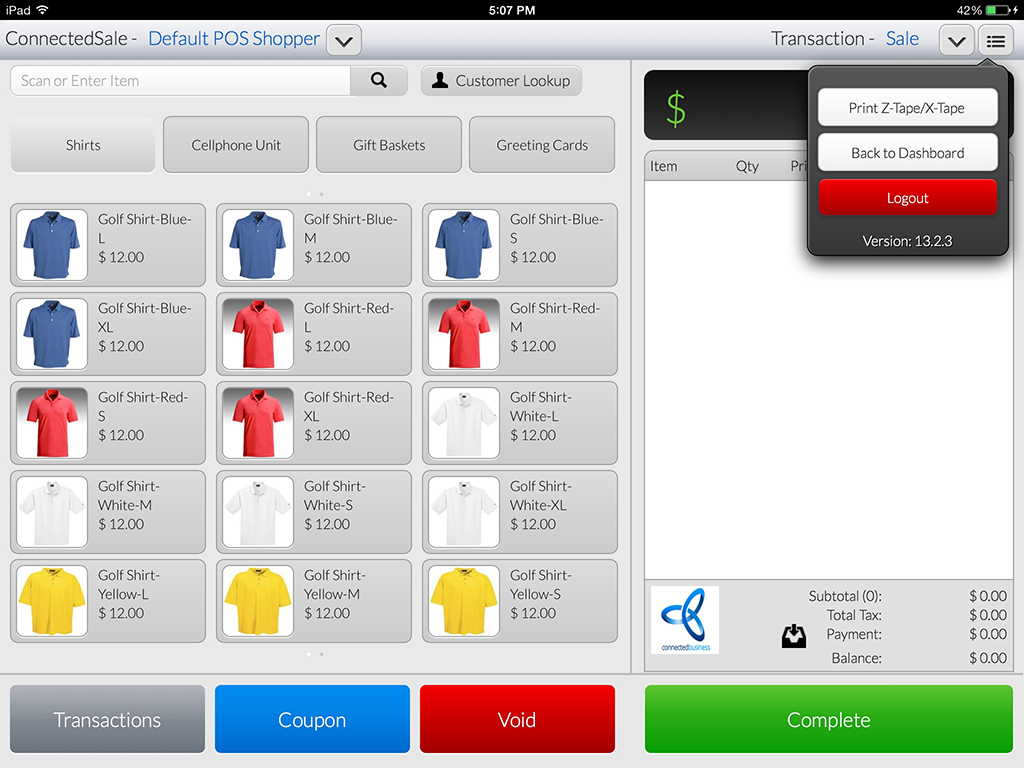
Click Image to Enlarge
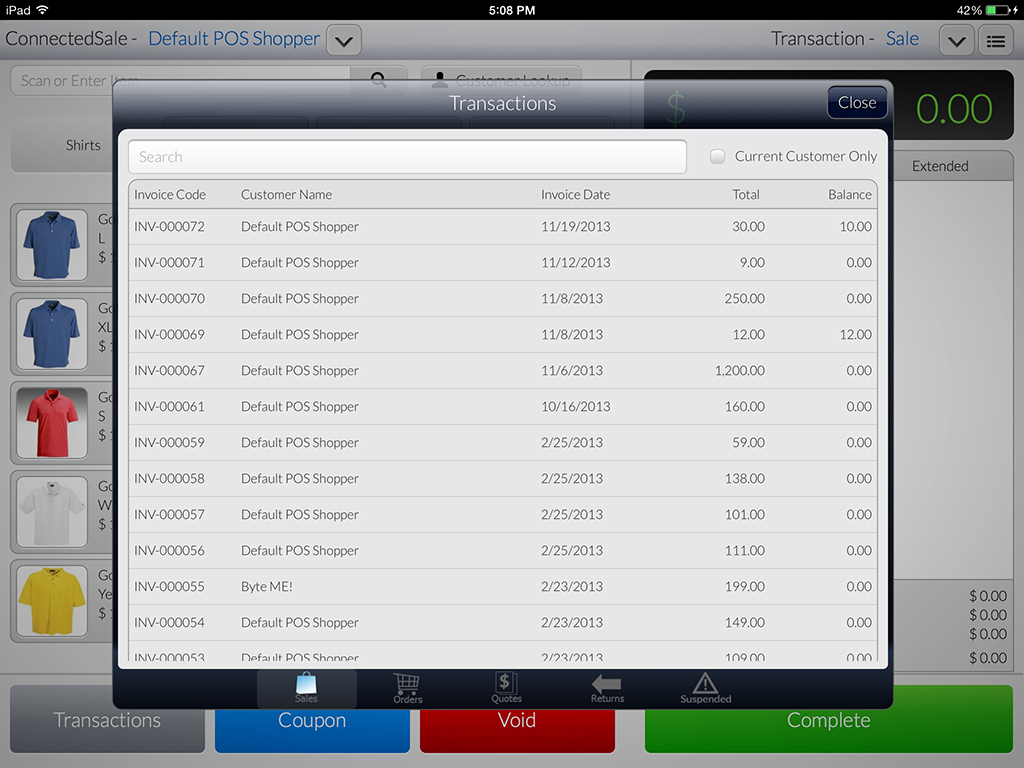
Click Image to Enlarge
Accessing Connected Sale application with versions lower than 13.2.0 will also lead to Server Incompatibility error upon logging in.
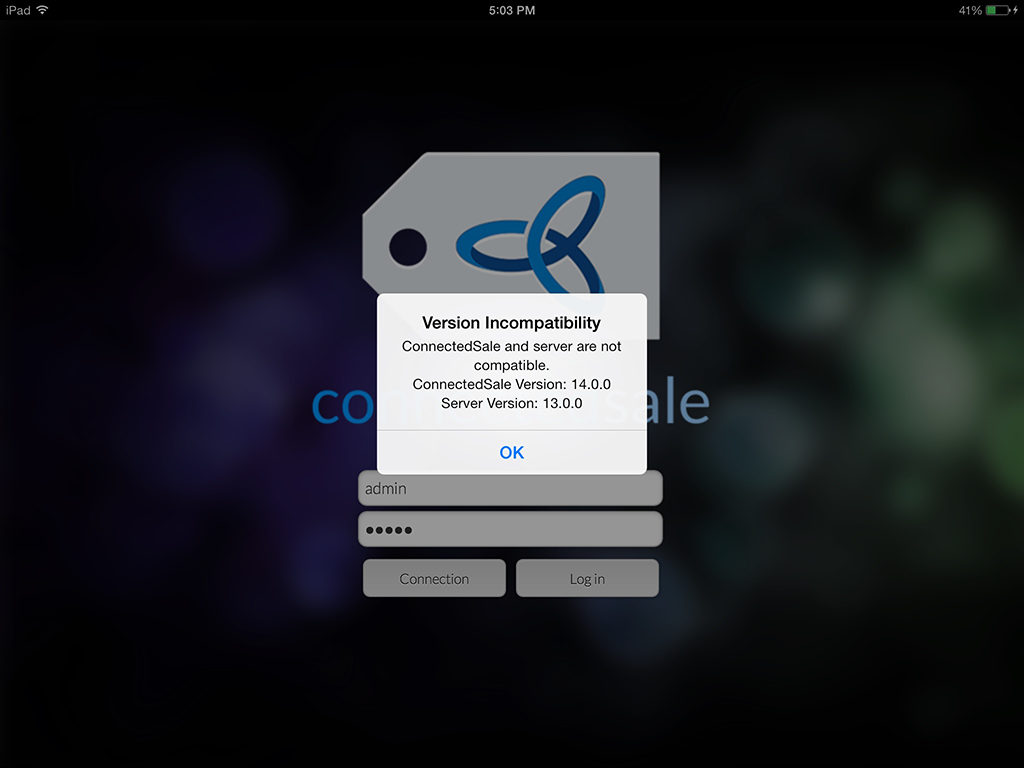
Click Image to Enlarge


