
Share Business Intelligence to Other System Users
You can share the report created through the Business Intelligence Viewer.
- Go to the module where you have assigned the customized report e.g. Inventory Module. From the menu bar, click on the Business Intelligence Viewer (B.I. Viewer).
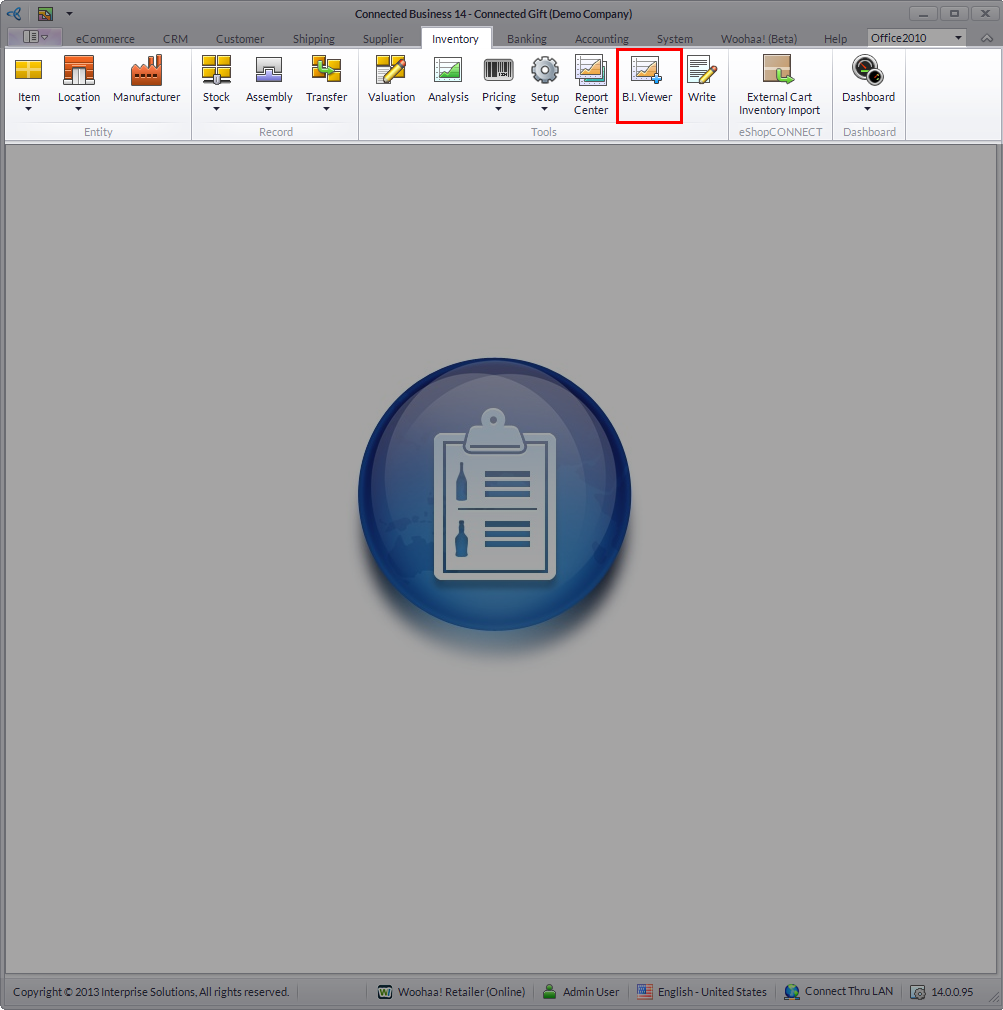
Click Image to Enlarge
- From the Business Intelligence Viewer of your selected module, select the custom business intelligence you have just created and from the menu bar, click on the Share Layout button.

Click Image to Enlarge
- Select the accounts you want to share the business intelligence with from the User Role list screen by putting checkmarks in the checkboxes corresponding to their account.

Click Image to Enlarge
- Click OK to continue and exit the Business Intelligence Viewer.
- When the accounts you have shared the business intelligence with signs in to Connected Business, they will automatically be able to access the business intelligence shared to them through the Business Intelligence Viewer.
